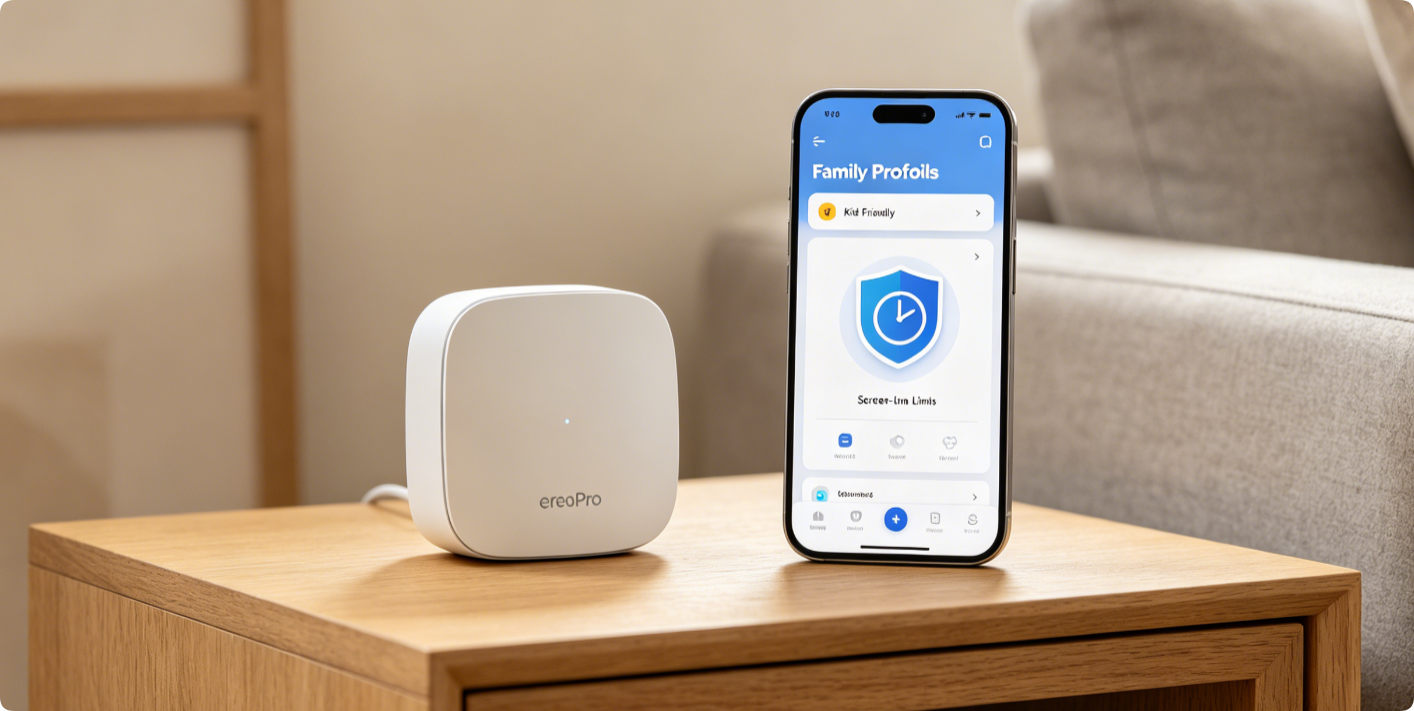
Eero Family Profiles delivers robust built-in parental controls inside the official mobile app, letting parents limit daily screen hours, block harmful content, schedule bedtime internet pauses, and filter mature websites for children’s devices. This complete walkthrough covers profile creation, time limits, content filtering, pause rules, and quick troubleshooting for all Eero 6, 6+, Pro 6 mesh systems.
What You Can Control With Family Profiles
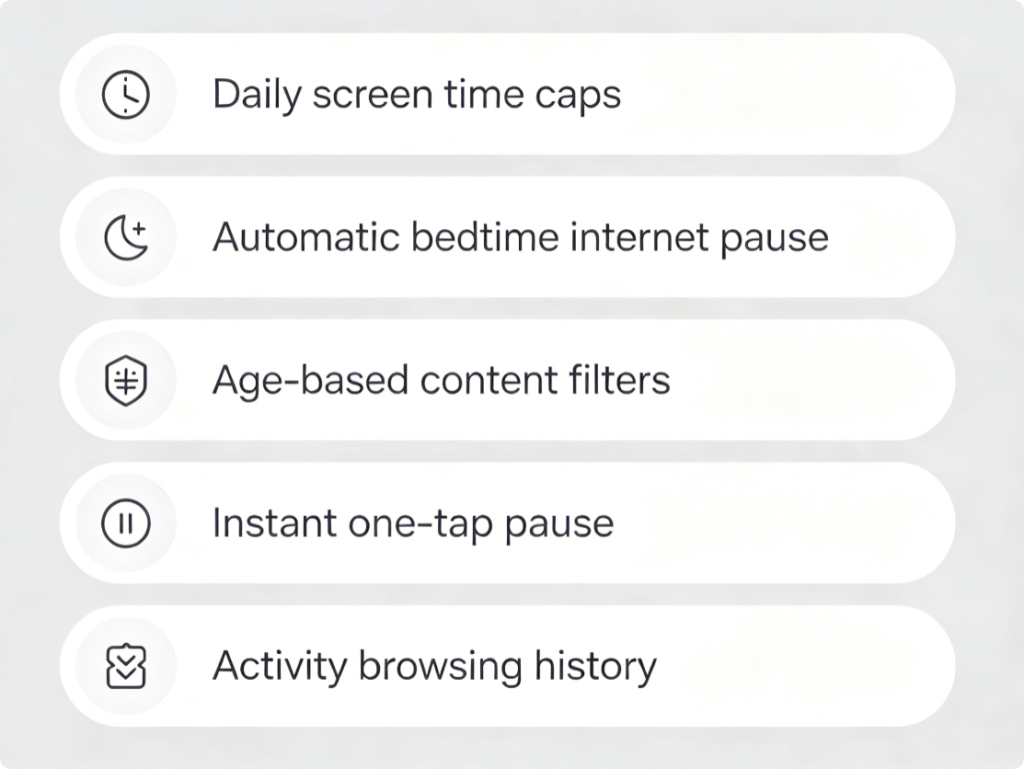
- Set fixed daily internet screen time limits tailored to each child’s age
- Auto-cut Wi-Fi access at scheduled bedtime and homework hours
- Activate age-ranged content filters to block adult, violent, gambling sites
- Pause all kid device internet instantly with a single tap
- Review daily browsing history to track online activity
Build Custom Child Profile
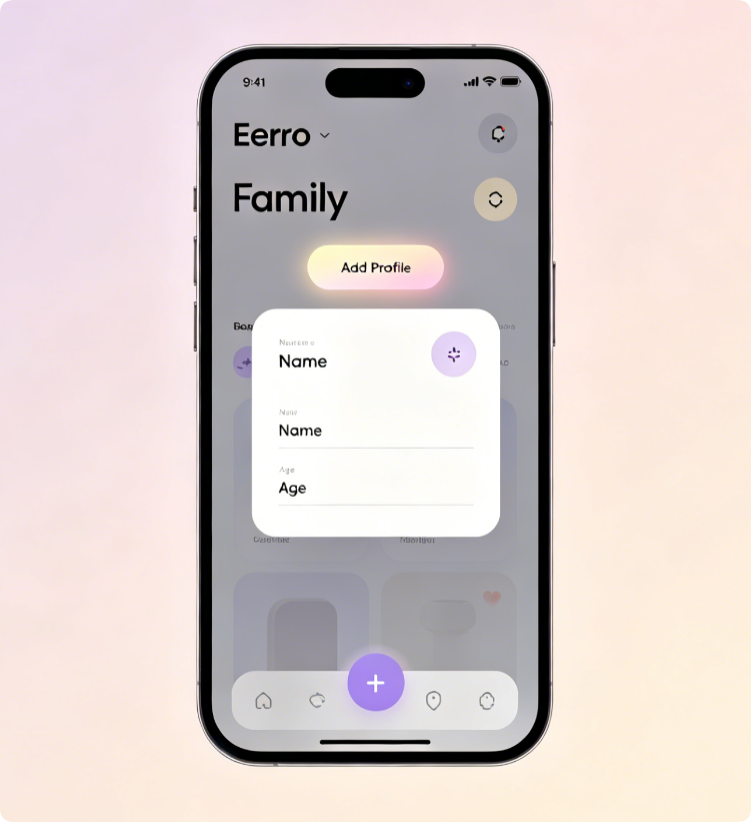
- Open the Eero app and tap the bottom “Family” tab
- Tap Add Profile, enter your child’s name and select matching age bracket
- Save the blank profile ready for screen time and filter configuration
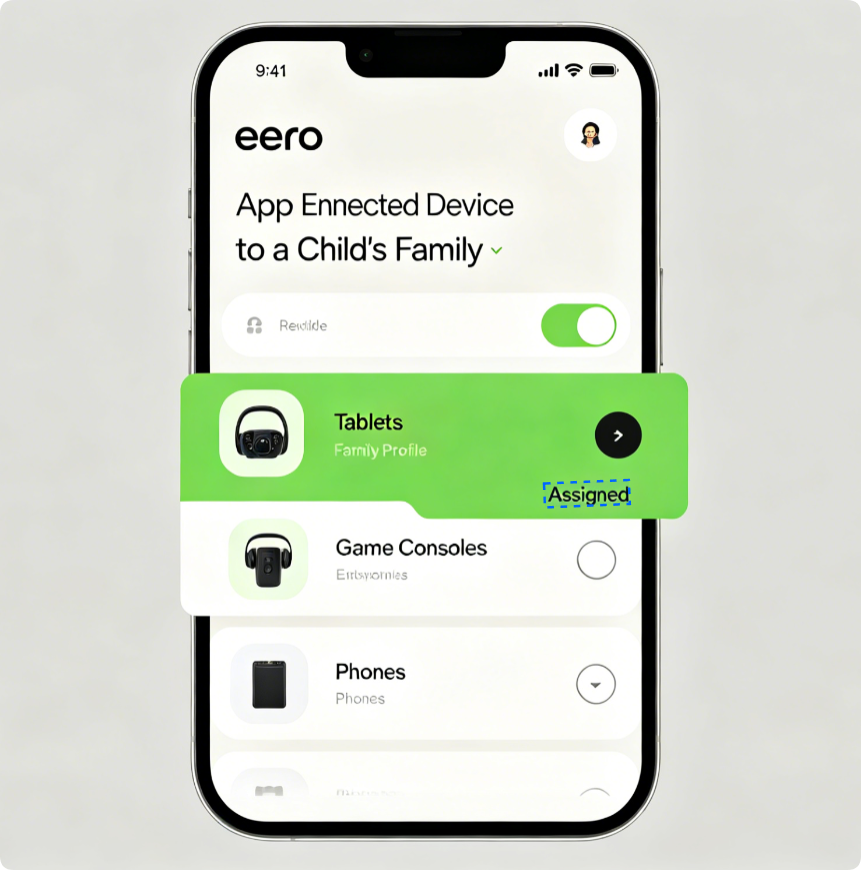
Link Devices To Restrictions
- Inside your new child profile, select “Add Devices”
- Tick every gadget your kid uses: iPad, gaming console, laptop, smart watch
- Unassigned devices stay under unrestricted adult network access
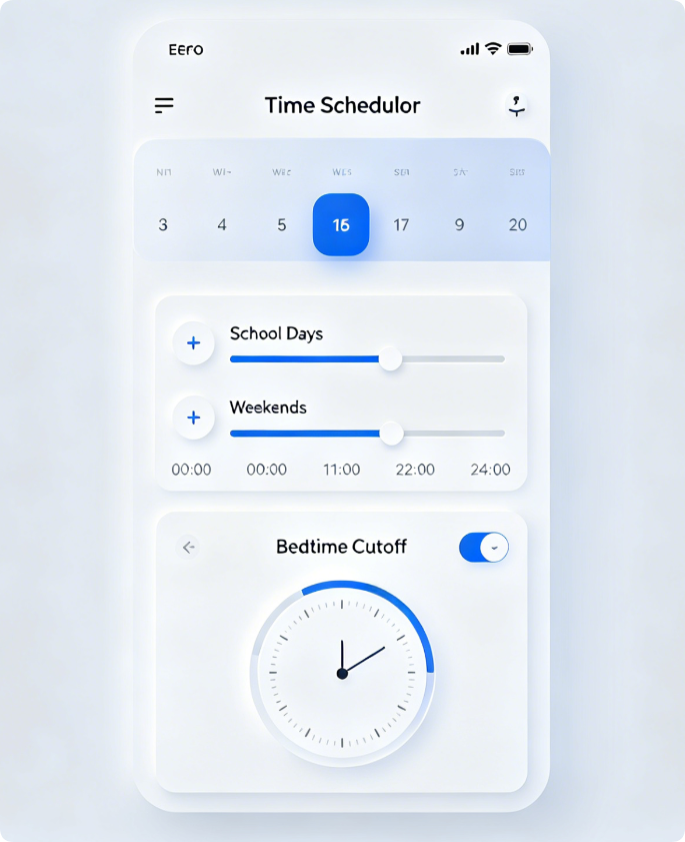
Custom Time Restriction Rules
- Adjust separate daily internet caps for weekdays and weekends
- Set a permanent bedtime hour where Wi-Fi automatically disconnects
- Add scheduled homework blocks to fully block internet during study periods
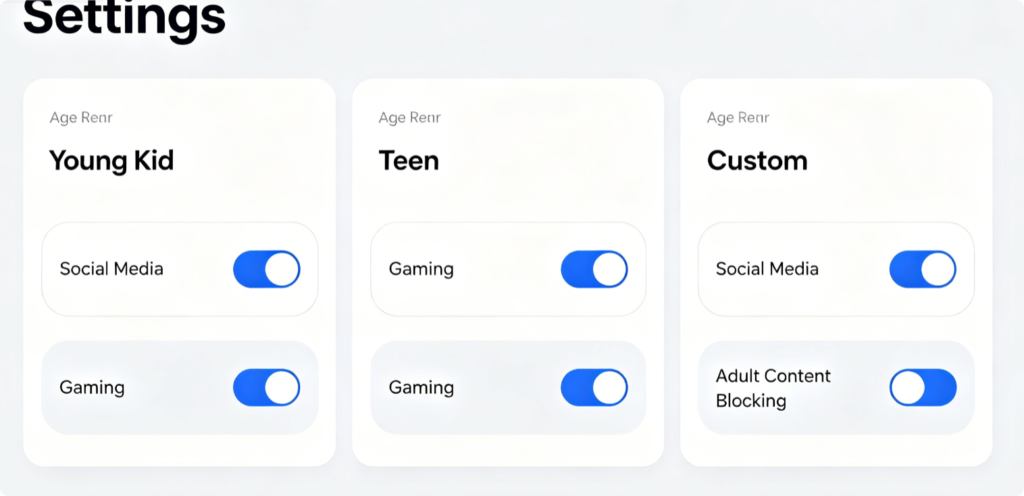
Safe Web Filter Setup
Choose from three preset filter levels:
- Young Kid: Blocks all social media, video games, mature media
- Teen: Looser limits with restrictions on adult and gambling content
- Custom: Manually toggle categories like streaming, gaming, social platforms
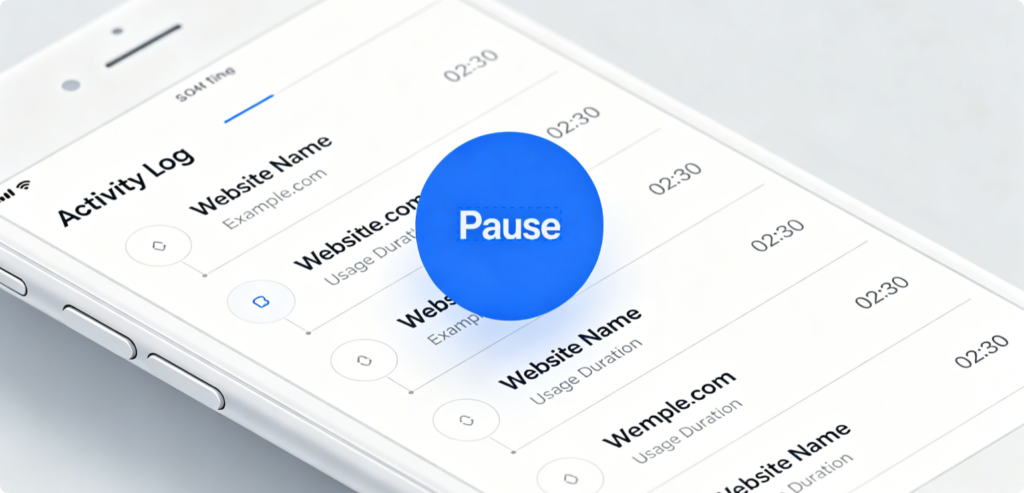
Quick Parent Tools
- Tap “Pause All” on a profile to cut internet access instantly for discipline
- Open Activity tab to view real-time screen usage and visited sites
- Extend extra screen time temporarily for special occasions
Fast Fixes For Glitches
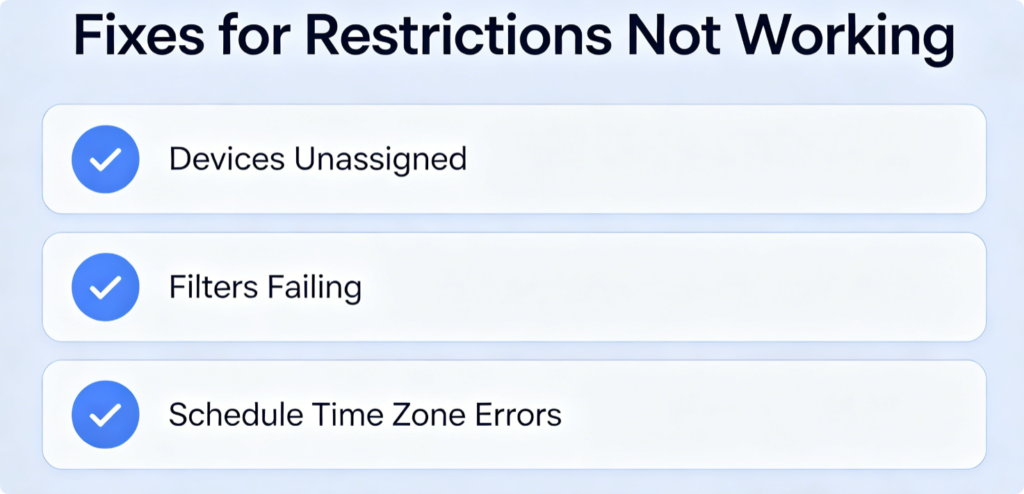
- Rules not applying: Double-check all kid devices are linked to the profile
- Scheduled pause fails: Sync phone time zone with local household time
- Content filter leaks: Update Eero mesh firmware to latest official version
Conclusion
Eero Family Profiles centralizes all kid internet management in one mobile app without extra paid subscriptions. Create separate profiles for every child, assign their devices, set personalized screen time limits, lock bedtime Wi-Fi cutoffs, and enable age-appropriate content filters to balance online entertainment and safety. Check activity logs regularly and use the instant pause function for quick control over your home mesh network’s kid access.