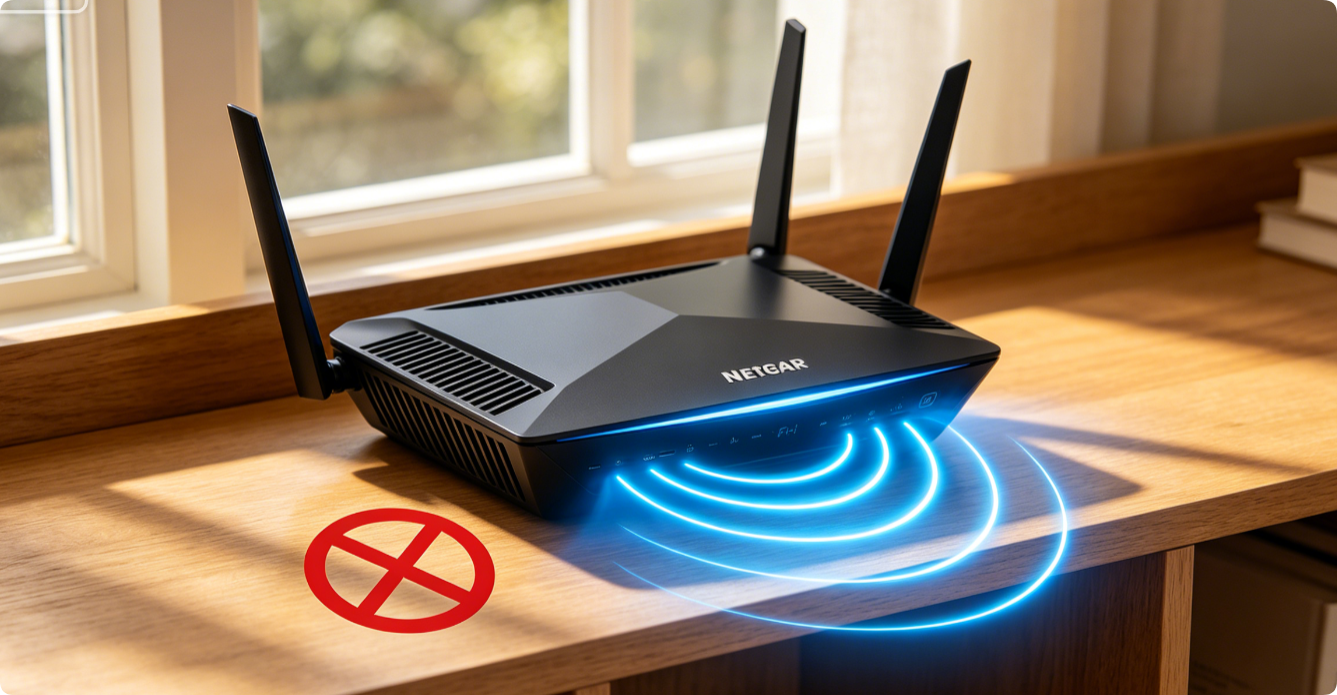
Lagging video streams, long webpage load times and spotty coverage plague many Netgear Nighthawk and Orbi users. These 10 beginner-friendly tweaks take minutes each, no advanced technical skills required, and drastically boost whole-home Wi-Fi speed and stability.
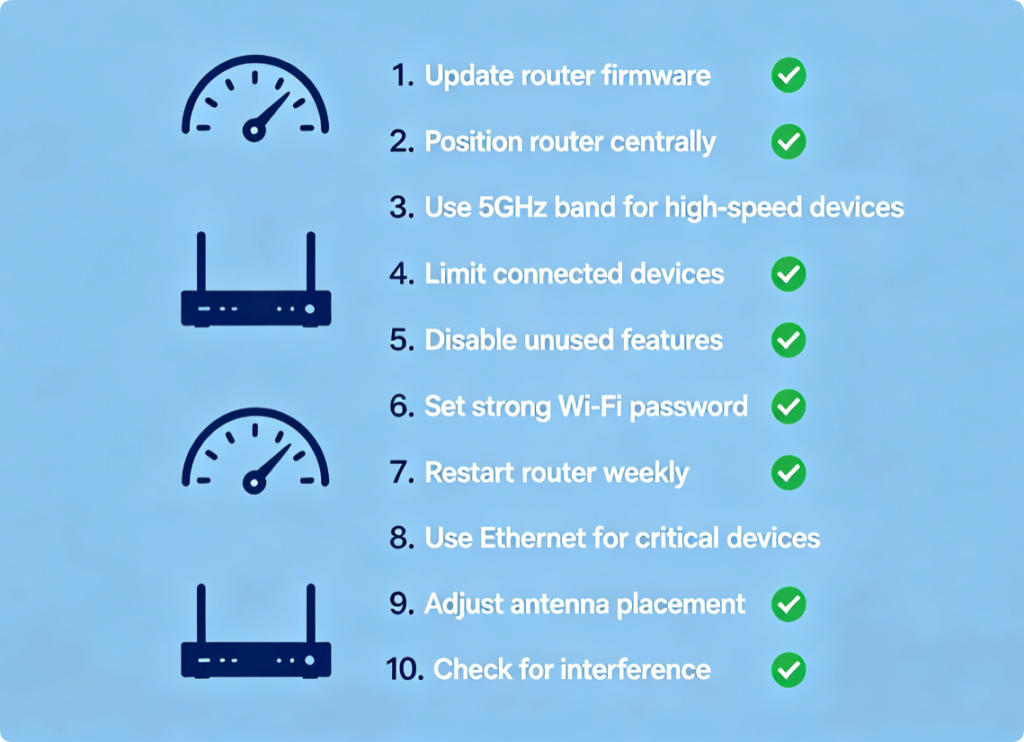
Full List of DIY Optimizations
- Update router firmware
- Adjust Smart Connect band steering
- Optimize 2.4GHz & 5GHz Wi-Fi channels
- Swap to fast public DNS servers
- Disable unused remote management
- Relocate router to central open space
- Enable Netgear Armor threat scan
- Remove bandwidth-hogging background devices
- Set static IP reservations for key hardware
- Reboot router on a weekly schedule
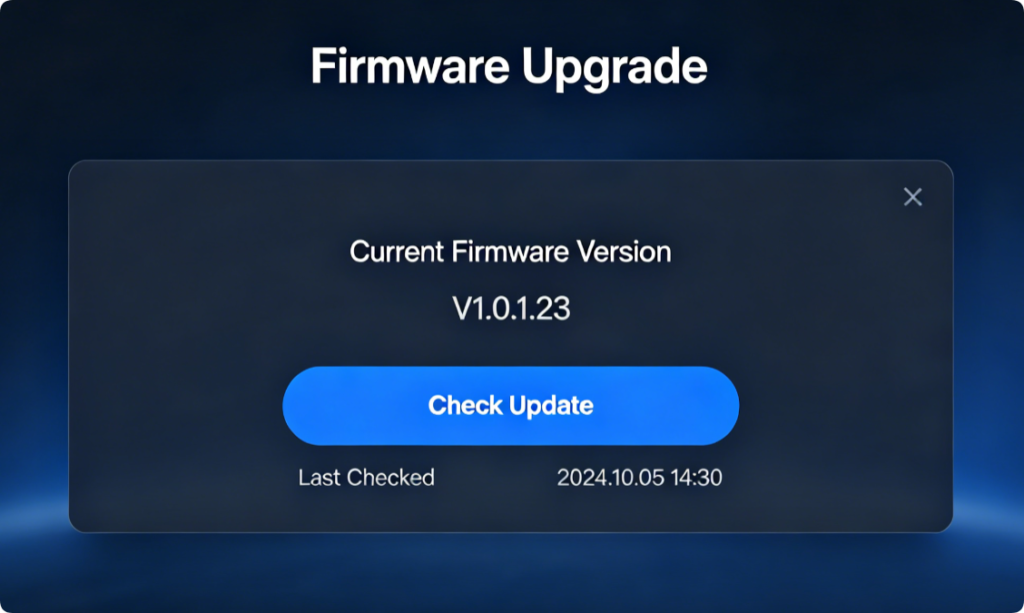
Patch Hidden Speed Bugs
Outdated firmware carries Wi-Fi lag and disconnection flaws. Log into the web panel or Netgear app to install official updates to unlock performance improvements instantly.
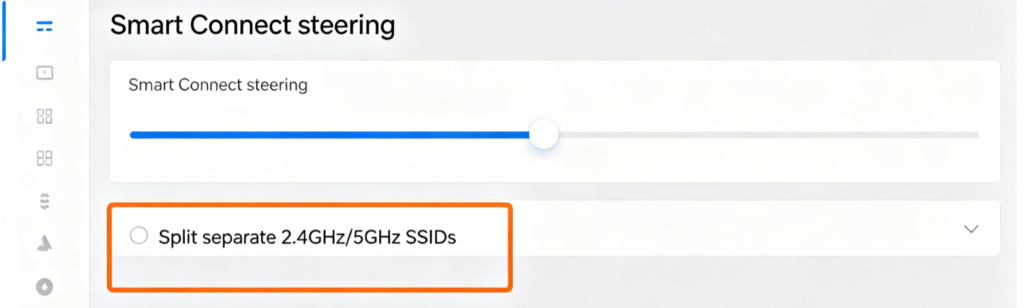
Stop Devices Stuck on Slow 2.4GHz
Boost steering strength to push compatible phones, laptops and consoles onto low-latency 5GHz. For heavy gaming, split two independent Wi-Fi names for full manual band control.
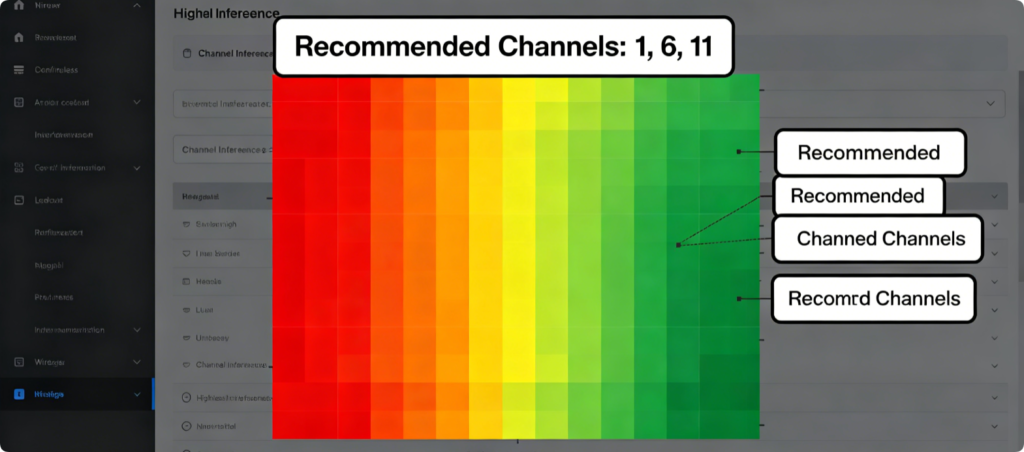
Eliminate Neighbor Signal Clashes
Set 2.4GHz to channels 1, 6 or 11 only; switch 5GHz to auto-select less crowded frequency ranges to reduce signal collision and lag.
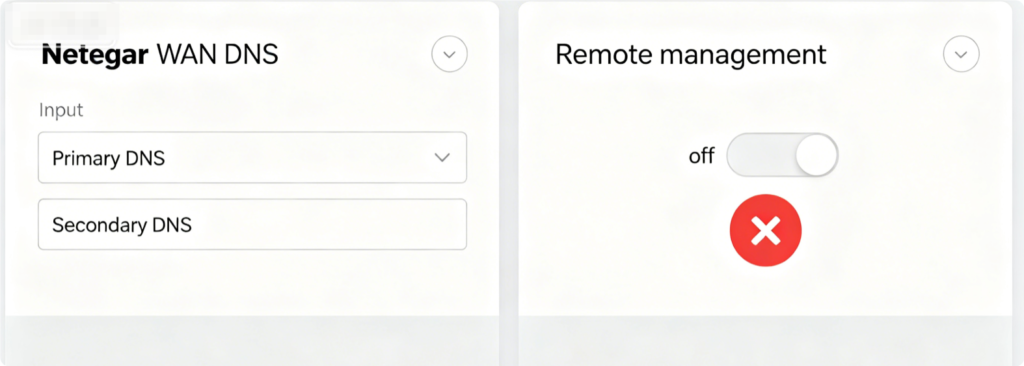
Lower Page Load Latency
Replace ISP default DNS with Cloudflare or Google DNS. Turn off remote internet admin to free router CPU resources for faster local Wi-Fi processing.
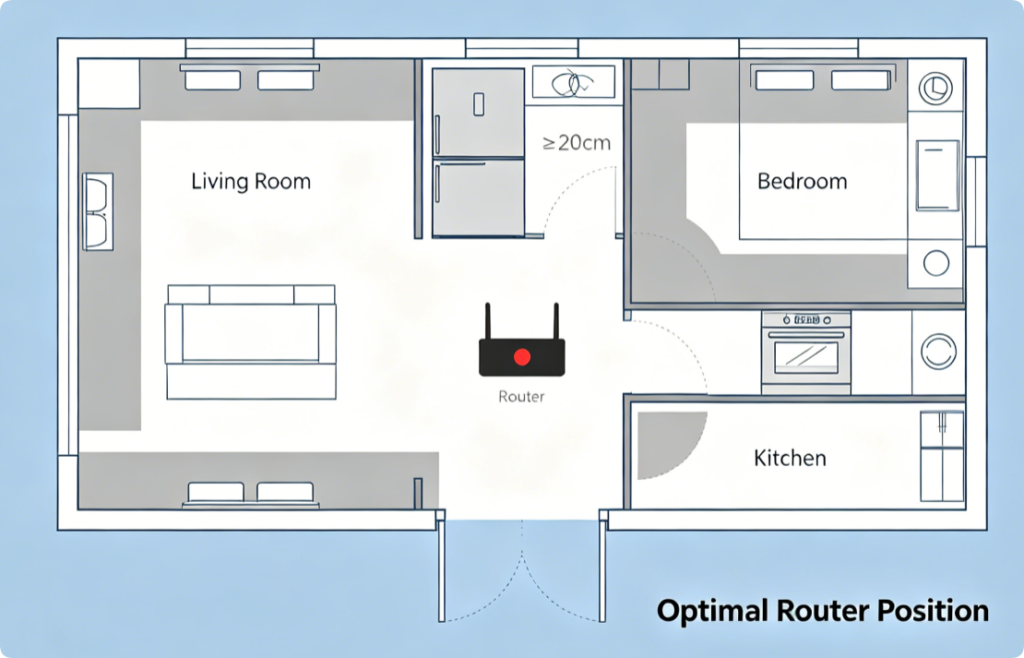
Maximize Signal Coverage
Place the router high in the home center, away from microwaves, fridges and metal furniture to eliminate physical signal barriers.
Clear Router Memory Bottlenecks
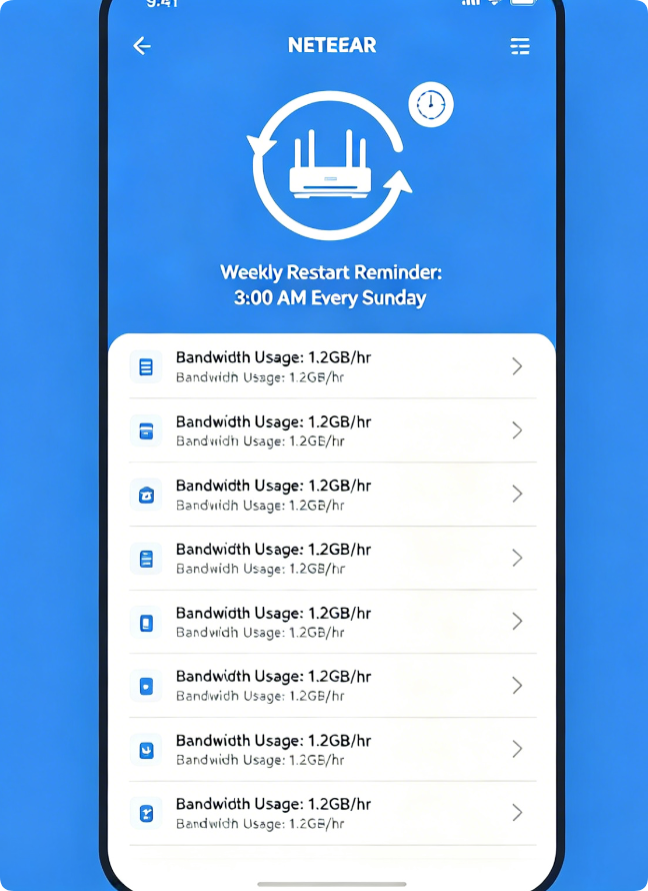
Check connected devices to kick offline idle gadgets consuming bandwidth. A weekly reboot clears cached data overload to maintain consistent fast Wi-Fi speeds long-term.
Conclusion
These 10 hassle-free Netgear router tweaks resolve nearly all sluggish Wi-Fi issues without expensive upgrades. Start with firmware updates and channel optimization for instant speed gains, then adjust Smart Connect, DNS and router placement for lasting improvement. Regular reboots and device traffic audits prevent recurring lag, delivering smooth streaming, gaming and browsing across every room of your house.