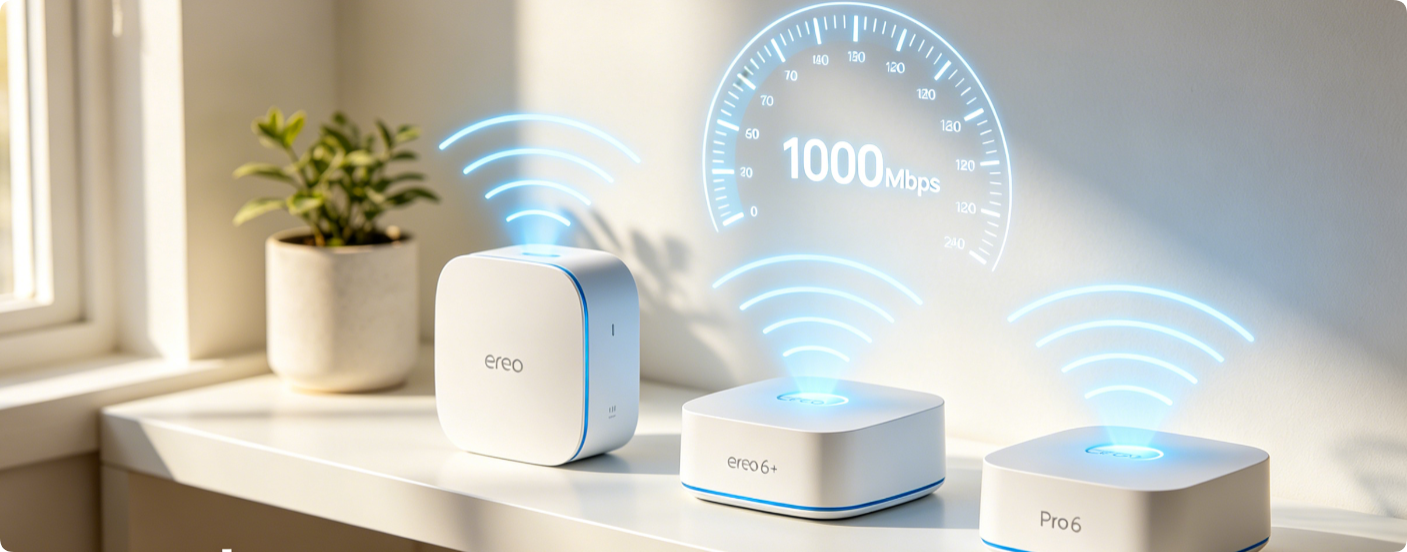
Eero Wi-Fi 6 mesh systems deliver full gigabit potential only with correct app-side adjustments. Many owners suffer slow wireless speeds due to default conservative settings, weak backhaul links and outdated encryption modes. This all-mobile guide covers wired backhaul, Wi-Fi 6 feature toggles, channel tuning and bandwidth prioritization exclusively for Eero 6, 6+ and Pro 6 mesh hardware.
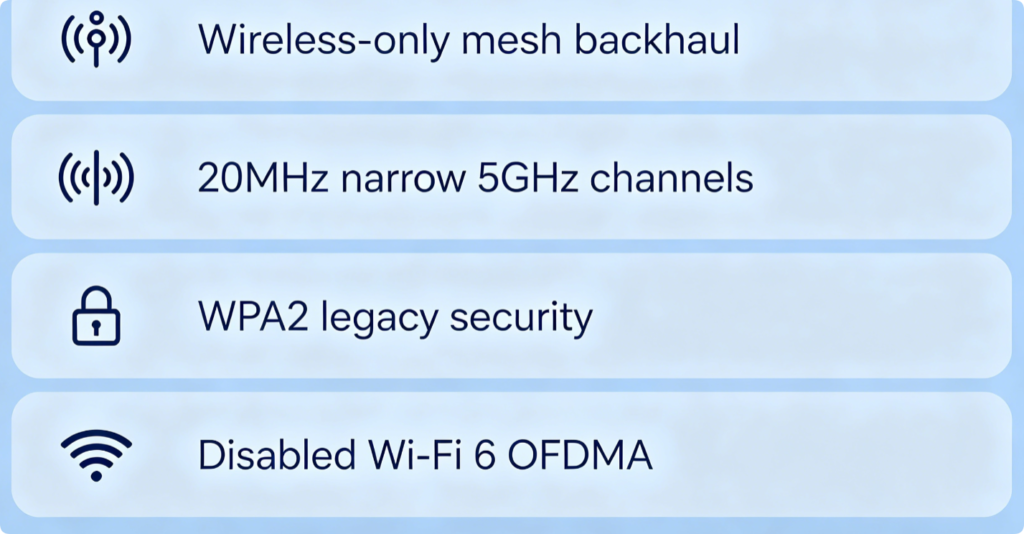
What Slows Down Your Eero Gigabit Connection
- Wireless mesh backhaul eats half your bandwidth between gateway and satellites
- Auto narrow 5GHz channel width restricts Wi-Fi 6 throughput
- Default WPA2 security disables full Wi-Fi 6 acceleration
- Outdated firmware creates unstable multi-device congestion handling
Prioritize Wired Backhaul (Biggest Speed Boost)
- Run Cat6 cables from your main Eero gateway to every remote satellite node
- Open Eero App > Network Settings; the system auto-detects wired links and prioritizes them
- Wired backhaul eliminates 50–70% bandwidth loss caused by wireless mesh relay Skip this only if wall cabling is impossible in your house.
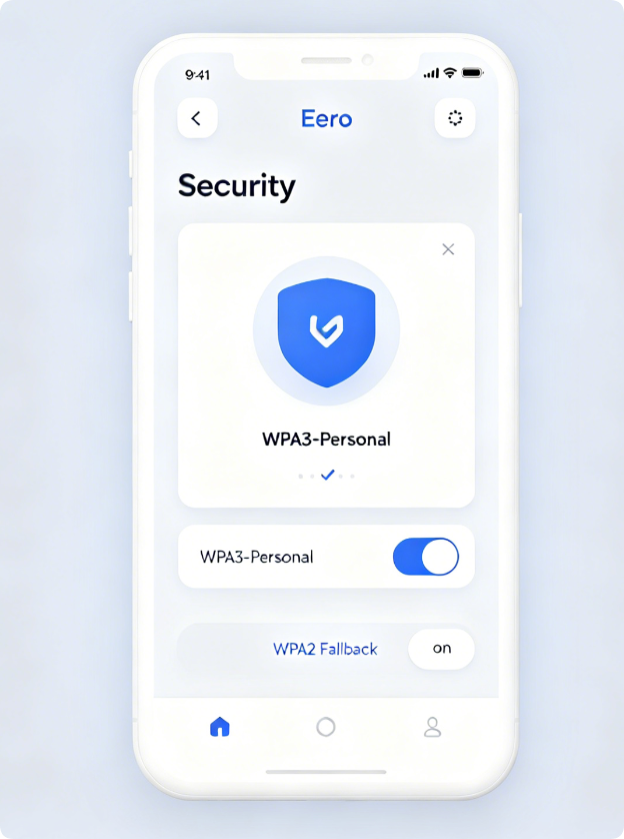
Switch to WPA3 for Maximum Wi-Fi 6 Performance
- Tap the menu icon inside Eero App, go to Security > Wireless Encryption
- Choose WPA3 Only or WPA2/WPA3 Mixed mode
- Avoid pure WPA2; it disables core Wi-Fi 6 speed optimizations like OFDMA All modern phones, PCs and game consoles fully support WPA3 with zero compatibility issues.
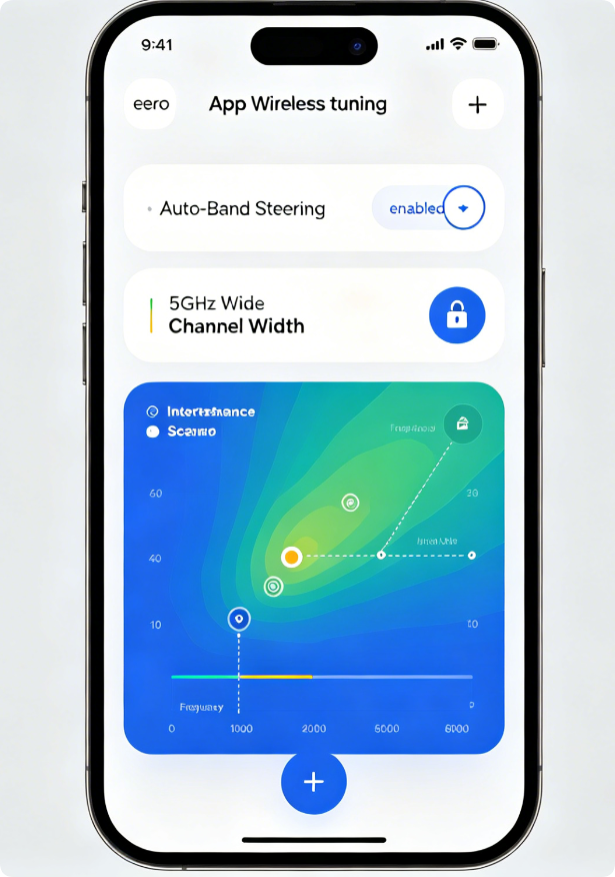
Optimize Dual-Band Wi-Fi Behavior
- Keep Band Steering turned on to automatically shift fast devices to 5GHz
- Eero auto-selects low-congestion 5GHz UNII-1 channels; avoid forcing manual 2.4GHz priority
- Reserve the 2.4GHz band solely for low-speed IoT gadgets (cameras, thermostats)
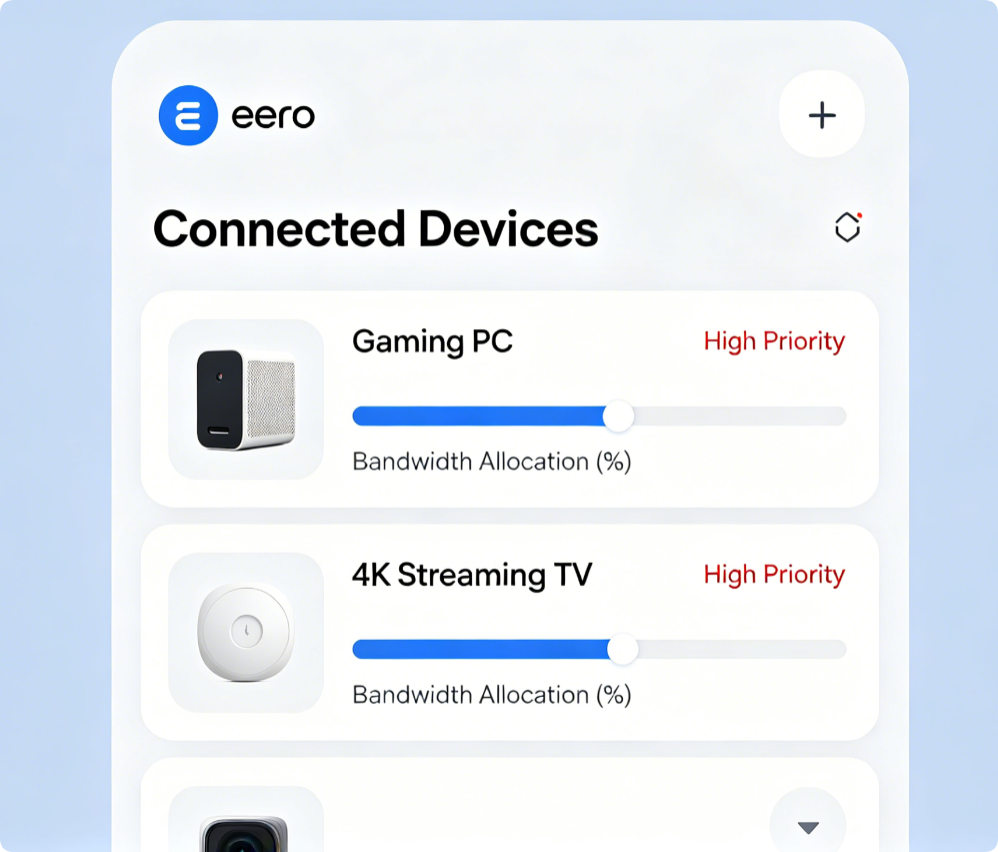
Prioritize High-Bandwidth Devices
- Inside Eero App > Devices, select your gaming PC, PlayStation or smart TV
- Toggle High Priority to reserve more throughput for real-time gigabit usage
- Set low priority for idle smart bulbs and sensors to reduce network clutter
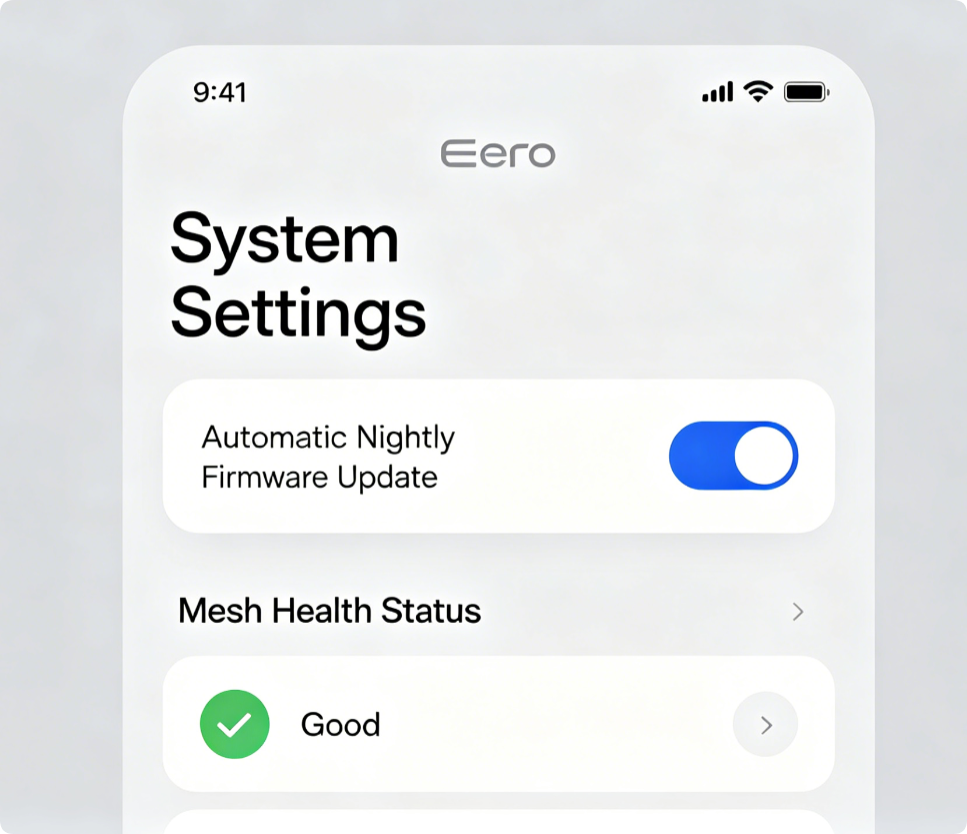
Keep Eero Nodes Fully Updated
Old firmware breaks Wi-Fi 6 throughput and mesh sync stability. Enable automatic overnight updates so every Eero 6/Pro 6 node receives performance and security patches without manual work.
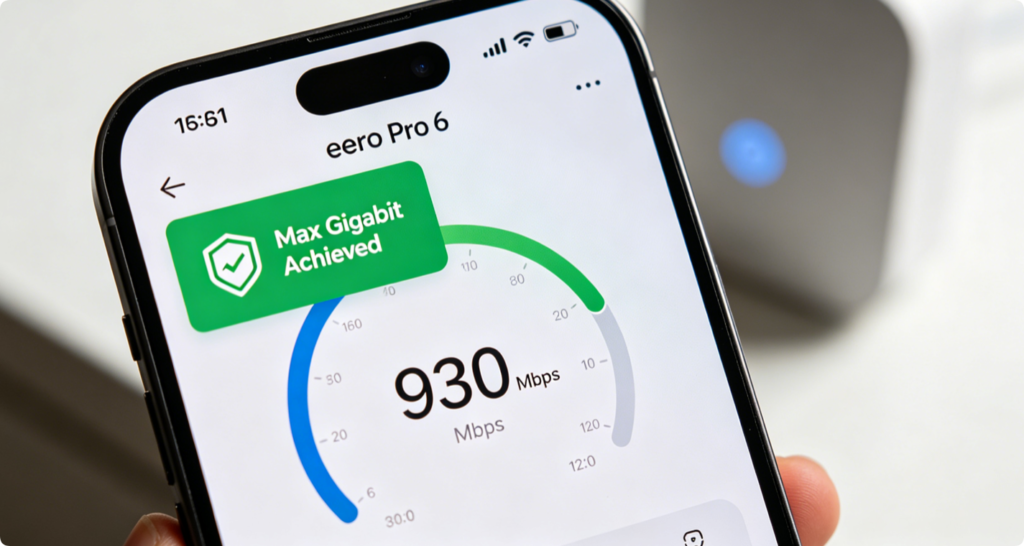
Test Final Gigabit Performance
Run a speed test over 5GHz Wi-Fi 6 within 10 meters of an Eero node. Wired backhaul setups regularly hit 850–930Mbps wireless speeds, while wireless mesh only reaches 400–600Mbps under heavy load. Recheck mesh health weekly for weak satellite links.
Conclusion
Unlocking full gigabit speeds on Eero Wi-Fi 6 mesh hinges on wired Cat6 backhaul links, WPA3 encryption, smart band steering and QoS prioritization. All adjustments are completed fully within the official Eero mobile app with no desktop web panel required. Pair these settings with automatic firmware updates to eliminate mesh bottlenecks, cut wireless interference and maintain consistent high-speed streaming, gaming and downloading across every room of your home.