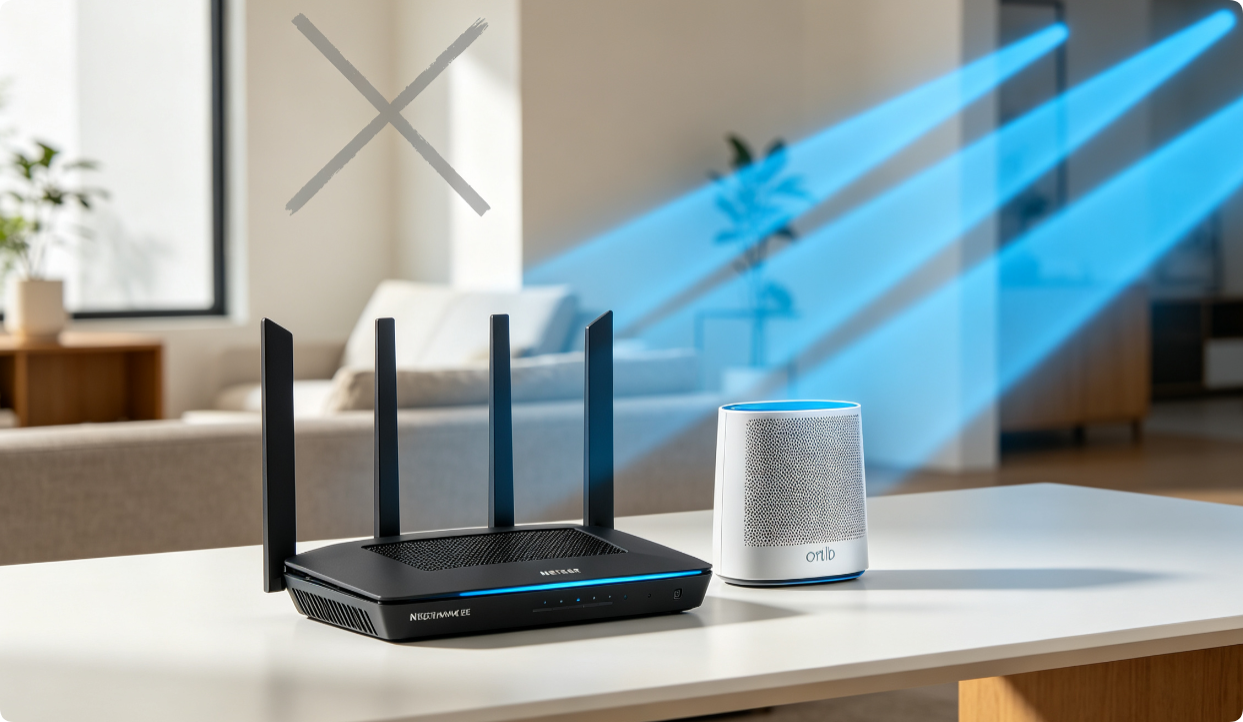
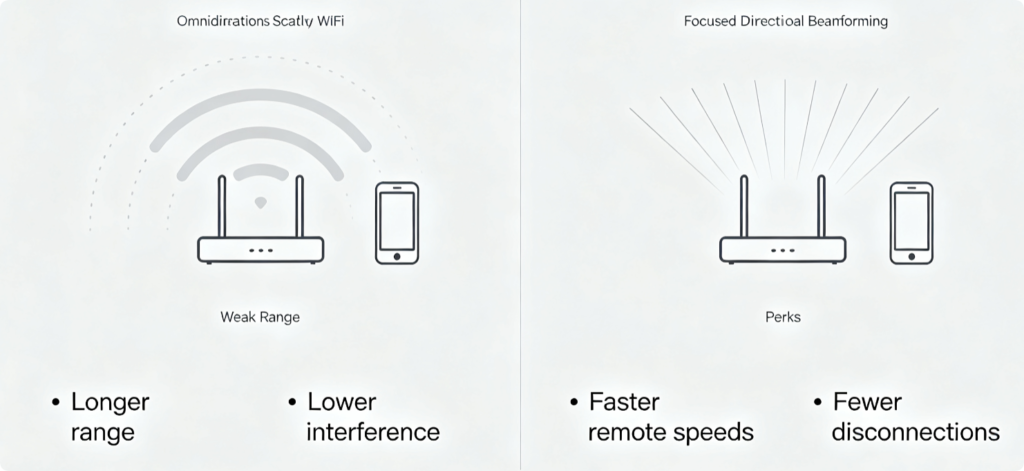
Beamforming is a built-in Netgear radio technology that focuses WiFi signal toward connected devices instead of broadcasting omnidirectionally. For Nighthawk AX/BE WiFi 6/7 and Orbi mesh owners, enabling and tuning beamforming drastically boosts long-range throughput, cuts outside signal interference and clears weak-signal dead zones in far bedrooms, basements and garages. This guide walks through full web panel and Nighthawk app configuration for optimal coverage.
Key Advantages of Proper Beamforming Tuning
- Concentrated signal power for devices far from the router/mesh satellite
- Suppress overlapping WiFi interference from neighboring households
- Stabilize roaming between Orbi mesh nodes
- Eliminate dead zones in thick-wall remote areas
- Lower packet loss and reduce random device disconnects
Web Panel Configuration for Nighthawk Standalone Routers
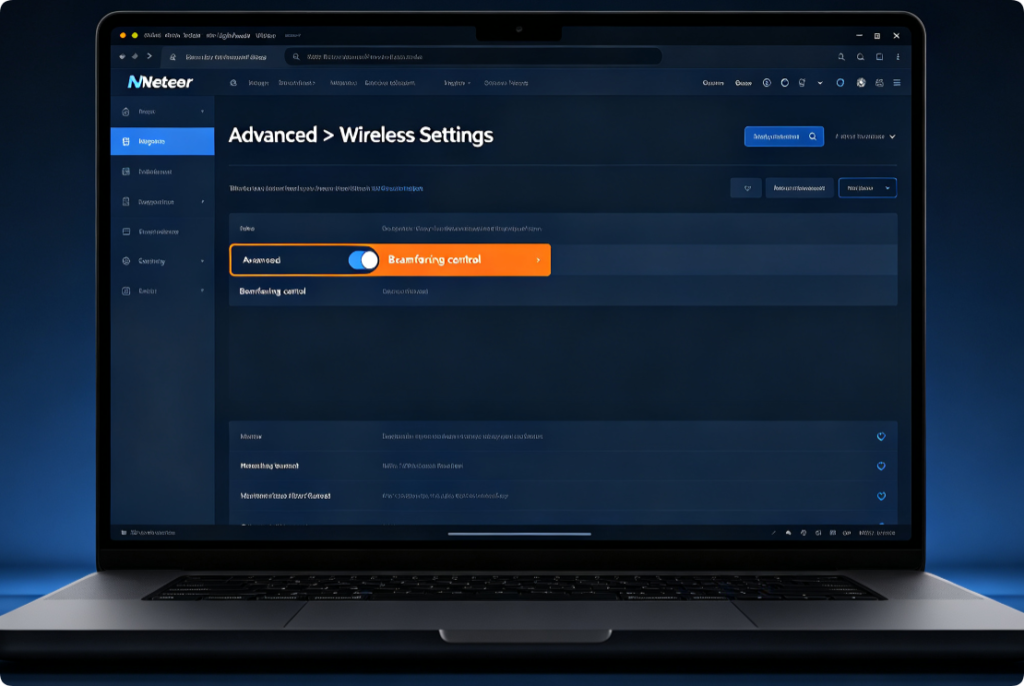
- Connect PC to router via Ethernet or WiFi, visit
routerlogin.netand log in - Navigate to Advanced > Wireless Settings
- Locate the Beamforming radio option (labeled Transmit Beamforming)
- Toggle the setting to Enabled; save changes and reboot the router
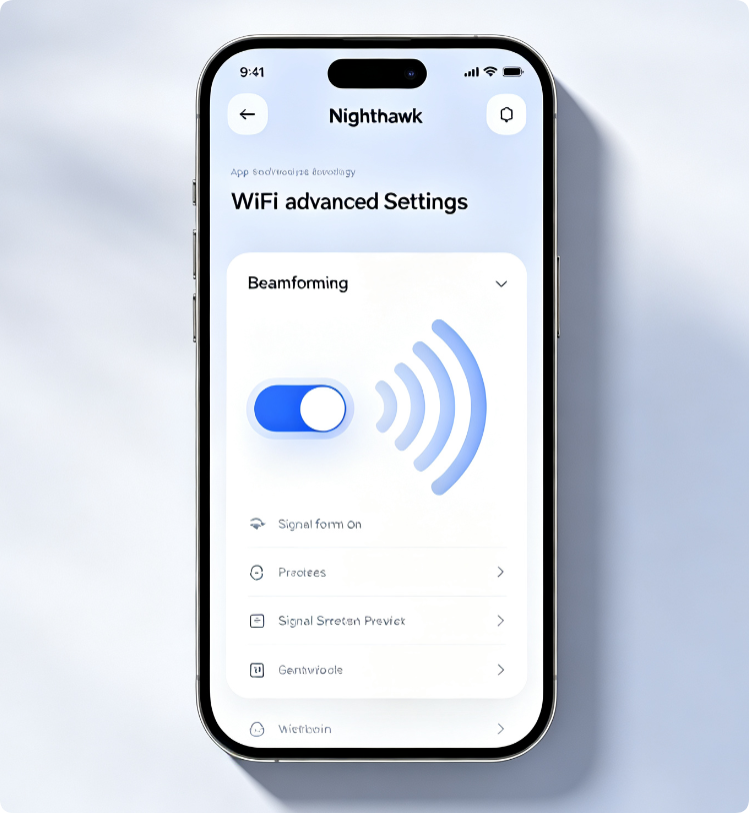
Mobile One-Tap Activation for Nighthawk & Orbi
- Open the Nighthawk app and select your network gateway
- Tap Settings > WiFi Advanced Options
- Find Beamforming and switch the feature active
- The setting synchronizes automatically across all Orbi mesh satellites
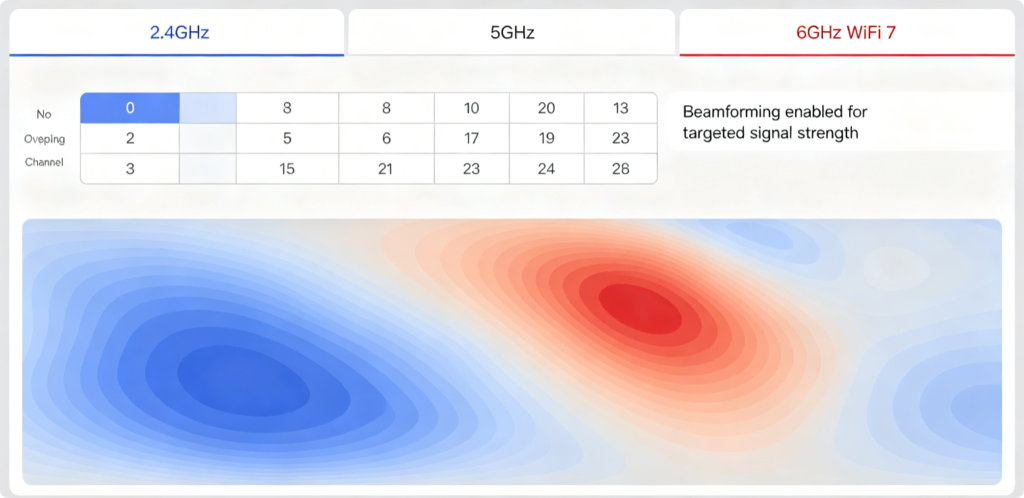
Band Tuning to Complement Beamforming
- 2.4GHz: Beamforming greatly improves wall penetration; lock to channels 1, 6, 11
- 5GHz: Focused beams reduce cross-household congestion; use 160MHz wide channels
- 6GHz WiFi 7: Near-zero outside interference, beamforming maximizes ultra-fast long-range throughput
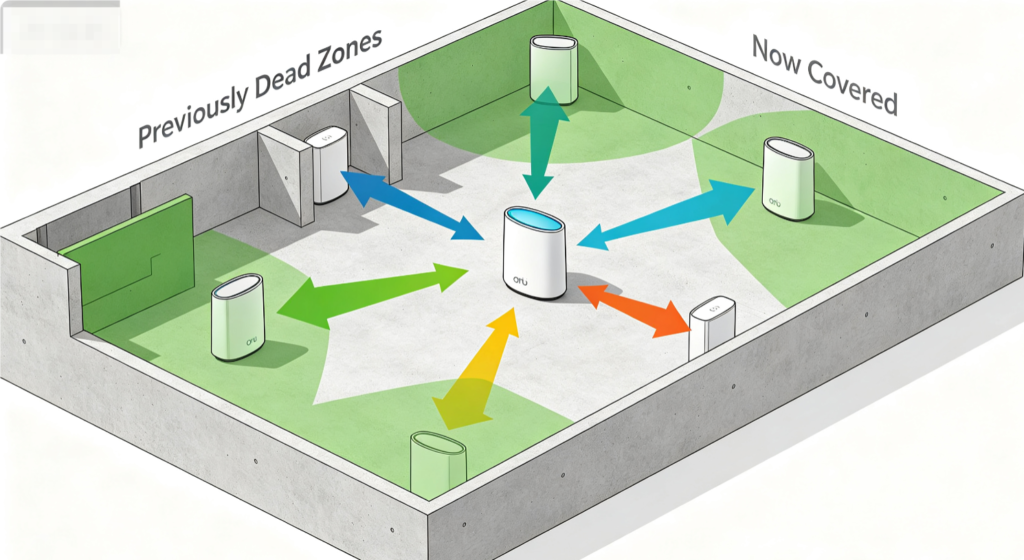
Critical Orbi Mesh Beamforming Tip
Each Orbi satellite runs independent beamforming to nearby devices. Use Cat6 wired backhaul between nodes to avoid weak mesh links, so directional signal beams maintain consistent strength on every floor of your home.
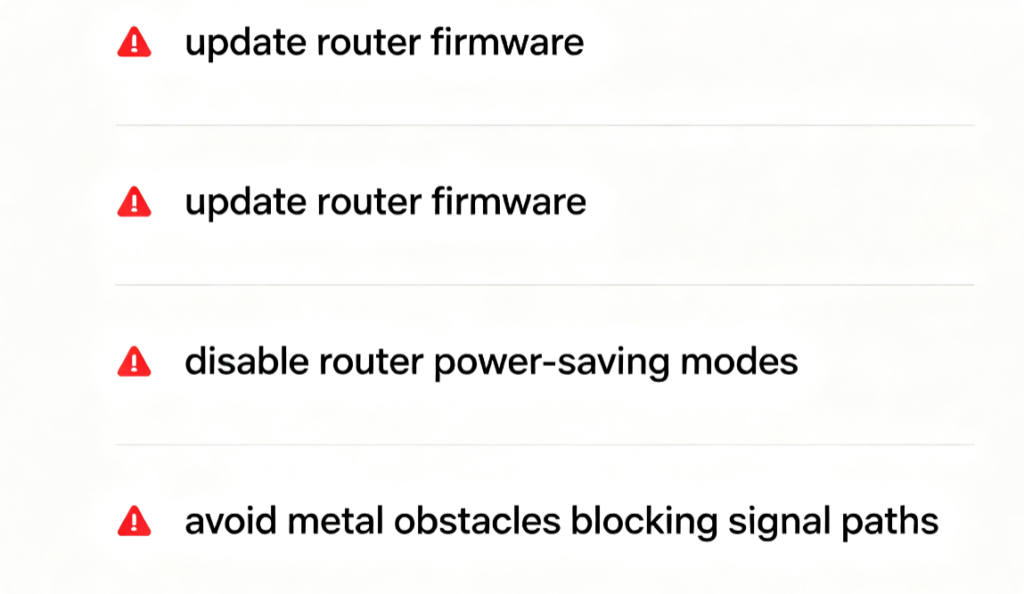
Fix Beamforming Performance Drops
Outdated firmware often breaks beamforming signal calculation. Enable automatic Netgear firmware updates and turn off all WiFi power-saving functions, which limit directional signal output and reduce coverage gains.
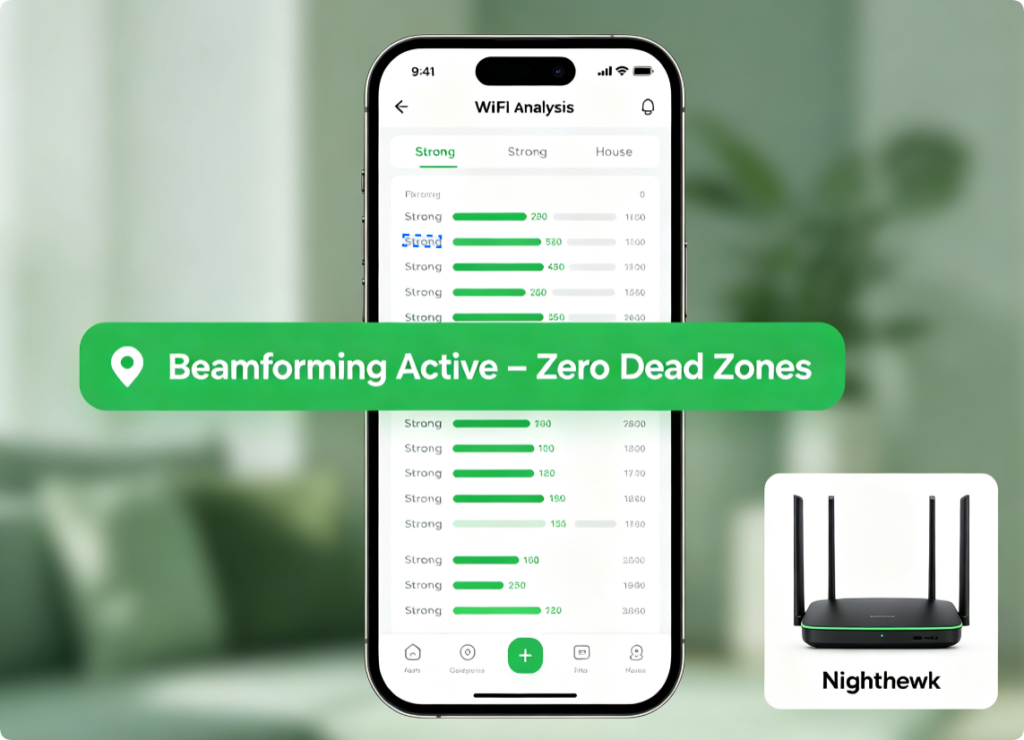
Verify Beamforming Effectiveness
Walk every room with a WiFi signal tester after configuration. You will notice stronger signal bars and higher download speeds in areas that previously suffered weak connectivity and buffering lag.
Conclusion
Beamforming is a free, powerful native feature for all modern Netgear Nighthawk and Orbi hardware. Enable the function through either the web admin panel or Nighthawk mobile app, then fine-tune WiFi channels and disable power-saving modes to unlock full directional signal performance. Orbi mesh users gain extra coverage benefits by pairing beamforming with wired satellite backhaul, permanently removing long-distance dead zones and stabilizing whole-home WiFi speeds.