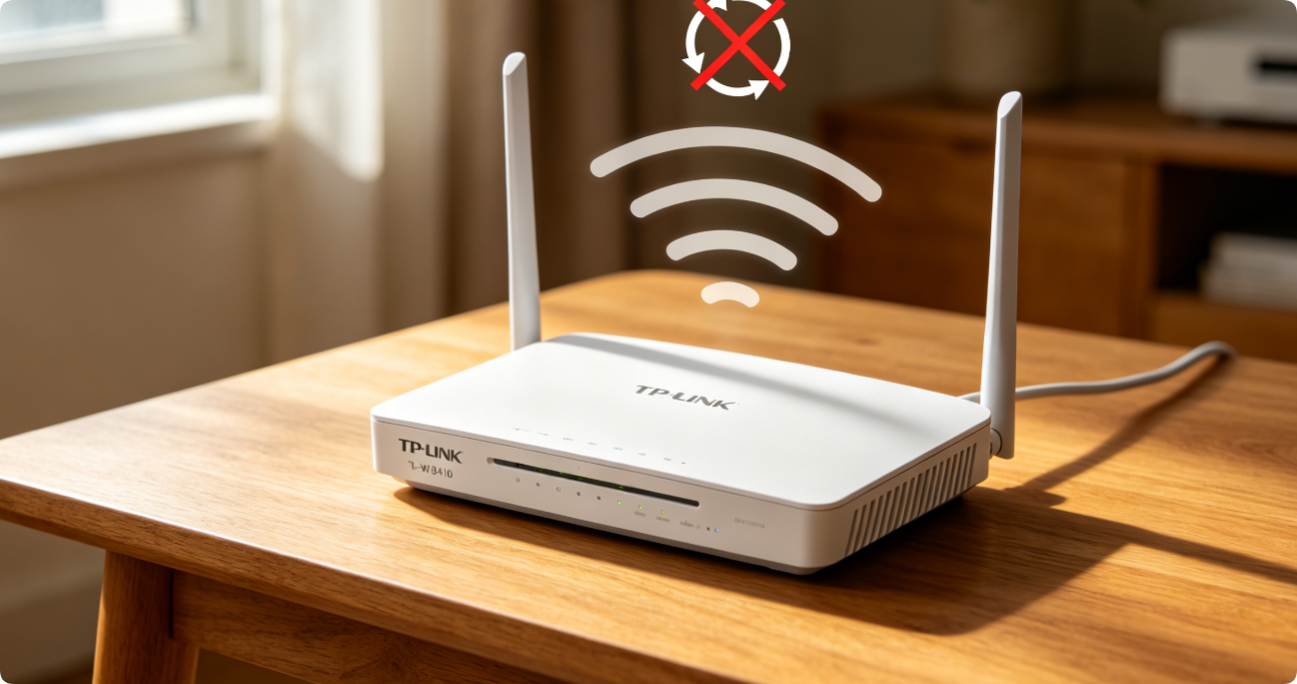
The TP-Link TL-WR841N is a widely used low-cost 2.4GHz-only router, yet many users suffer slow speeds, frequent disconnections and weak coverage due to default factory settings and outdated firmware. This […]
TP-Link QoS Setup to Prioritize Gaming, 4K Streaming & Video Calls: Step-by-Step Guide for Archer AX Routers & Deco Mesh With HomeShield
Network congestion triggers gaming lag, stuttering 4K streams and frozen Zoom calls when multiple devices download files simultaneously. TP-Link HomeShield QoS delivers two flexible priority modes—Scene Acceleration for app traffic […]
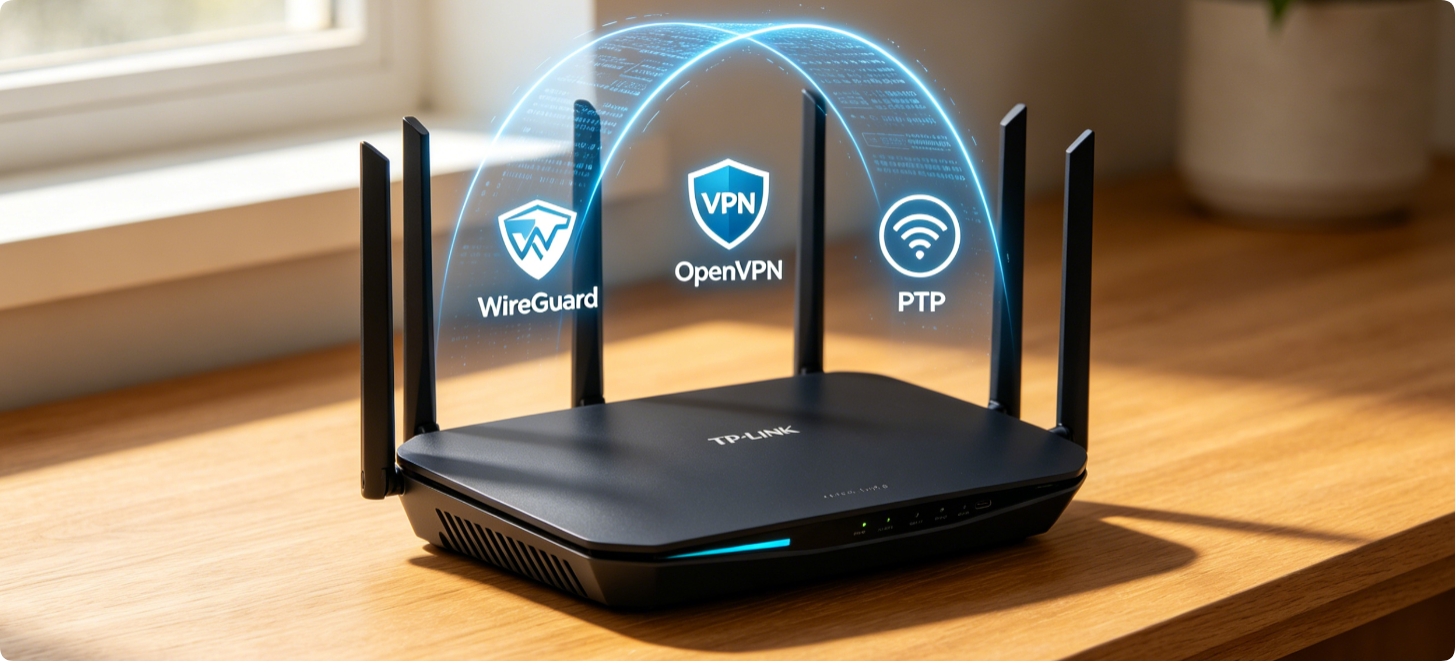
How to Deploy VPN on TP-Link Routers: Side-by-Side OpenVPN, PPTP, WireGuard Setup for Remote LAN Access & Whole-Home Encrypted Traffic
Running VPN directly on a TP-Link router encrypts traffic for every connected device and enables secure remote access to home NAS, cameras and PCs without installing client software separately. Most […]
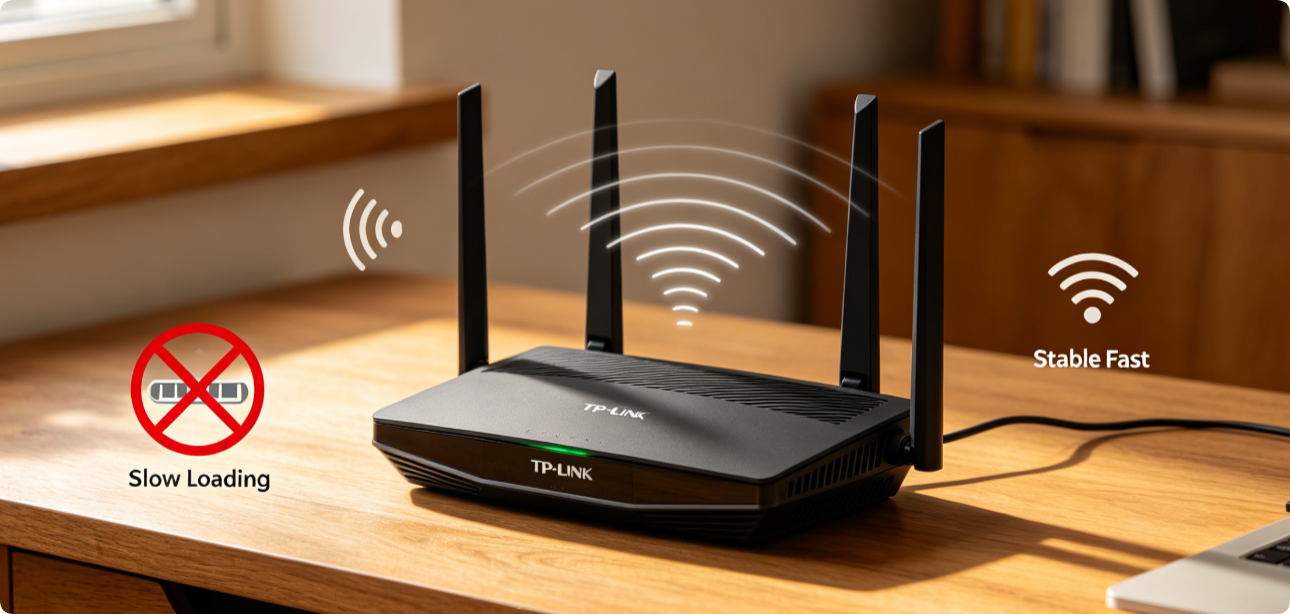
Your TP-Link Archer AX53 Router Keeps Dropping Wi-Fi & Running Slow? All Working Fixes In 10 Minutes
TP-Link Archer AX53 Wi-Fi 6 users frequently face random signal drops, constant lag, weak 5GHz speeds and frequent device disconnections. Most issues stem from misconfigured Wi-Fi bands, channel interference, outdated […]
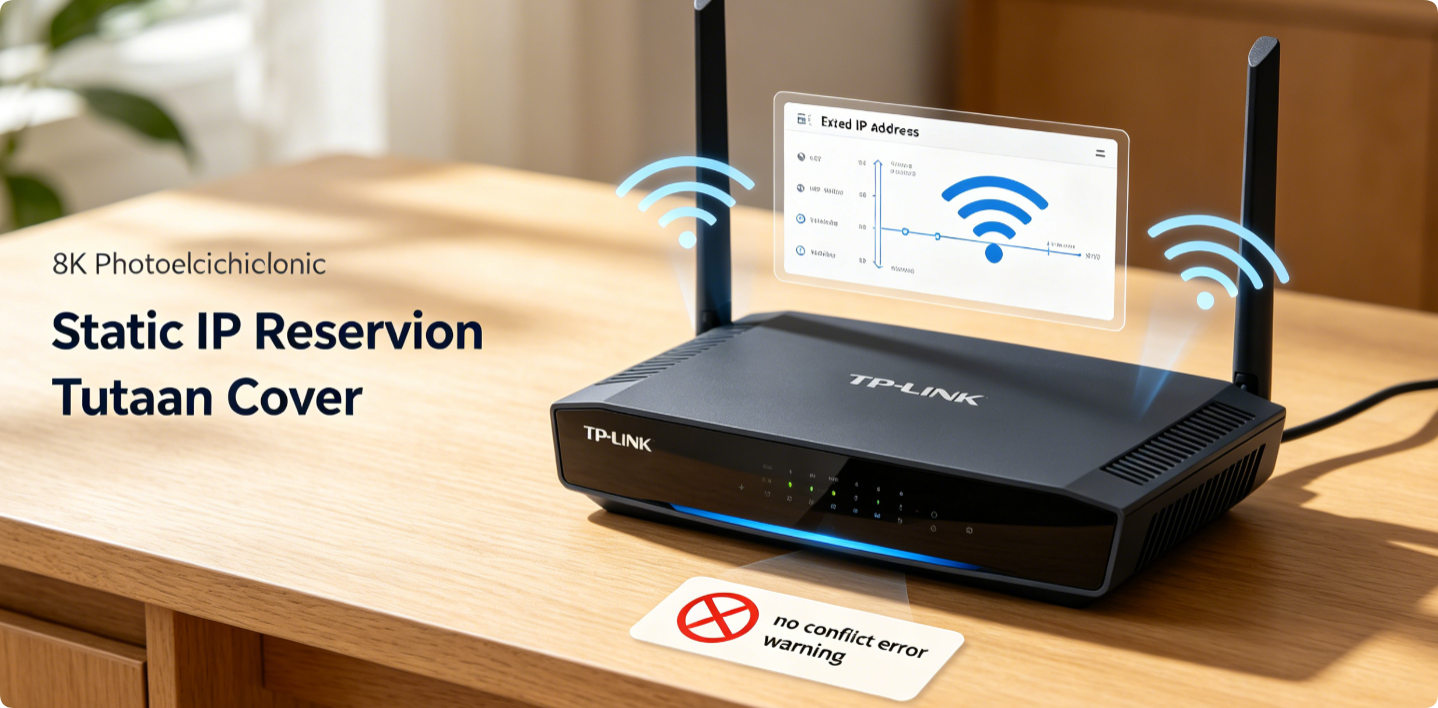
TP-Link Static IP Reservation Full Setup Guide: Eliminate Network IP Conflicts & Boost Long-Term Wi-Fi Connection Stability
Random dynamic IP assignments from TP-Link’s DHCP server often trigger IP conflicts, disconnections, and failed remote access for NAS, cameras, game consoles and smart devices. Static IP Reservation (also called […]
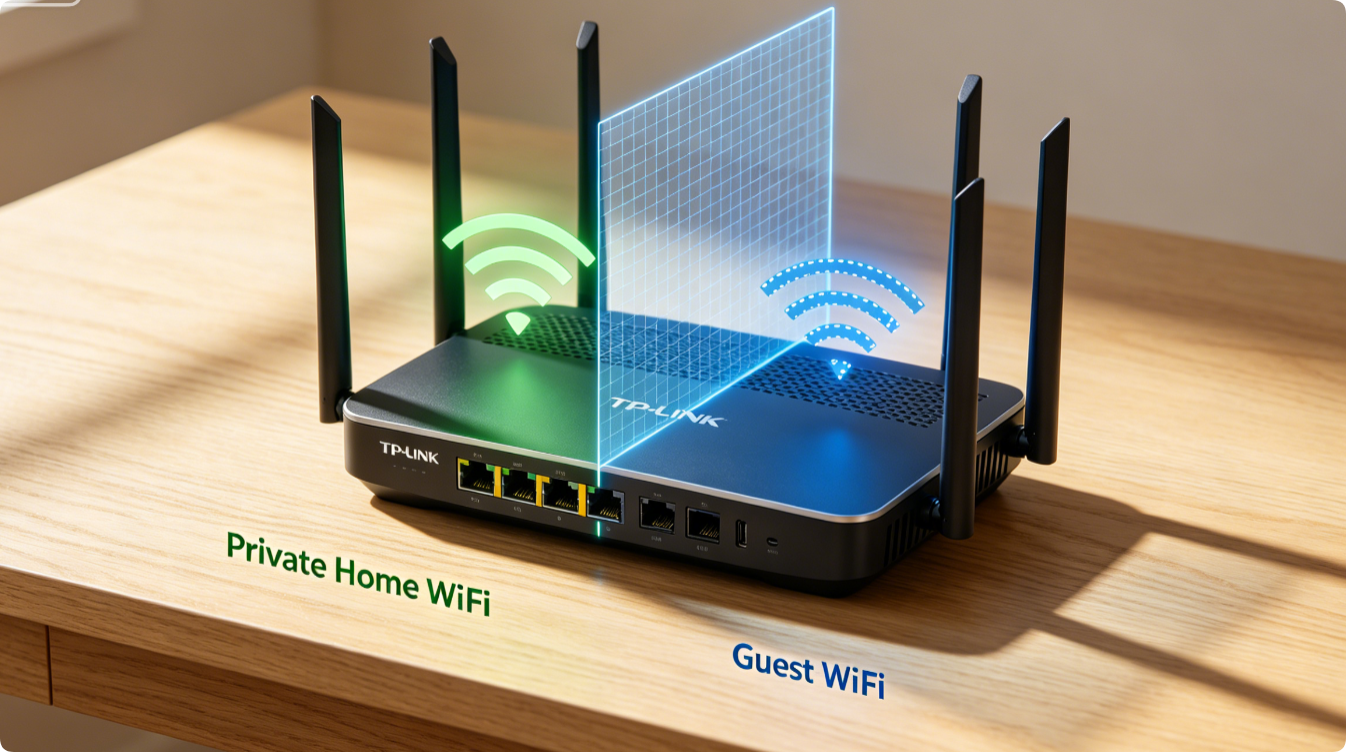
TP-Link Guest Wi-Fi Full Setup Guide: Enable Network Isolation to Separate Visitors Fully From Your Private Main Network
Sharing your main Wi-Fi with guests exposes personal devices, local storage and smart home gear to strangers. TP-Link’s built-in Guest Network feature creates a fully isolated secondary wireless zone. With […]

How to Change TP-Link Router Admin Password Step-by-Step: Secure Router Admin Panel Access From Hackers
The default TP-Link router admin password is widely known to hackers, leaving your network dashboard open to brute-force attacks. Changing this master login credential blocks unauthorized access to port forwarding, […]
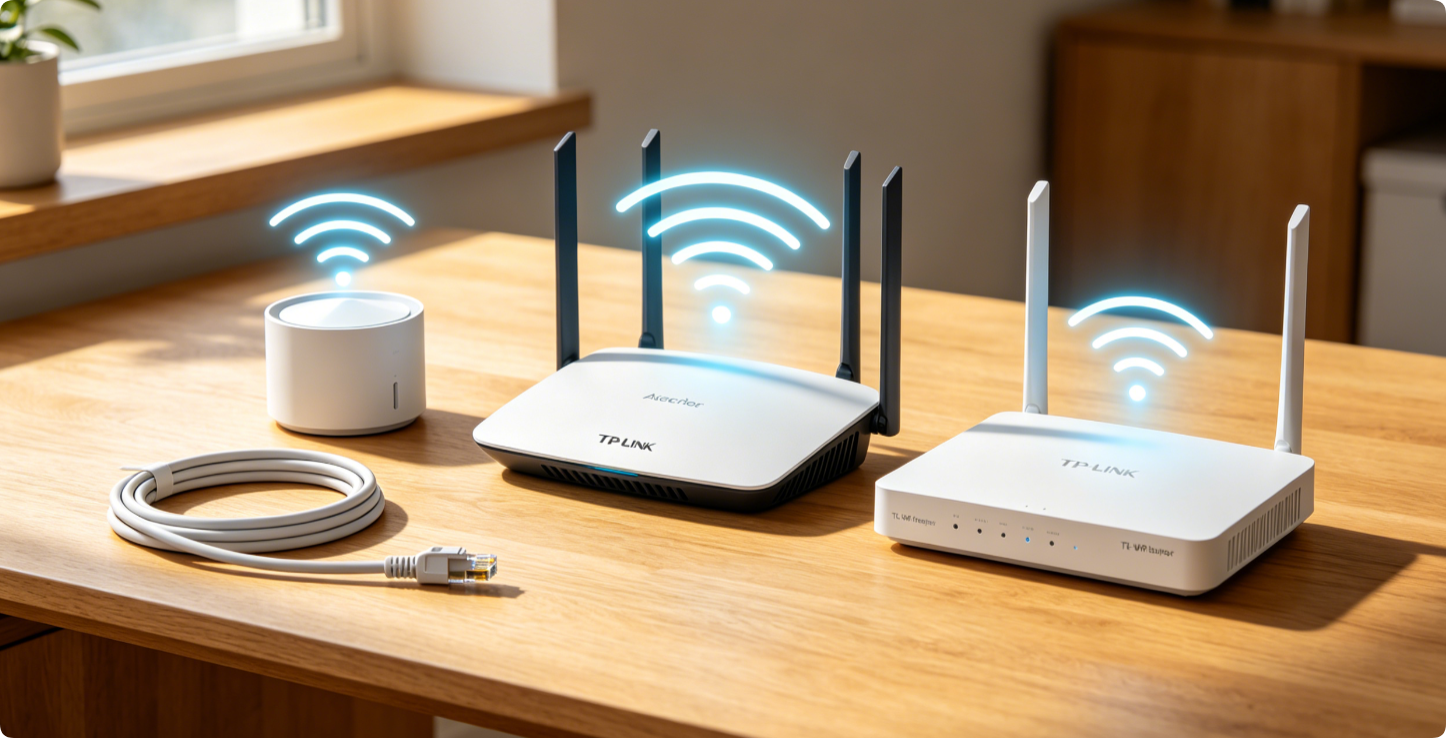
TP-Link Router Setup: Complete Step-by-Step Configuration Guide Compatible With All Archer, Deco & TL-WR Router Models
This all-in-one setup guide works for every TP-Link product line: entry-level TL-WR single-band routers, Wi-Fi 6 Archer AX series, and Deco EasyMesh whole-home mesh systems. You can finish full internet […]
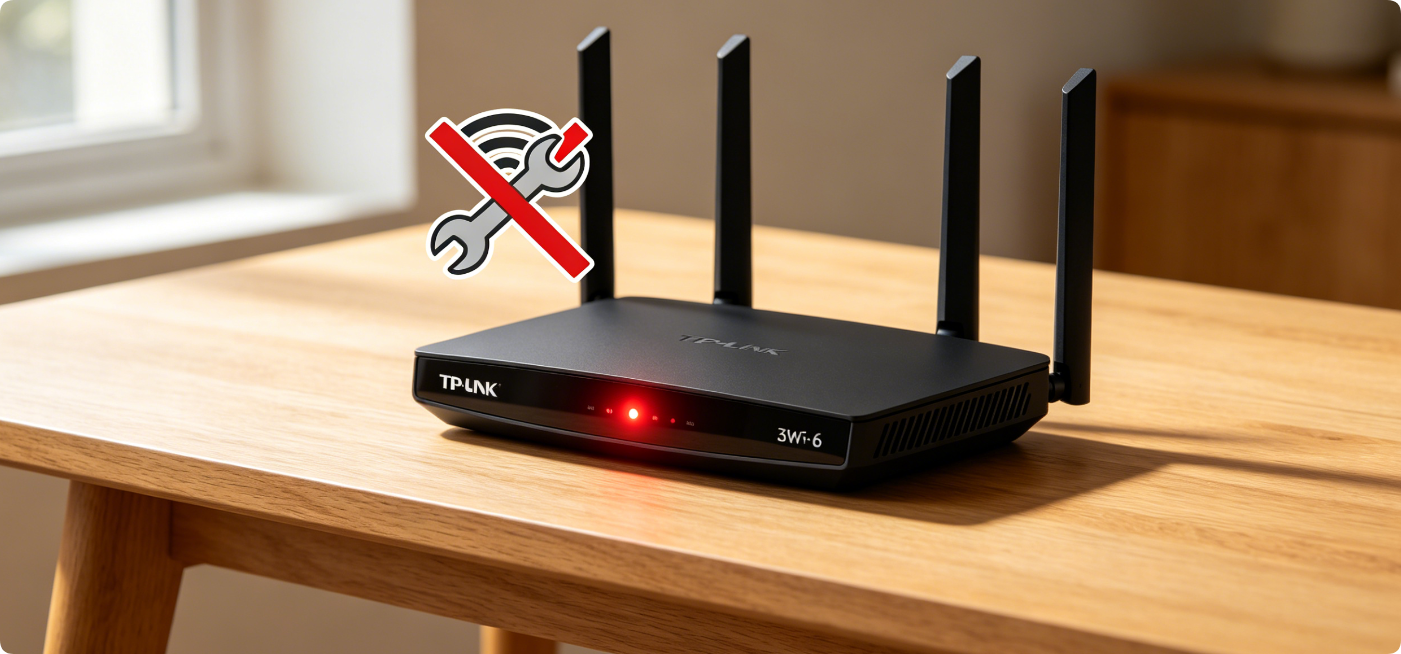
TP-Link Router Red Light Troubleshooting Guide: Step-by-Step Fix for Internet Dropouts & Modem Connection Issues
A steady or blinking red internet light on TP-Link Archer, Deco, and TL-XDR series routers signals lost communication with your ISP modem, triggering total Wi-Fi internet blackouts. This troubleshooting guide […]
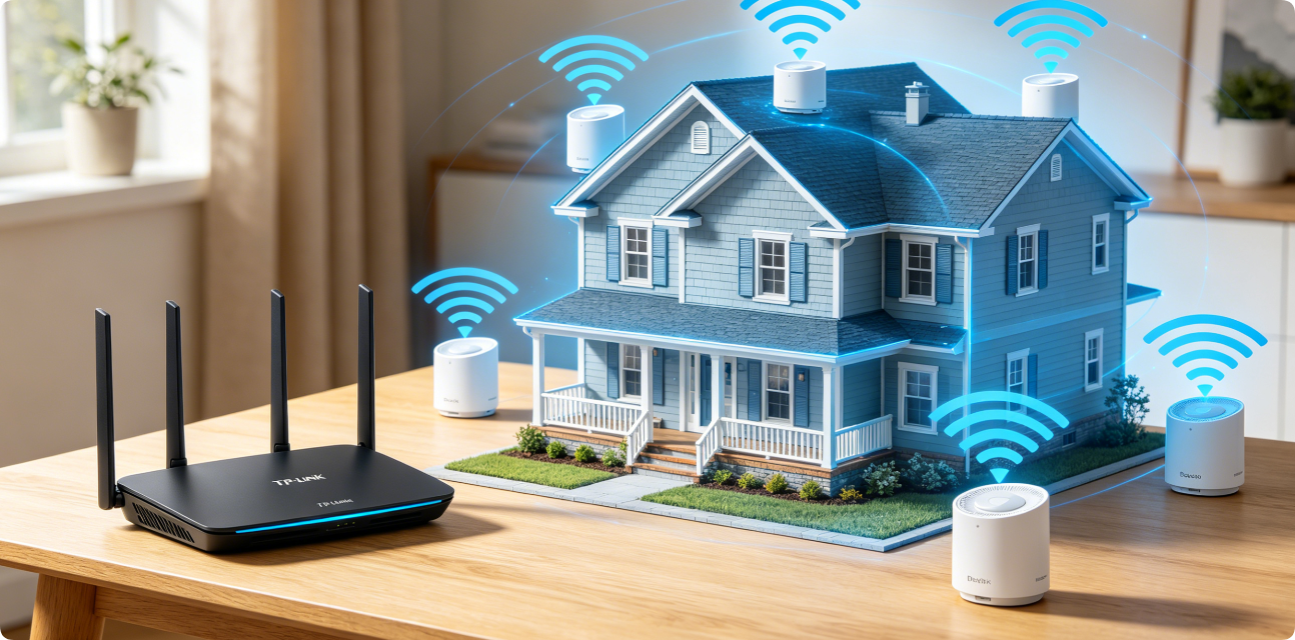
TP-Link EasyMesh Full Setup Guide: Build Seamless Whole-Home Wi-Fi With Deco Nodes & Archer Routers
TP-Link EasyMesh unifies Archer Wi-Fi routers and Deco mesh satellites into one single Wi-Fi network, eliminating dead zones, weak far-room signals and annoying manual network switching. Unlike generic extenders that […]

TP-Link Router Security Settings: Complete Step-by-Step Guide to WPA3 Encryption, SPI Firewall & MAC Access Control
Unsecured home routers create critical digital vulnerabilities: neighbors stealing your bandwidth, hackers snooping on browsing traffic, malicious IoT device breaches, and remote unauthorized network intrusions. Most TP-Link dual-band Wi-Fi 5 […]
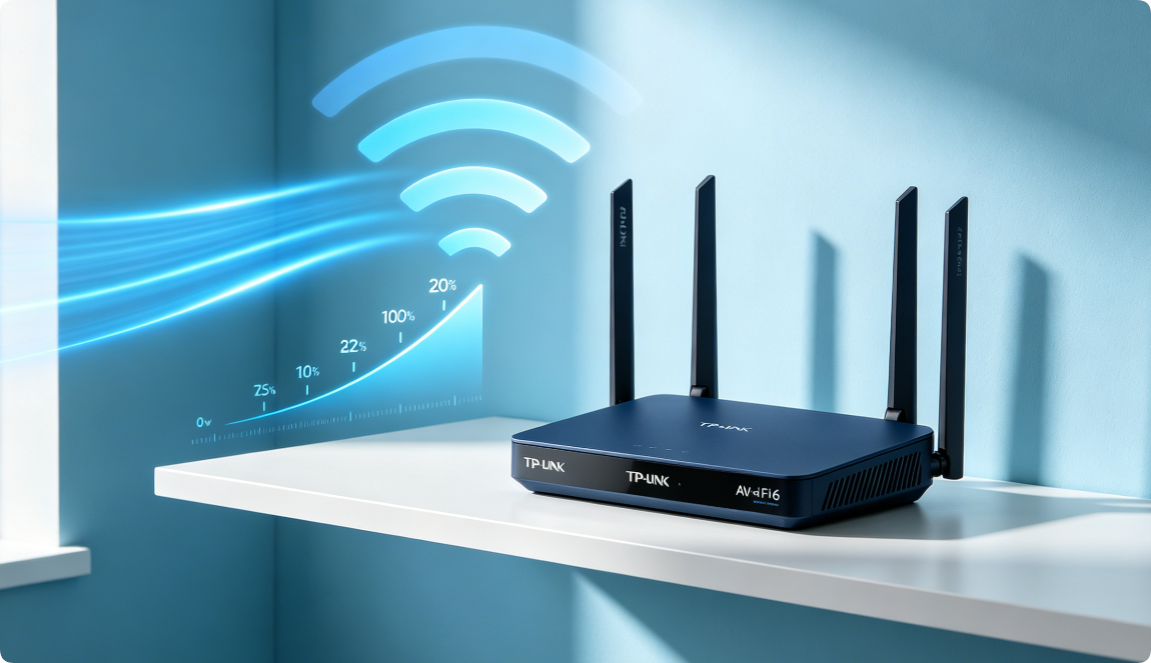
How to Fix Slow TP-Link Wi-Fi: 10 Practical Performance Tweaks That Actually Work for All Models
Slow download speeds, endless 4K video buffering, random gaming ping spikes, laggy smart home devices and frequent Wi-Fi disconnections plague thousands of TP-Link router users across every model line, including […]
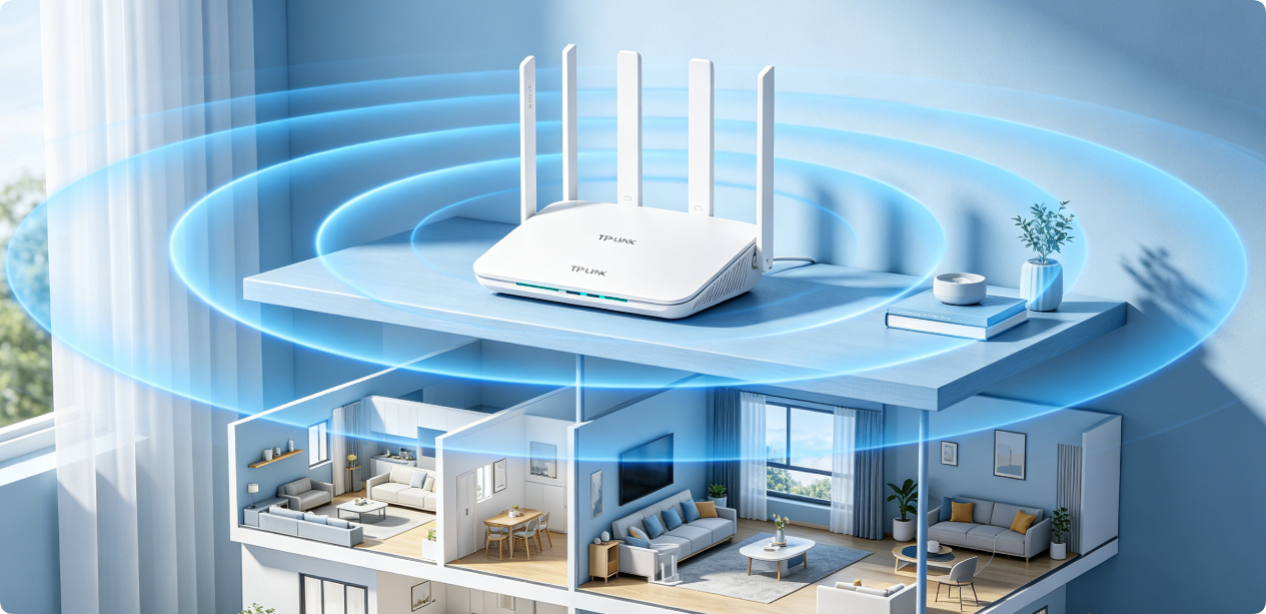
TP‑Link Router Placement Tips for Maximum Coverage: Best Positions for Multi-Story & Small Apartments
Most TP-Link Wi-Fi 5 and Wi-Fi 6 routers (AX1800, AX3000, Archer AX53, TL-XDR1850) deliver far less coverage than advertised, not due to hardware defects, but wrong placement. Poor router location […]
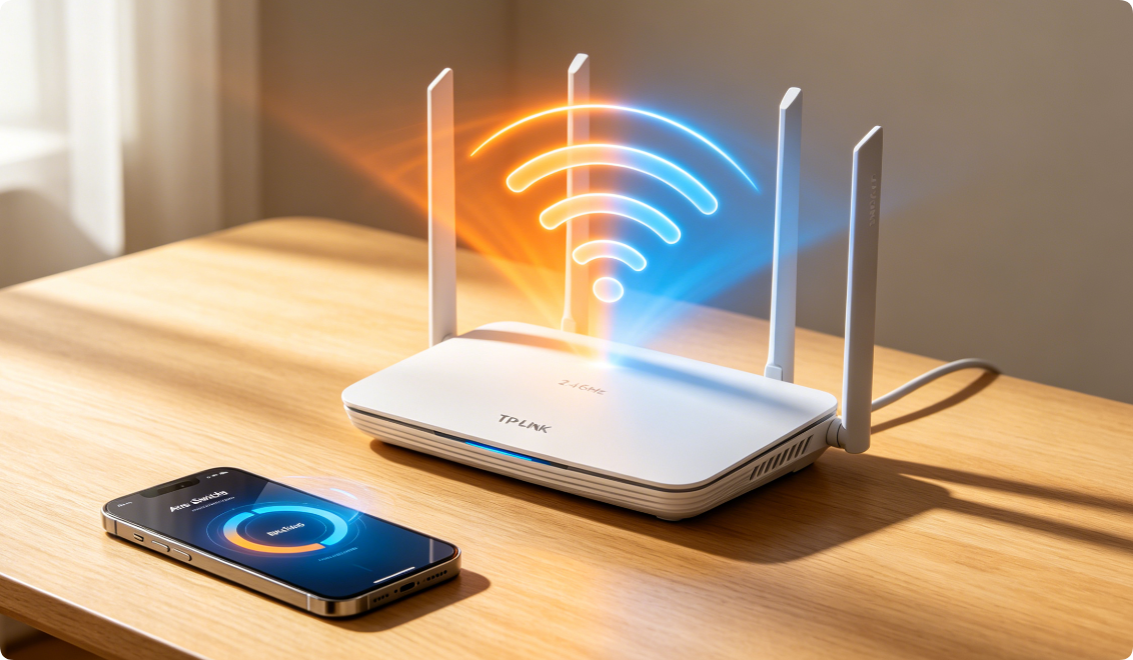
Smart Connect Setup: Combine 2.4GHz and 5GHz Wi-Fi Bands for Seamless Single SSID Wi-Fi
TP-Link Smart Connect (also known as Band Steering) is a built-in router feature that merges separate 2.4GHz and 5GHz frequency bands under one identical Wi-Fi name and password. Instead of […]
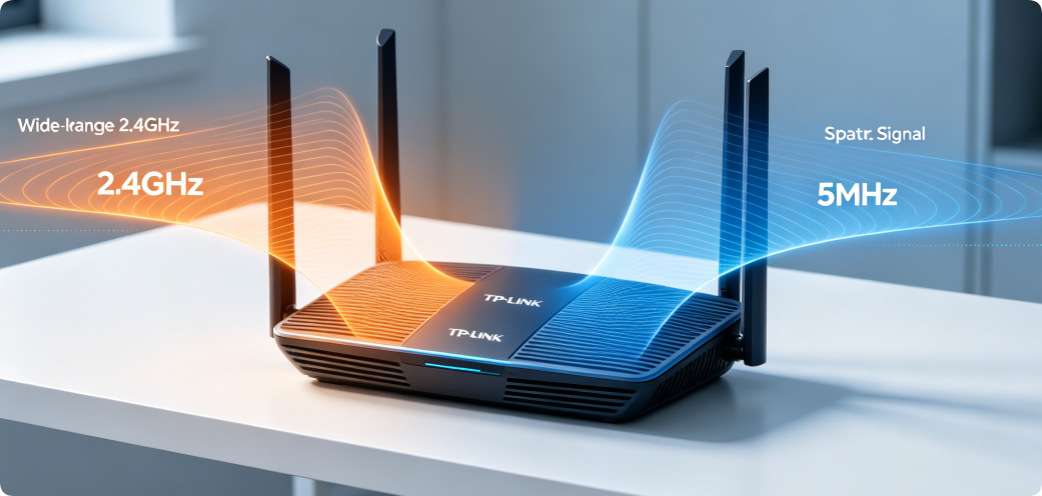
TP‑Link 2.4GHz vs 5GHz Settings: Best Channel & Bandwidth Setup Guide for Dual-Band Routers
Every TP-Link dual-band router broadcasts two independent wireless networks: 2.4GHz and 5GHz. Each frequency band carries unique strengths, weaknesses, and strict configuration rules for channels and bandwidth width. Most household […]
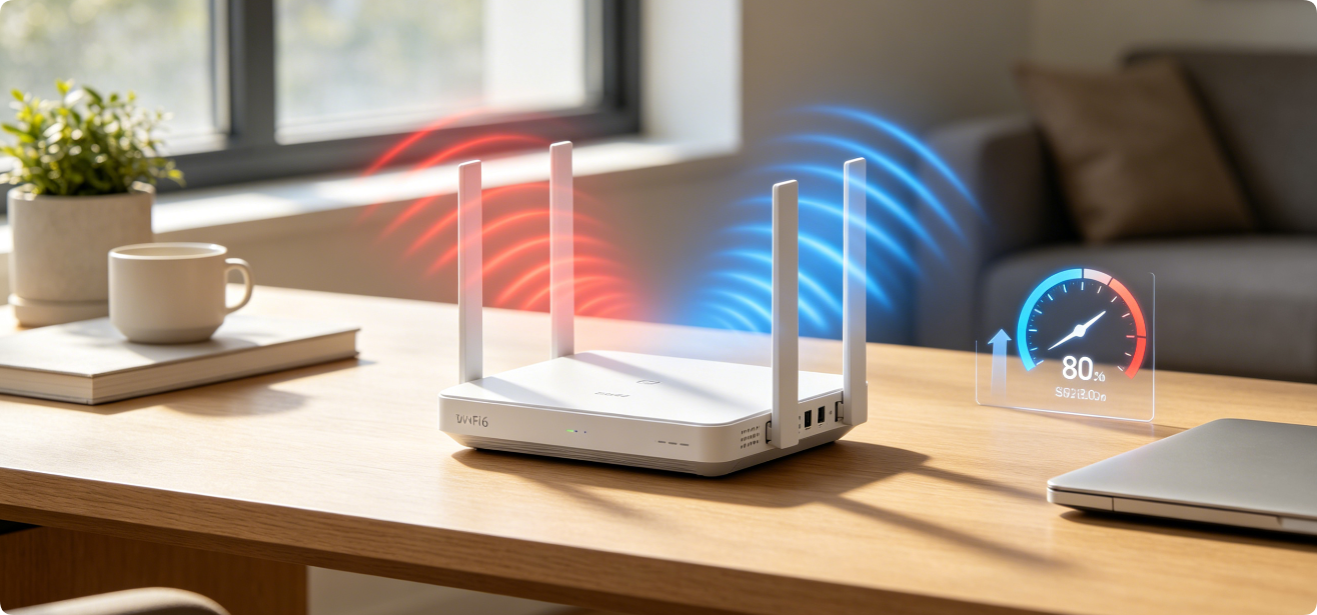
Fix Slow Wi-Fi: Effective Router Configuration Tweaks to Boost Speed Instantly
Fix Slow Wi-Fi: Effective Router Configuration Tweaks to Boost Speed Instantly Slow loading pages, endless video buffering, weak bedroom Wi-Fi signals, and inconsistent download speeds trouble nearly every home network […]

How to Enable OFDMA & MU‑MIMO on TP‑Link Router: Fix Lag With Multiple Smart Devices
[Image 1: Article Cover Hero Banner] If your home suffers from stuttering video streams, sudden gaming ping spikes, slow file downloads, and freezing smart home gadgets when dozens of devices […]
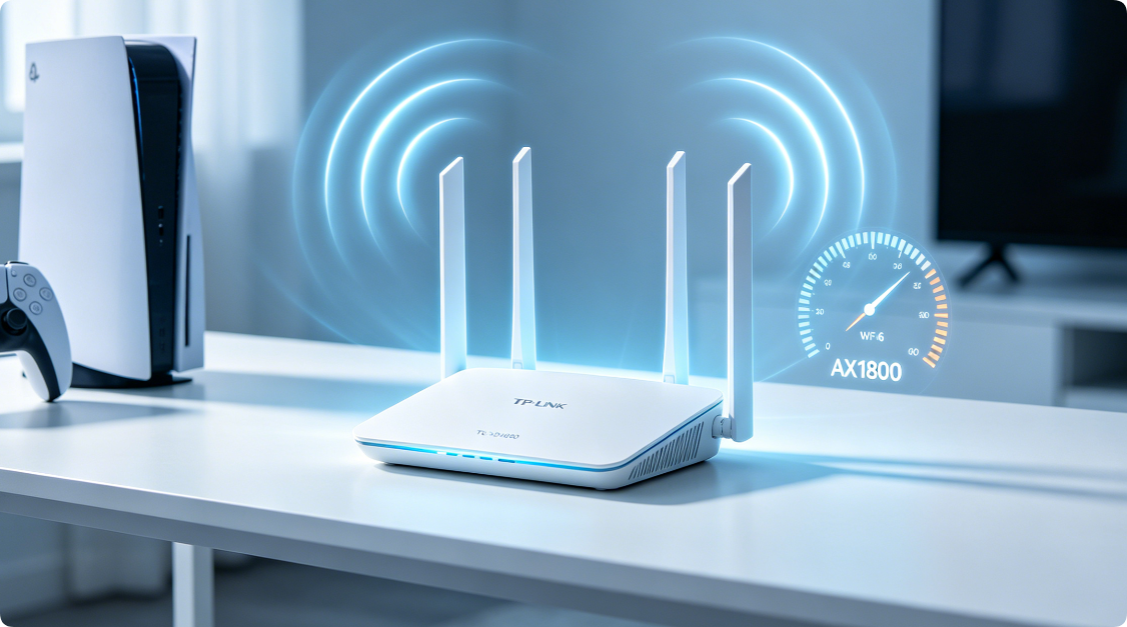
TP‑Link AX1800 Wi‑Fi 6 Configuration Guide (TL‑XDR1850): Complete Router Installation & Optimization
The TP-Link TL-XDR1850 is a cost-effective entry-level Wi-Fi 6 AX1800 dual-band router, delivering combined wireless speeds of 574 Mbps on 2.4GHz plus 1201 Mbps on 5GHz. It suits small-to-medium homes, […]
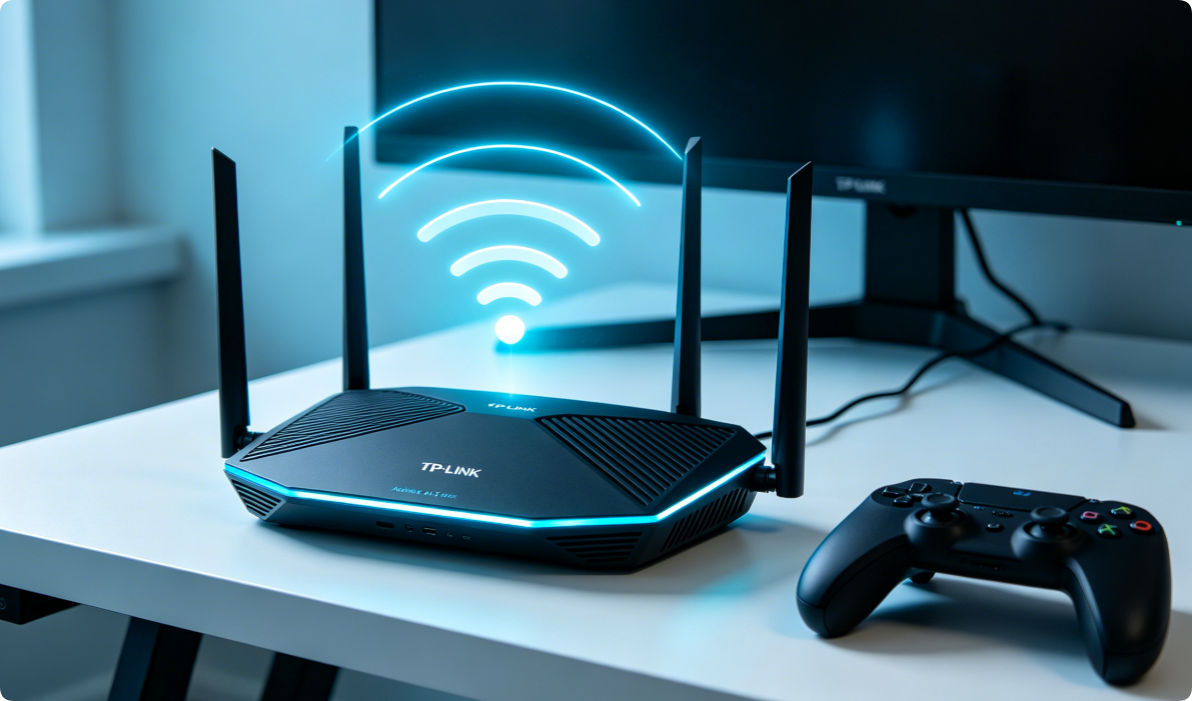
TP-Link Archer AX53 AX3000 Setup Guide: Full Configuration to Optimize WiFi for Gaming & 4K Streaming
The TP-Link Archer AX53 AX3000 is a budget-friendly Wi-Fi 6 dual-band router built for household gaming, 4K UHD streaming, and multi-device smart home connections. Its AX3000 wireless speed (574 Mbps […]
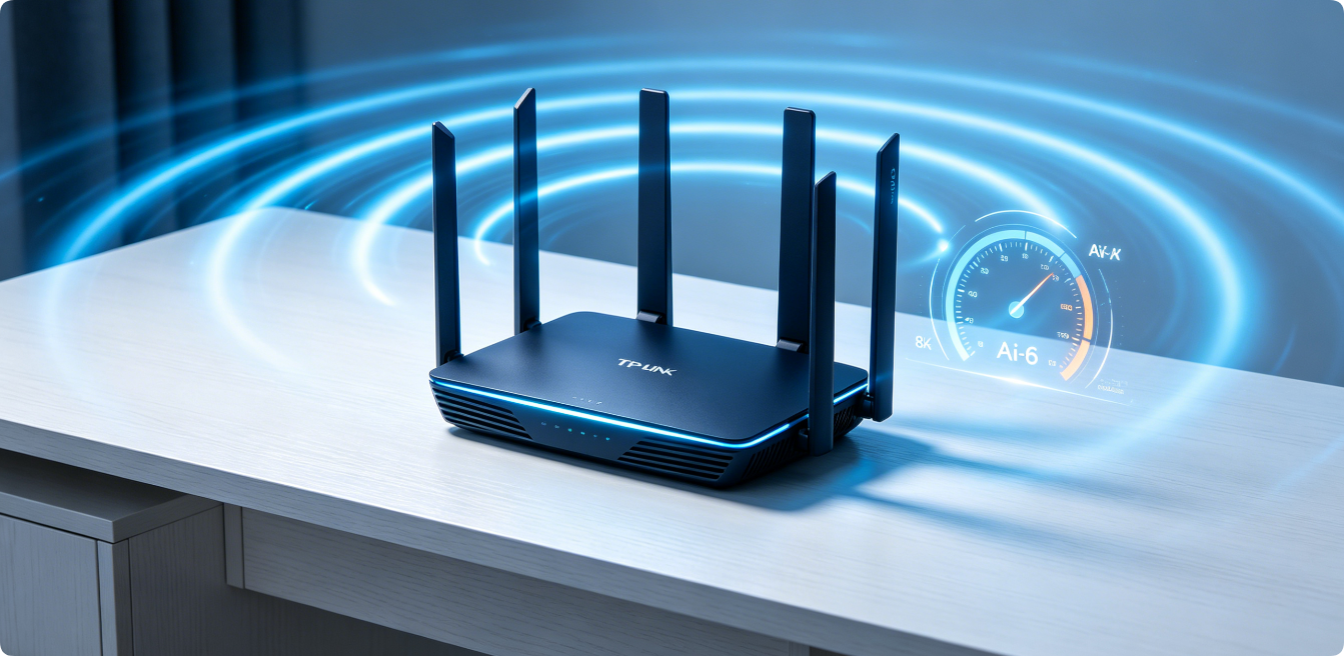
TP-Link Wi-Fi 6 Router Best Settings: Complete Optimization Guide for Maximum Speed & Wider Coverage
Wi-Fi 6 (802.11ax) delivers drastically faster speeds, lower latency, stronger multi-device handling and better wall penetration than older Wi-Fi 5 hardware. However, most TP-Link Wi-Fi 6 routers ship with generic […]