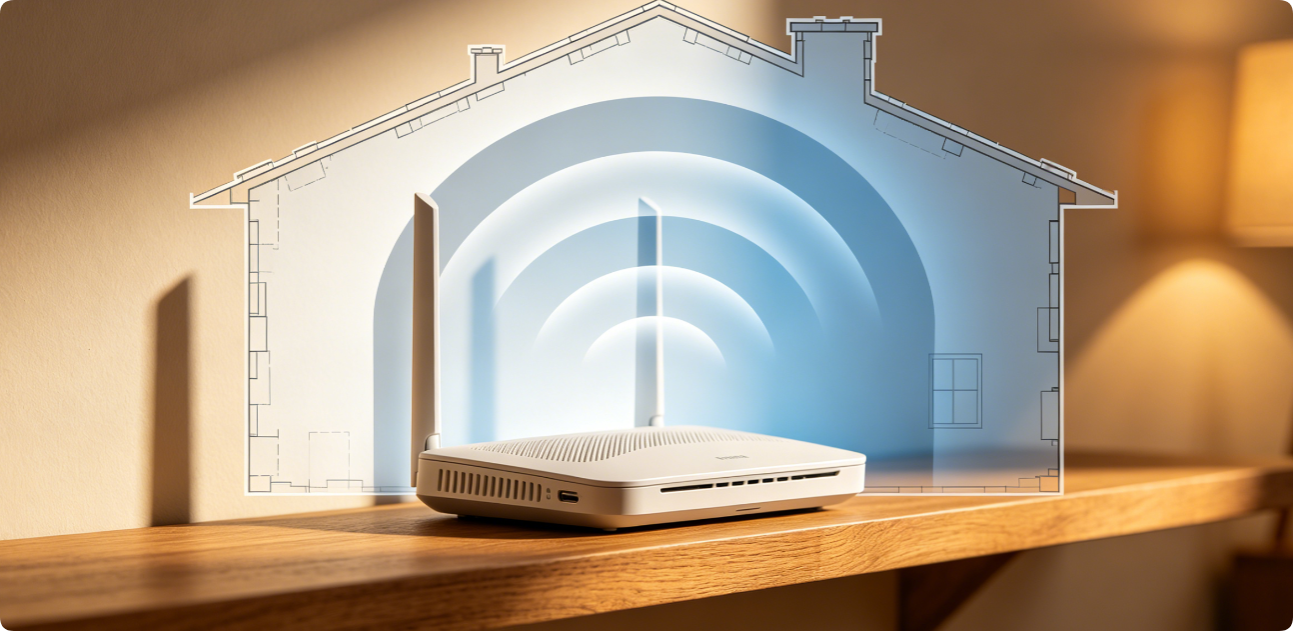
Blank dead zones with zero Wi-Fi signal plague bedrooms, basements and garages in nearly every household. Many homeowners immediately buy expensive mesh extenders, but most weak coverage issues can be […]
How to Fix a Home Router That Keeps Disconnecting: Common Configuration Solutions
Frequent random Wi-Fi drops, brief internet outages and constant device reconnection are one of the most annoying home network issues. Most disconnection faults stem from incorrect router configurations instead of […]
Strong Home Router Security Settings Every User Should Apply: Complete Hardening Checklist for TP-Link, Netgear, Eero & All Mesh Routers
Unsecured home routers become easy entry points for hackers, botnet attacks, and neighbor bandwidth theft. Most owners leave critical default settings untouched, exposing smart cameras, NAS drives and personal data. […]
How to Change DNS Servers on Any Router for Faster Browsing: Step-by-Step Guide for TP-Link, Netgear & Eero Mesh
Slow website loading, laggy streaming and unreliable domain resolution usually stem from default ISP DNS servers. Swapping your router’s global DNS to public options like Cloudflare 1.1.1.1, Google DNS or […]

How to Update Router Firmware Safely for Better Security: Avoid Bricking Your Router During Upgrade
Outdated router firmware carries unpatched security holes, slow wireless speeds and unstable mesh connections. Regular official updates fix bugs and block hacking attacks, yet careless upgrades can permanently damage (“brick”) […]
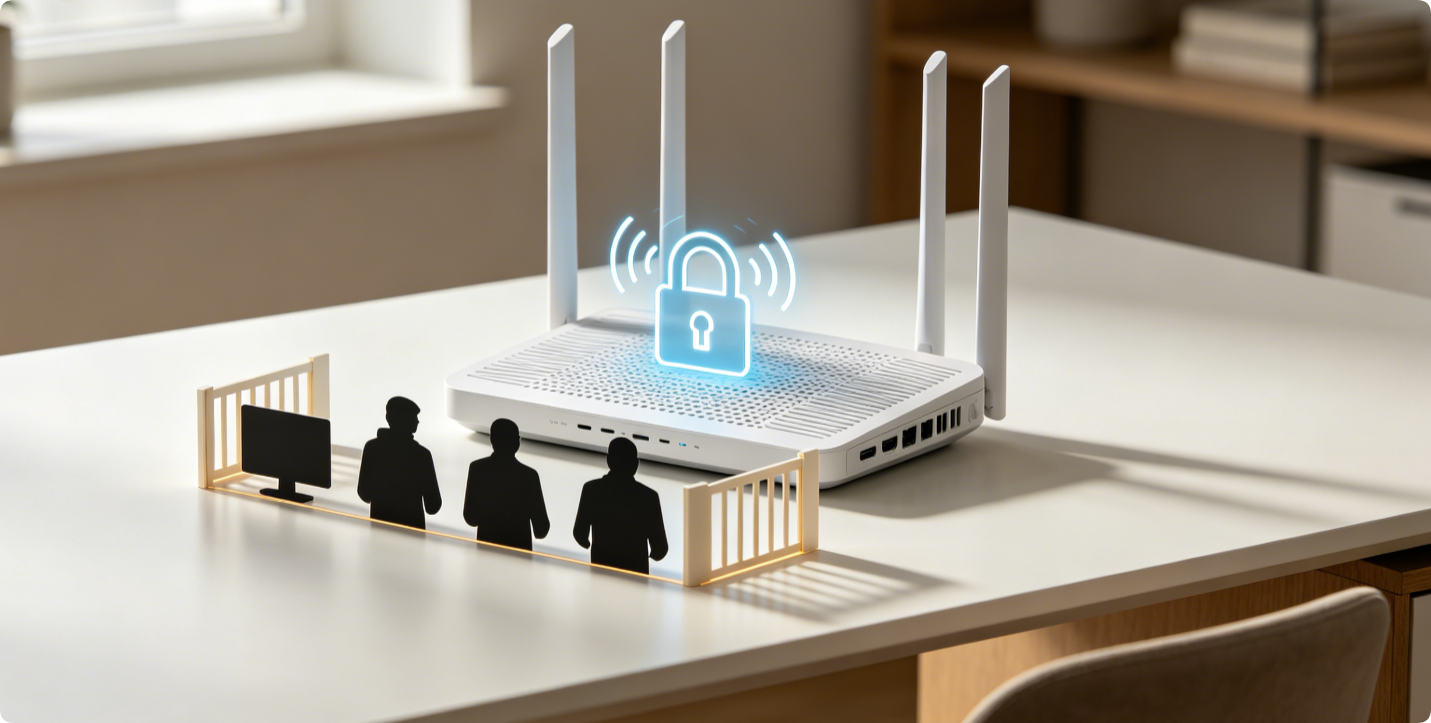
How to Stop Neighbors From Using Your Wi-Fi? Set Up MAC Address Filtering to Block Unknown Devices
Slow Wi-Fi speeds, hidden data usage spikes and compromised network privacy often signal neighbors or strangers leeching your wireless signal. Strong Wi-Fi passwords offer basic protection, but MAC address filtering […]
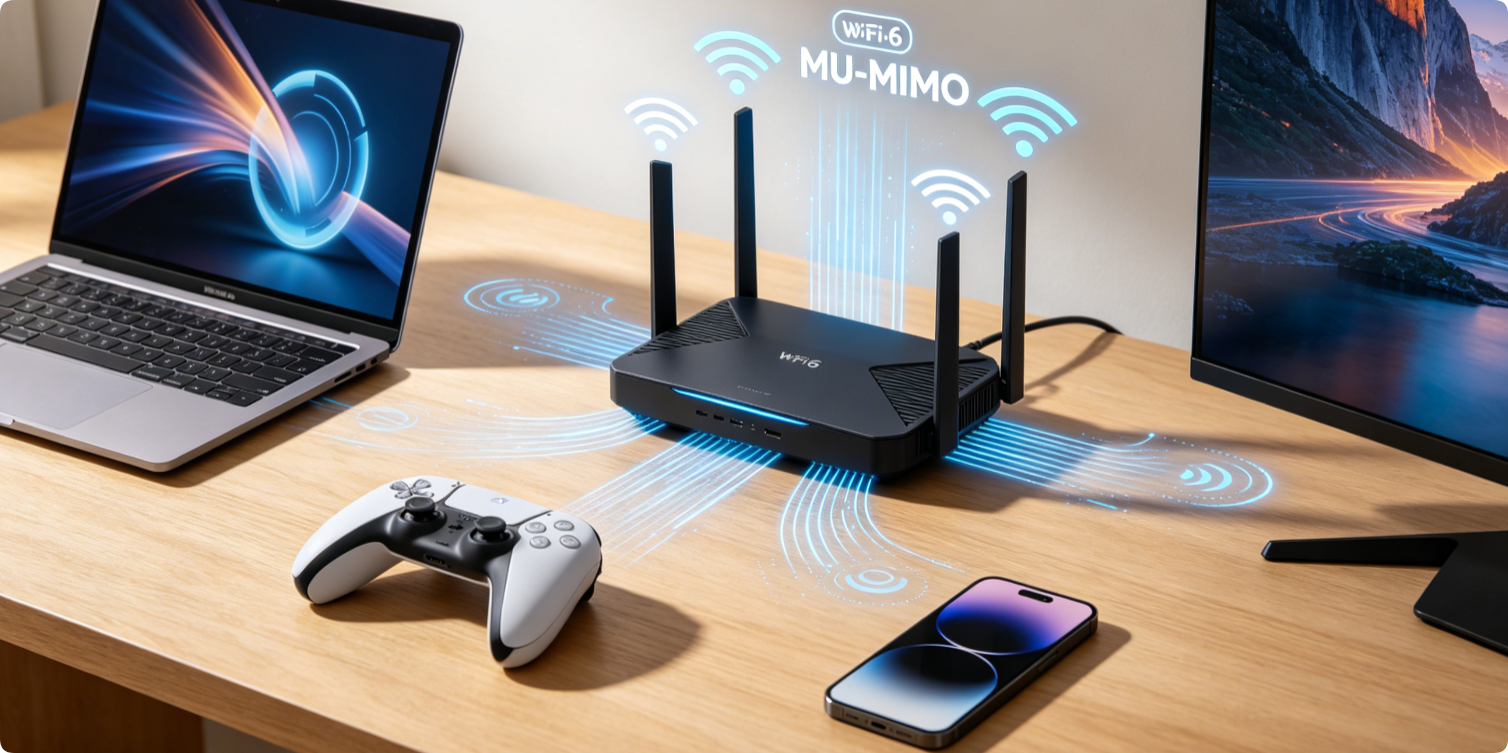
How to Enable MU-MIMO on Any Router for Stable Multiple Device Connections & Cut Network Congestion
MU-MIMO (Multi-User Multiple Input Multiple Output) is a critical wireless feature that lets your router send data to several gadgets simultaneously, instead of handling them one by one with older […]
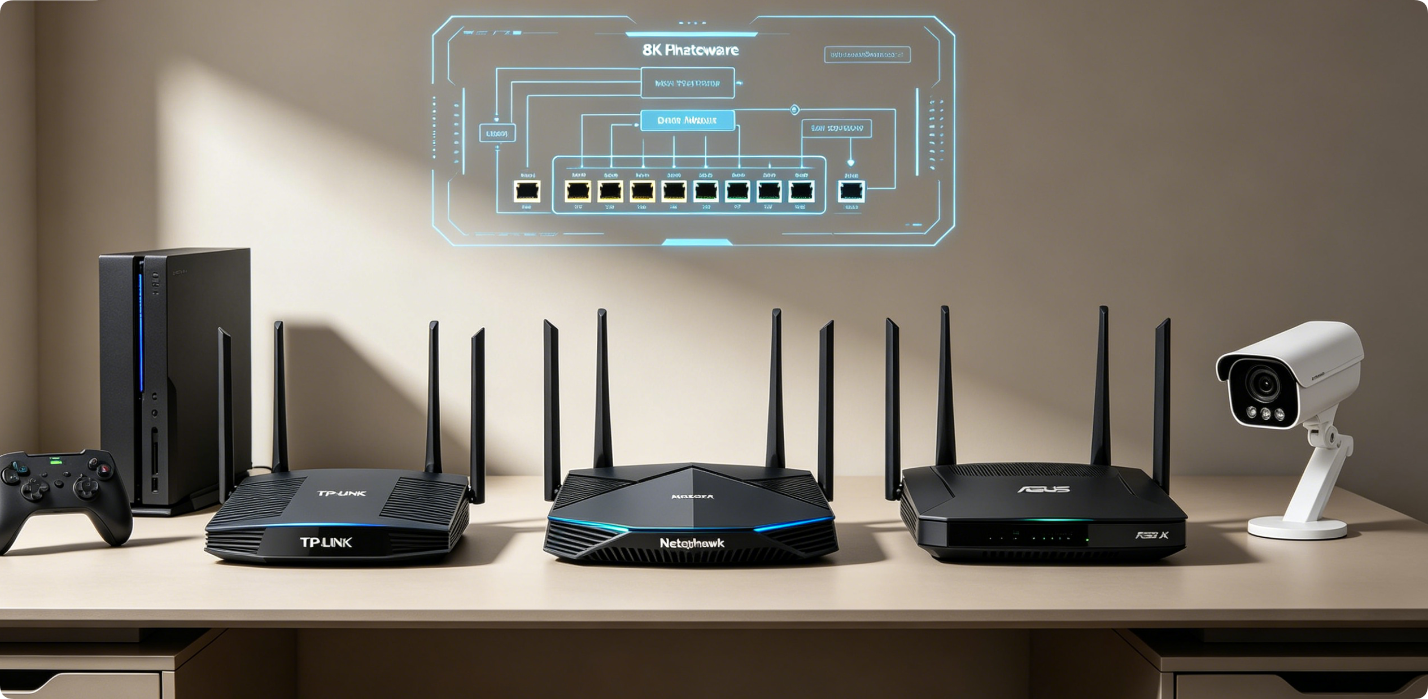
Complete Port Forwarding Setup for Gaming and IP Cameras (TP-Link, Netgear, ASUS & All Home Routers)
Port forwarding opens targeted router firewall ports to allow stable external access to local devices: gaming consoles, remote IP camera viewing, NAS storage and self-hosted servers. Without proper rules, online […]
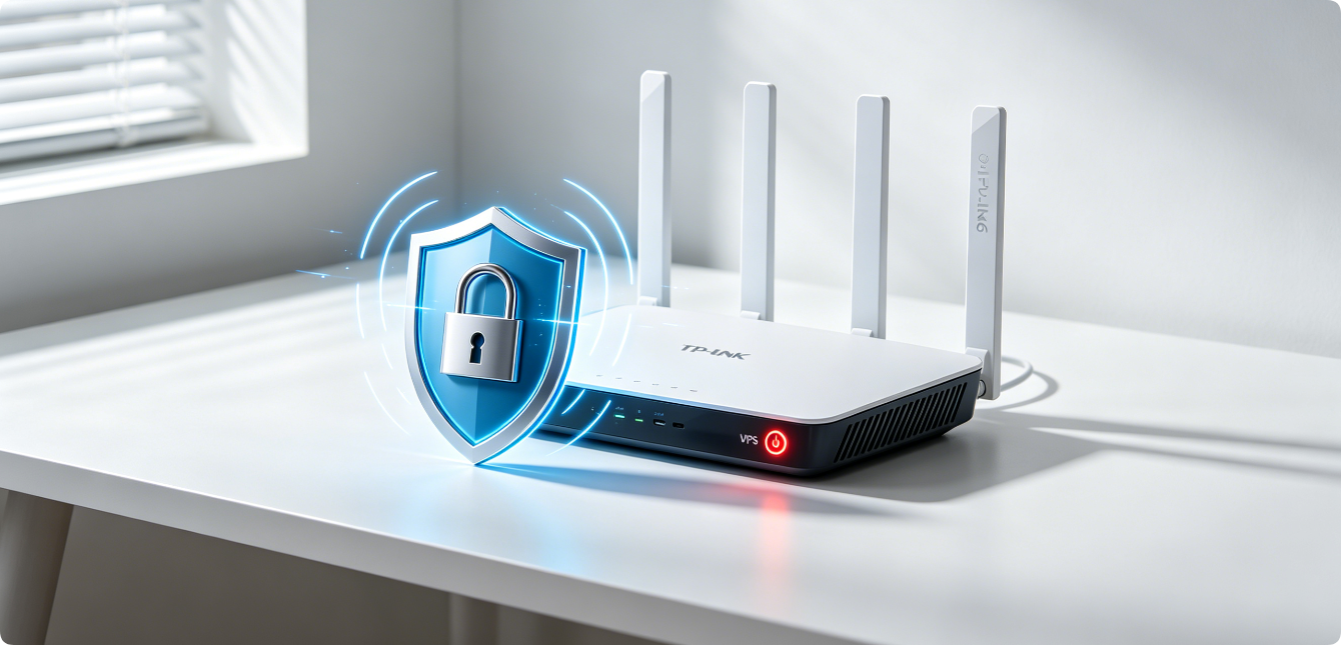
Why & How to Disable Router WPS: Close Major Security Vulnerabilities That Hackers Easily Exploit
Wi-Fi Protected Setup (WPS) was designed to simplify fast device pairing, yet it is one of the most dangerous built-in router features. Hackers use automated brute-force scripts to crack WPS […]
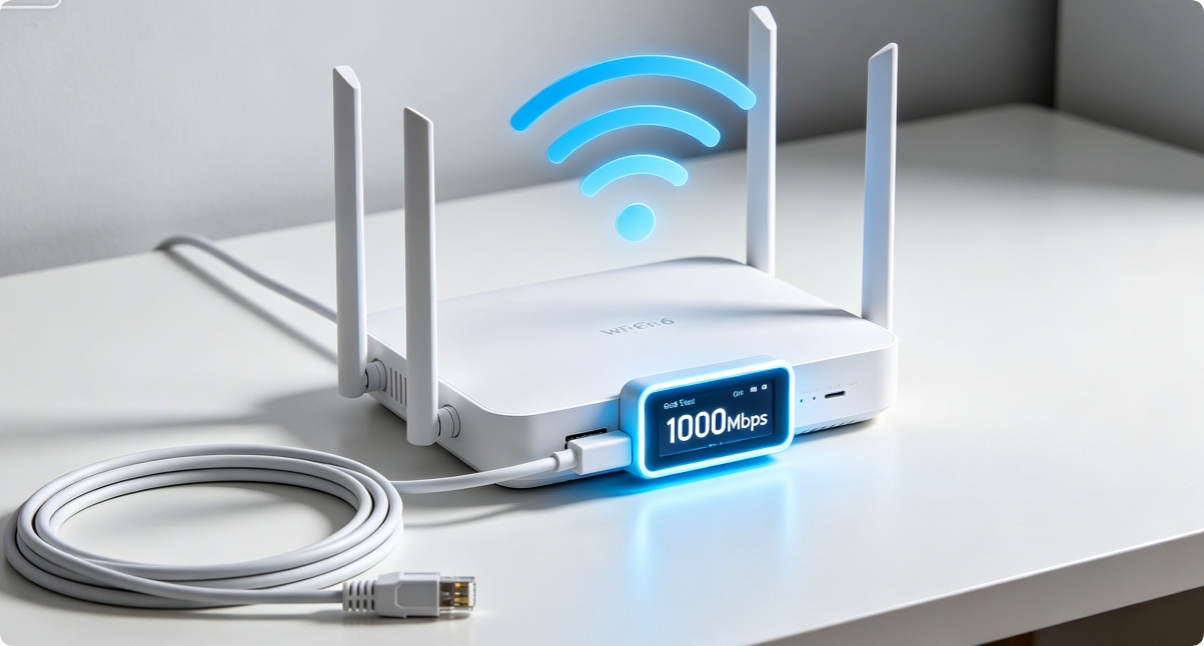
How to Optimize Any Home Router for Gigabit Internet: Complete Full Speed Step-by-Step Configuration Guide
Gigabit fiber internet delivers up to 1000 Mbps download speed, yet most households only hit 300–600 Mbps due to misconfigured router default settings, cheap wiring, and disabled high-speed wireless features. […]
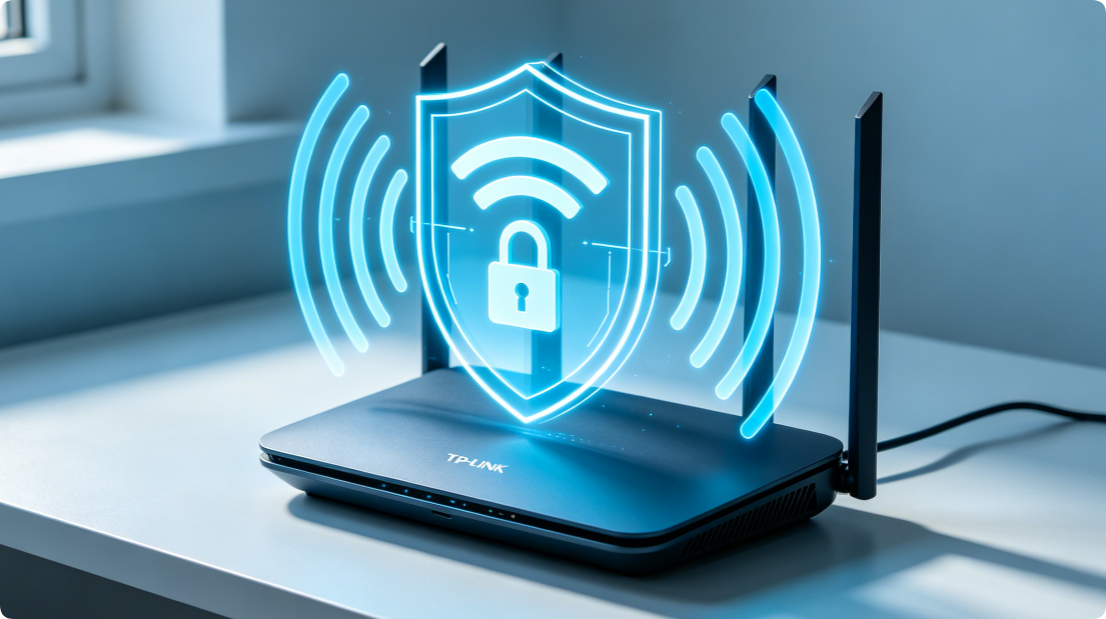
TP-Link Router Security Settings: Complete Step-by-Step Guide to WPA3 Encryption, SPI Firewall & MAC Access Control
Unsecured home routers create critical digital vulnerabilities: neighbors stealing your bandwidth, hackers snooping on browsing traffic, malicious IoT device breaches, and remote unauthorized network intrusions. Most TP-Link dual-band Wi-Fi 5 […]
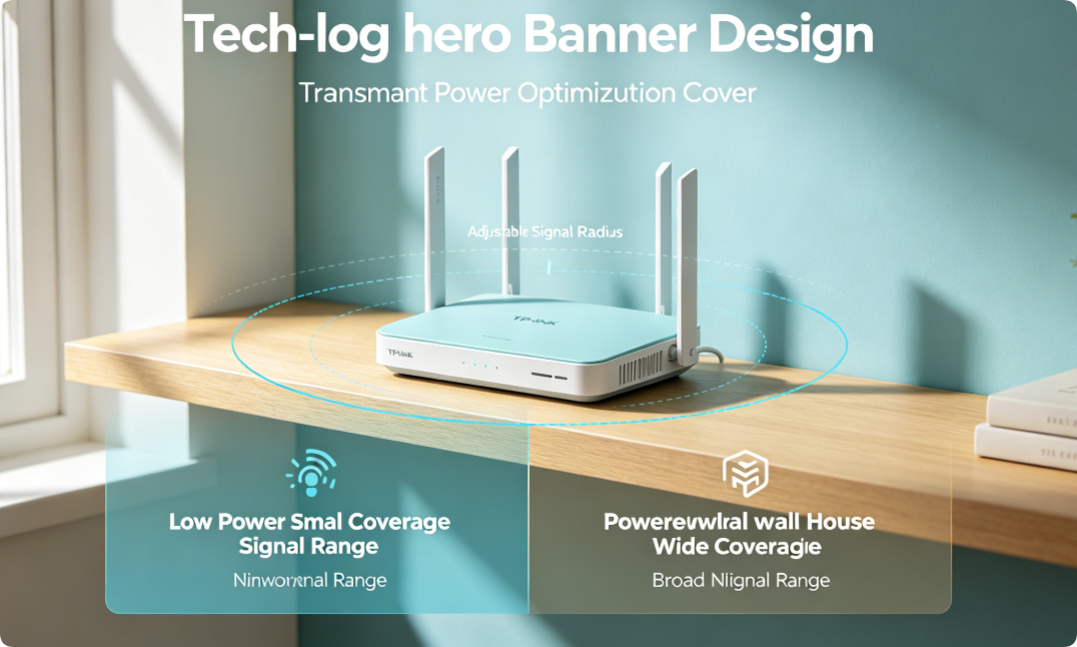
How to Adjust Home Router Transmit Power for Better Whole-Home Wi-Fi Signal & Wider Coverage
Many home network users struggle with two opposite Wi-Fi issues: weak signals in far bedrooms and basement dead zones, or constant lag and disconnections caused by overlapping neighbor Wi-Fi signals. […]
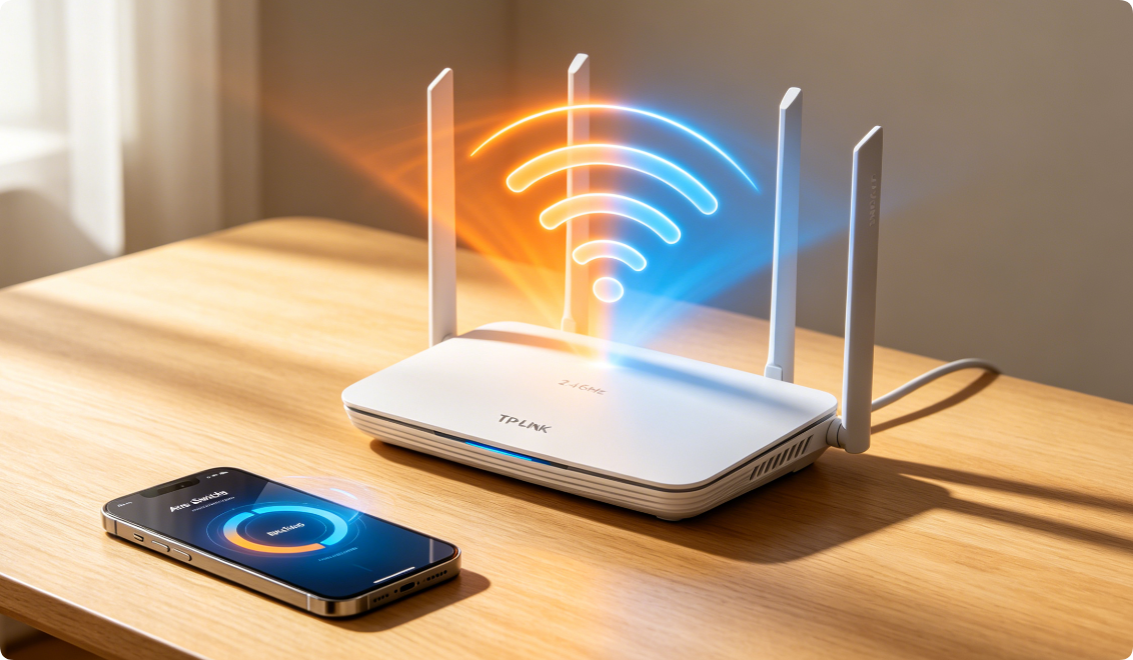
Smart Connect Setup: Combine 2.4GHz and 5GHz Wi-Fi Bands for Seamless Single SSID Wi-Fi
TP-Link Smart Connect (also known as Band Steering) is a built-in router feature that merges separate 2.4GHz and 5GHz frequency bands under one identical Wi-Fi name and password. Instead of […]
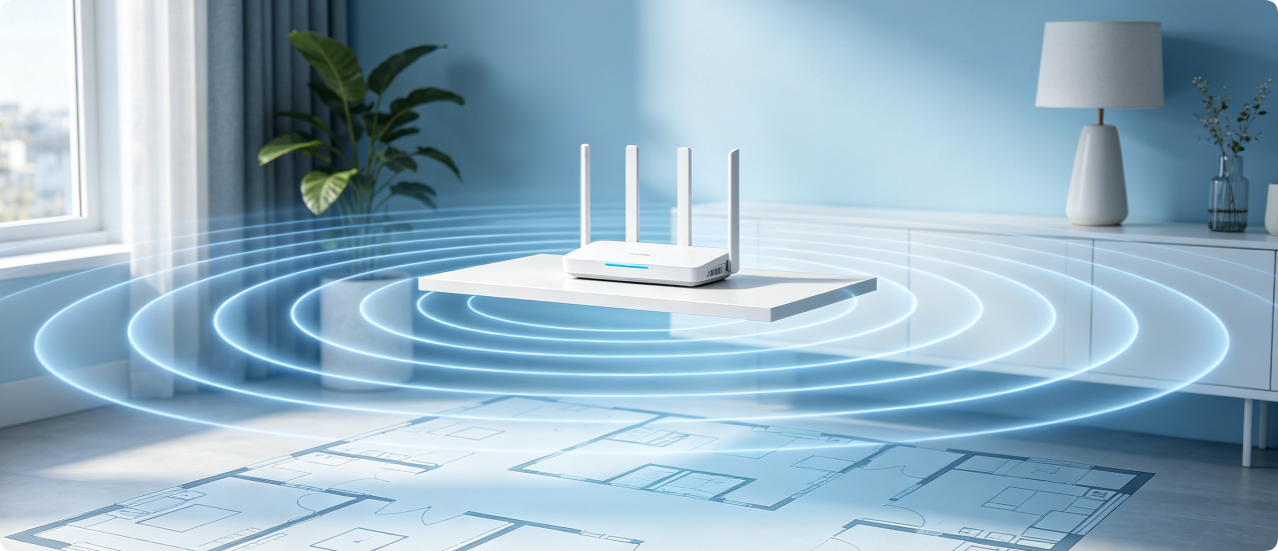
How to Optimize Router Placement for Full Home Wi-Fi Coverage: Best Spots for Every House Layout
Slow Wi-Fi speeds, dead signal zones, and weak wireless reception in bedrooms, basements or backyards are rarely caused by cheap routers or slow internet plans. In over 70% of households, […]
Top Home Router Settings to Boost Wi-Fi Speed and Reduce Lag | Fix Slow WiFi & High Ping
Slow loading speeds, constant video buffering, sudden Wi-Fi disconnections, and sky-high gaming ping are the most common home network troubles for every household user. Most people blame their internet service […]
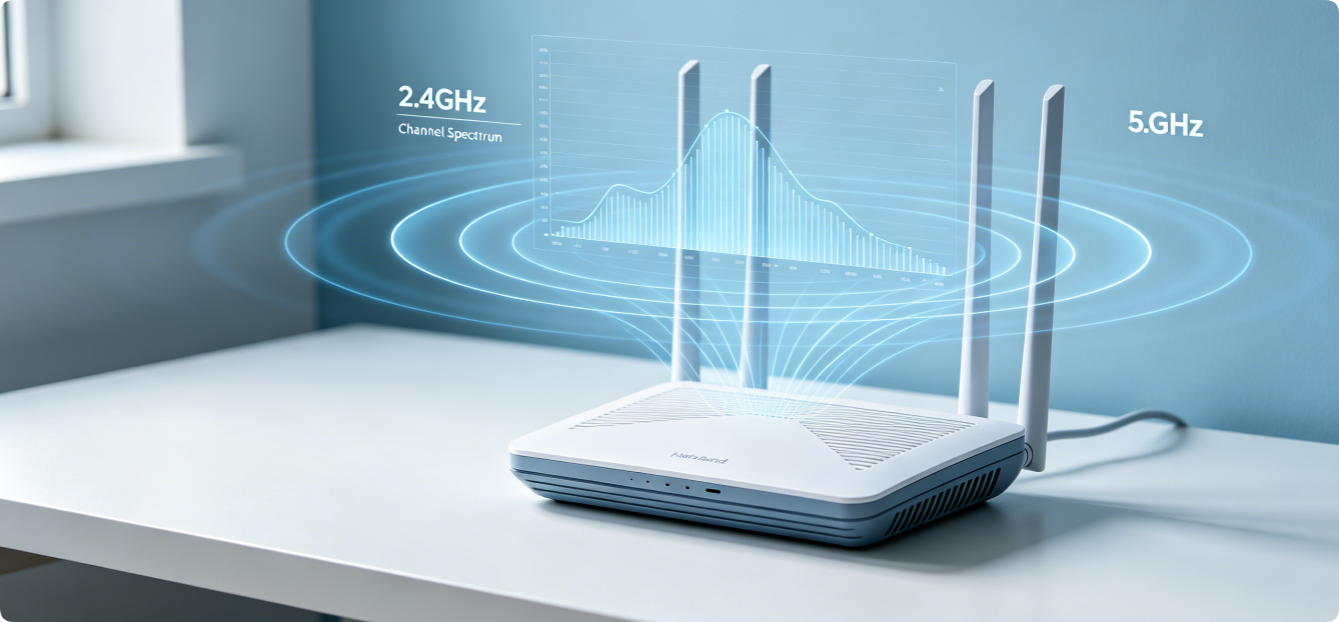
How to Pick the Best 2.4GHz & 5GHz Wi-Fi Channels: Optimize Settings to Eliminate Interference
Wi-Fi signal slowdown, random disconnections, high gaming ping and dead coverage zones rarely come from slow broadband plans. The top root cause is wireless channel interference from neighboring routers, smart […]
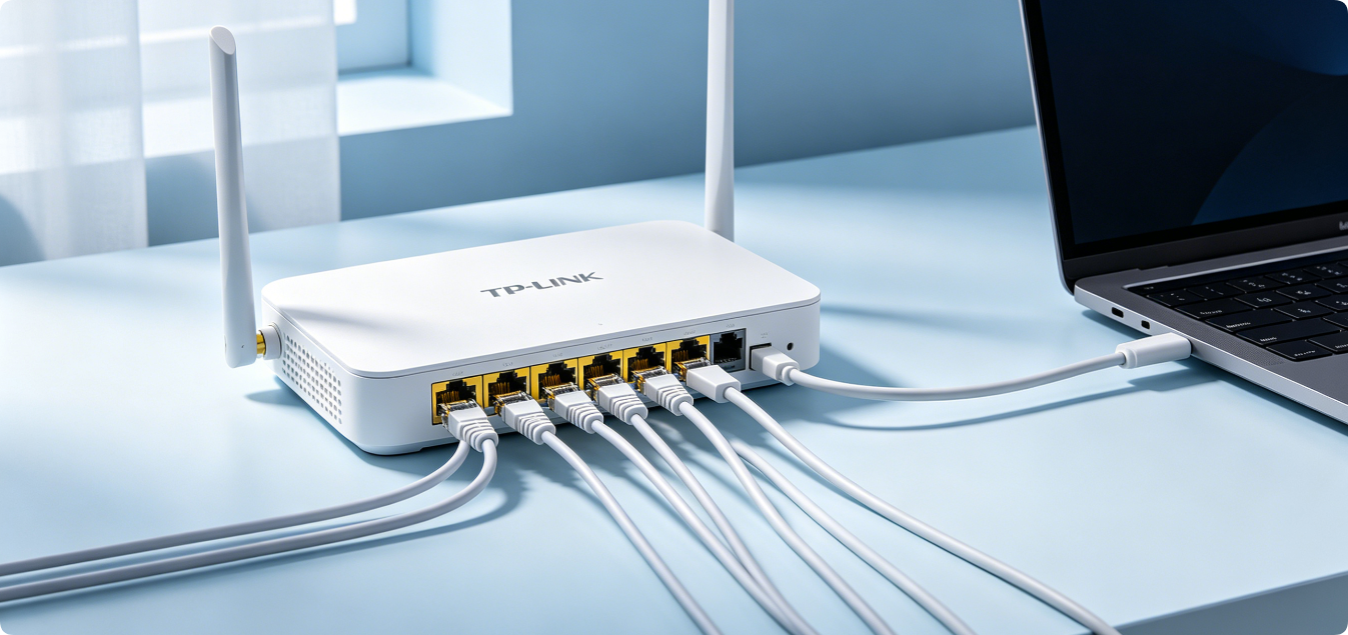
How to Properly Set Up Wired LAN Connection on Your Home Router for Fast Internet
Wi-Fi is convenient for mobile devices, but wired LAN connections deliver far more stable, faster, and lower-latency internet access. Gamers, desktop PC users, smart TVs, and NAS storage devices all […]
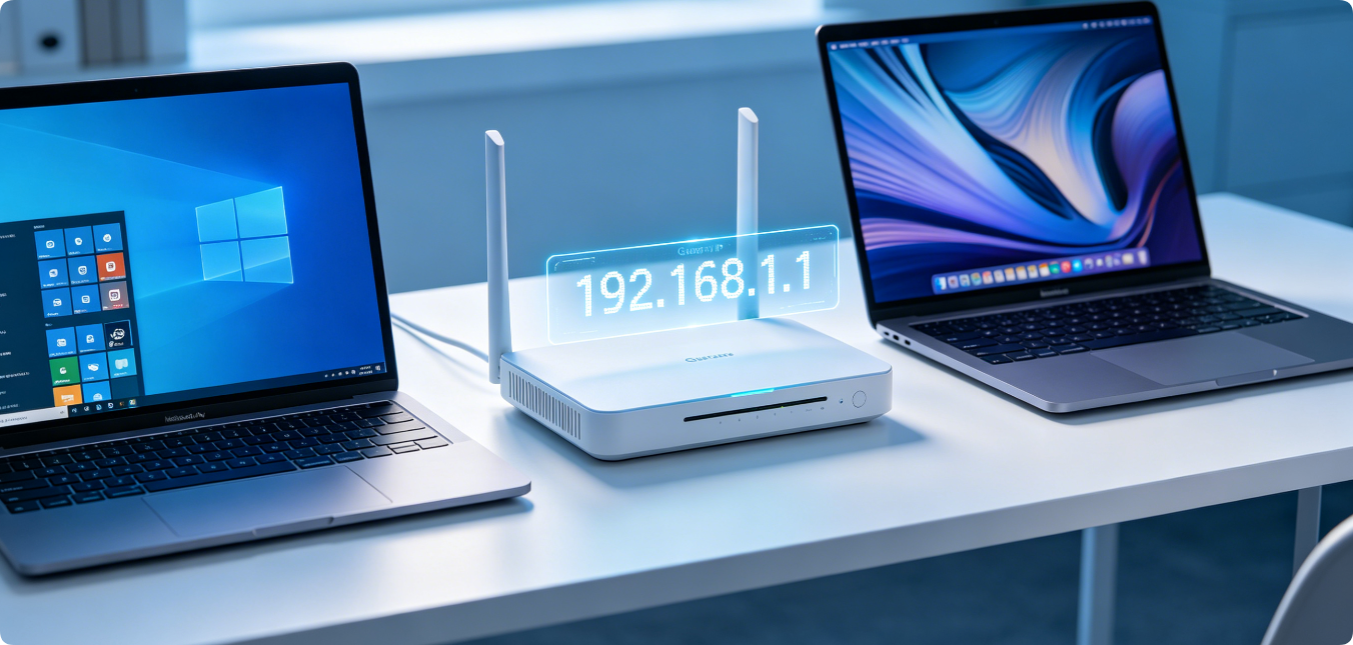
What Is My Router IP Address? Step-by-Step Guide to Find It on Windows & Mac Computers
The router IP address, also known as the default gateway, is the numeric address used to open your router’s admin dashboard. Without this address, you cannot modify Wi-Fi settings, check […]
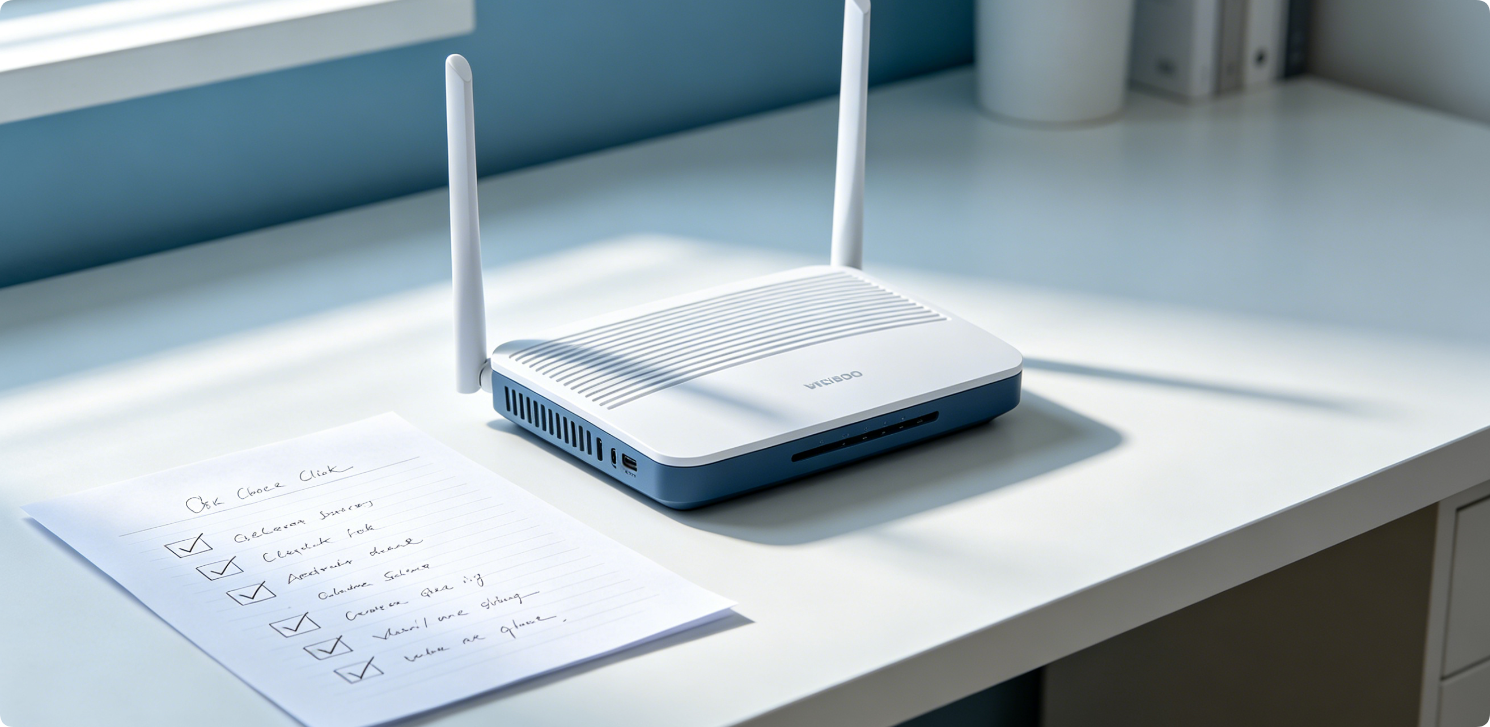
The Ultimate Basic Home Router Configuration Checklist for Total Beginner Network Users
Setting up a brand-new home router is confusing for beginner network users. Missing key setup steps will cause slow Wi-Fi, random disconnections, unknown device access, network security risks and unusable […]
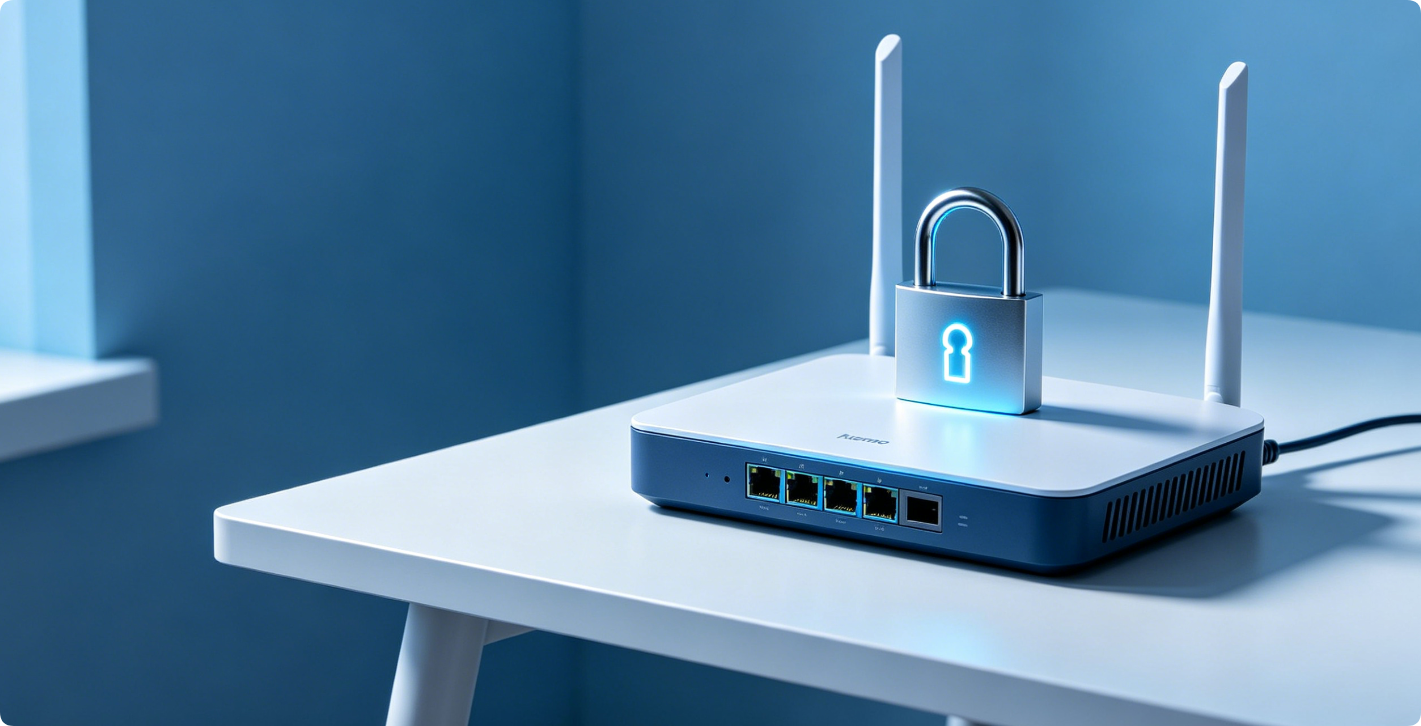
The Simple Way to Change Default Router SSID and Wi-Fi Password for Better Security
Almost every brand-new home router comes with factory default SSID (Wi-Fi network name) and default Wi-Fi password set by manufacturers. Most default credentials are public, predictable, or printed publicly on […]