Netgear Nighthawk AX Wi-Fi 6 routers support full gigabit broadband, yet many users only hit half their subscribed speed due to misconfigured wired and wireless menus. This guide covers every critical tweak to unlock maximum throughput for wired connections, 5GHz Wi-Fi, gaming and 4K streaming, exclusive to all AX-series Nighthawk models.
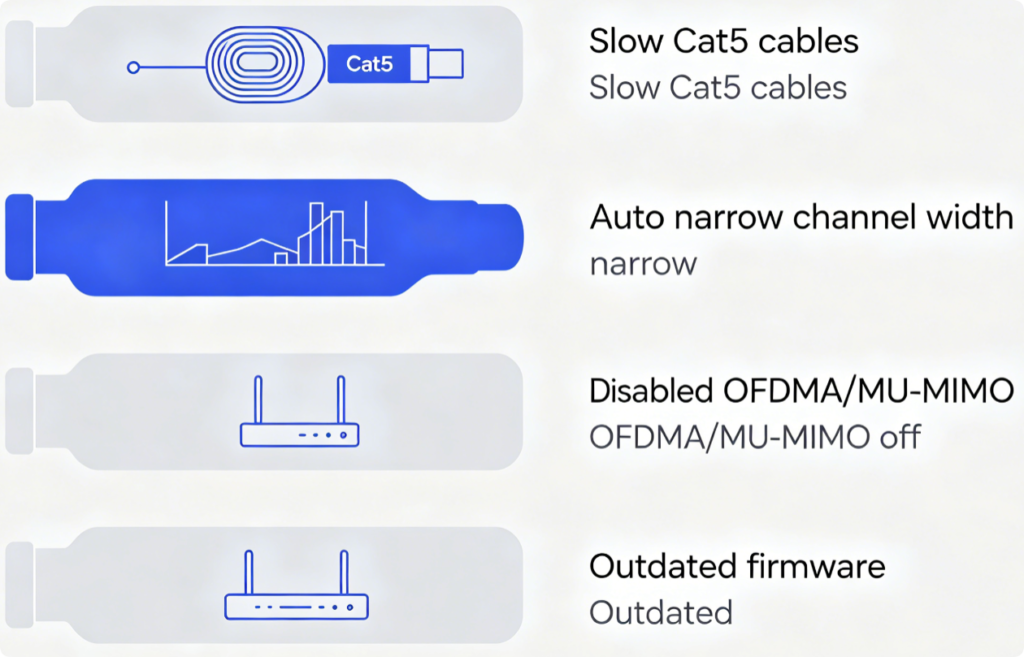
Main Gigabit Speed Barriers
- Outdated Cat5 Ethernet wiring that caps transfer speeds under 100Mbps
- Default auto 20/40MHz 5GHz channels limiting Wi-Fi 6 bandwidth
- Disabled Wi-Fi 6 core functions: OFDMA, MU-MIMO, 80MHz channel width
- Old firmware with unpatched wireless driver performance flaws
Wired Optimization (Critical First Step)
- Replace all Cat5 cables with certified Cat6 wiring for WAN and LAN links
- Log into
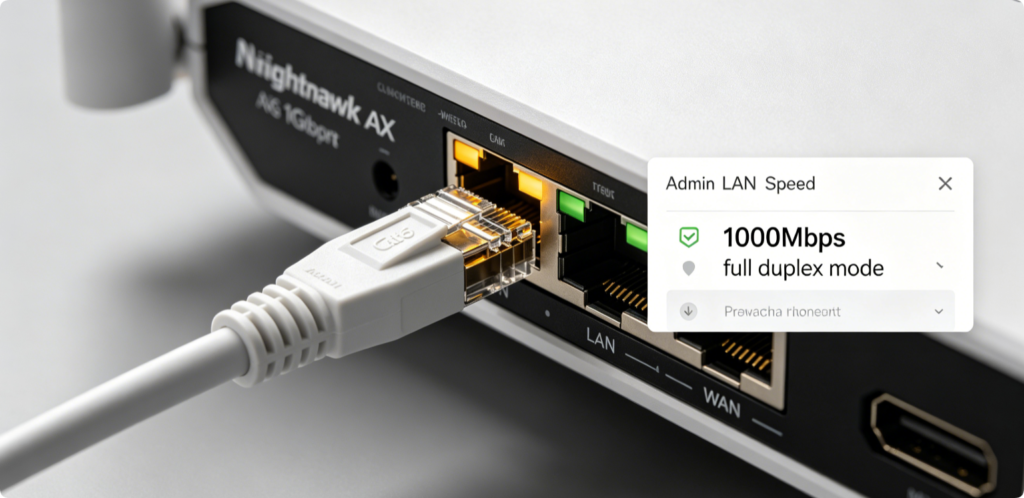
routerlogin.net, go to Advanced > LAN Setup - Set all Ethernet ports to Force 1000 Mbps Full Duplex; disable auto-negotiation faults
- Connect fiber modem directly to router’s dedicated 1G WAN port, avoid switches in between
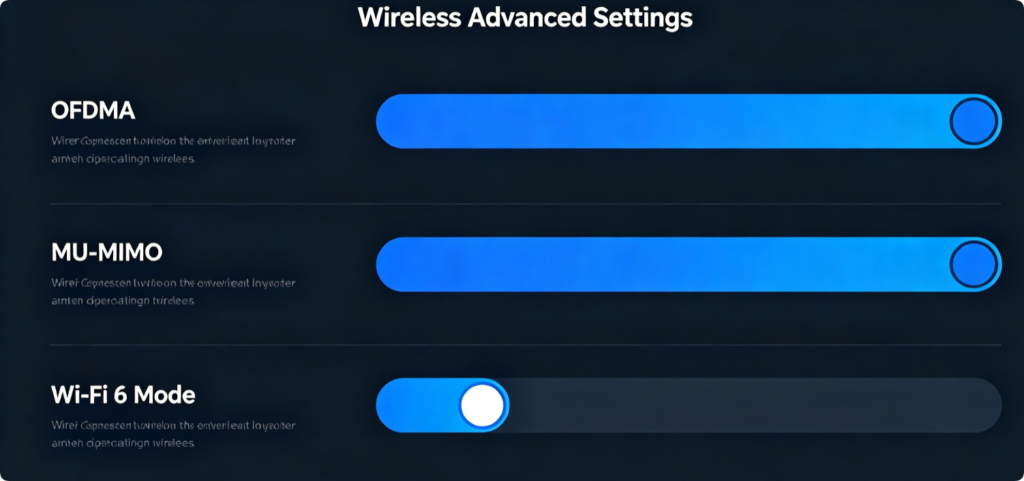
Unlock Full Wi-Fi 6 Performance
- Navigate Advanced > Wireless Settings > 5GHz section
- Switch Wireless Mode to AX Only (Wi-Fi 6); disable legacy 802.11b/g interference
- Enable MU-MIMO and OFDMA to eliminate multi-device network congestion
- Set Channel Width to Fixed 80MHz for maximum single-stream bandwidth
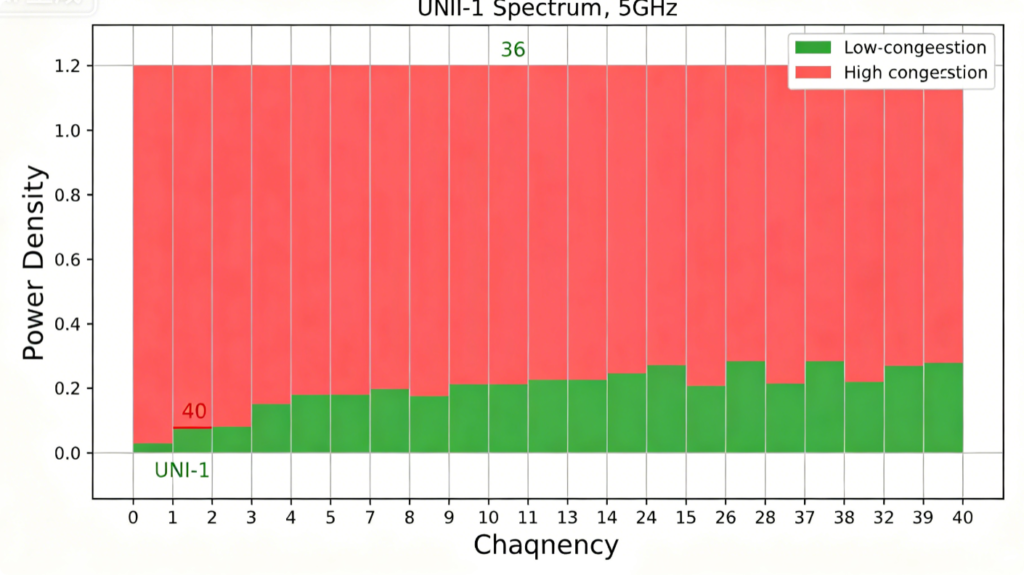
Best 5GHz Channels for Gigabit Wi-Fi
Avoid auto-channel scanning; manually pick clean UNII-1 channels (36, 40, 44, 48). These bands carry far less neighbor overlap and maintain stable 80MHz width for sustained gigabit wireless speeds. Reserve 2.4GHz only for low-speed IoT devices.
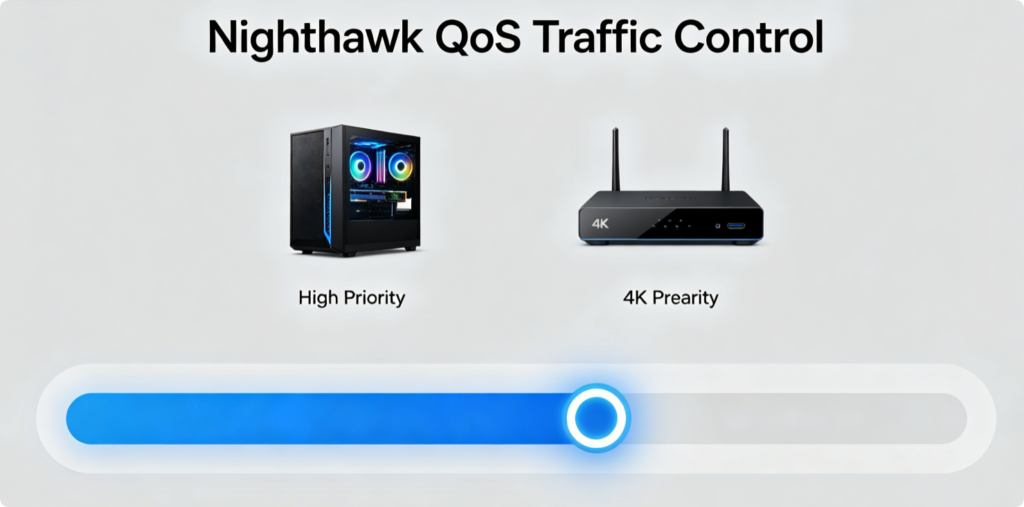
Prioritize High-Bandwidth Devices
- Open Advanced > QoS / Traffic Meter
- Set QoS priority to Highest for gaming consoles, desktop PCs and 4K smart TVs
- Limit bandwidth for idle smart home gadgets to reserve gigabit throughput for key devices
- Disable unnecessary background bandwidth monitoring to reduce CPU overhead
Keep Router Firmware Updated
Outdated firmware cripples Wi-Fi 6 throughput. Enable automatic firmware upgrades, or manually download official builds from Netgear support. New patches fix wireless signal dropouts, OFDMA efficiency and WAN gigabit handshake errors.
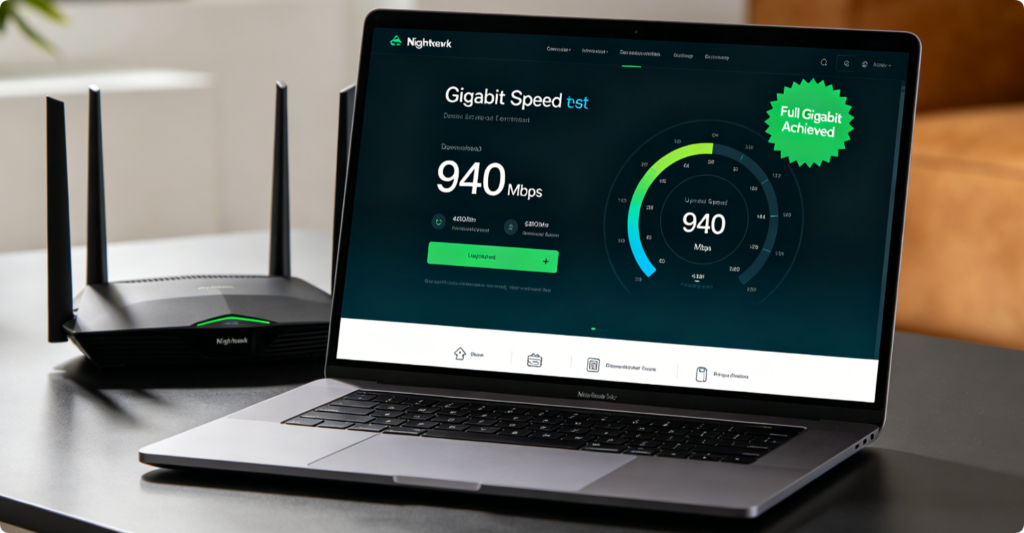
Verify Full Gigabit Throughput
After applying all settings, run a wired speed test first—wired results should hit 900–940Mbps. Wireless 5GHz Wi-Fi 6 devices will reach 600–850Mbps within 10 meters of the router, with minimal lag during simultaneous streaming and gaming.
Conclusion
Maxing out gigabit speeds on Netgear Nighthawk AX routers relies on Cat6 wired hardware, full Wi-Fi 6 feature activation, low-interference 5GHz channels and QoS prioritization. Ditch Cat5 cables, enable OFDMA/MU-MIMO with fixed 80MHz width, and regularly install firmware updates to eliminate hidden speed bottlenecks. Following these wired and wireless tweaks lets you fully utilize your gigabit fiber internet without throttling or constant Wi-Fi slowdowns.