When you first set up, factory reset or troubleshoot a Netgear router, you need the factory default admin username and password to access routerlogin.net. Many users waste hours searching for lost labels or outdated old credentials. This fully updated 2026 guide covers default login data for all mainstream Netgear lines: Nighthawk AX/RAX gaming routers, Orbi mesh systems, budget AC Wi-Fi 5 models, and modem-router combos, plus solutions if default logins stop working.
Locate Credentials On Your Router Hardware First
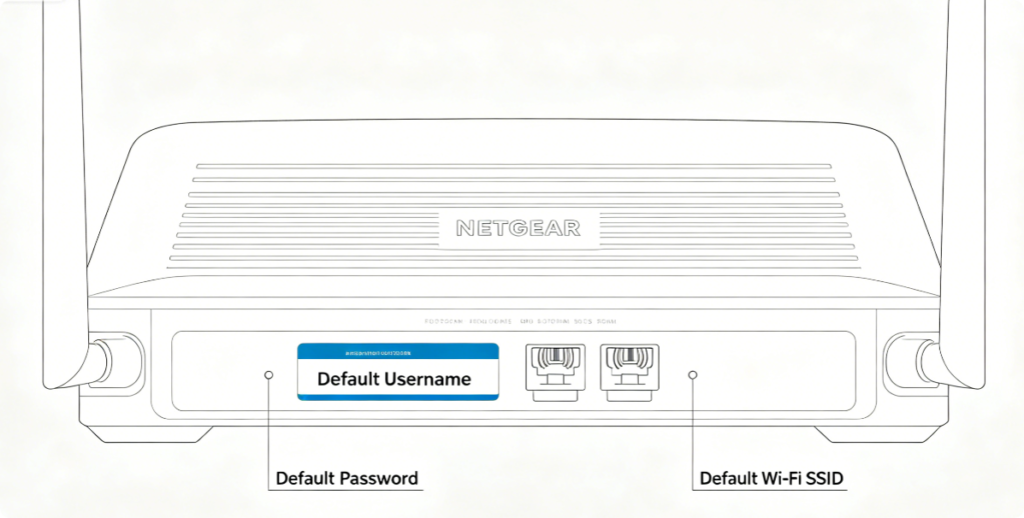
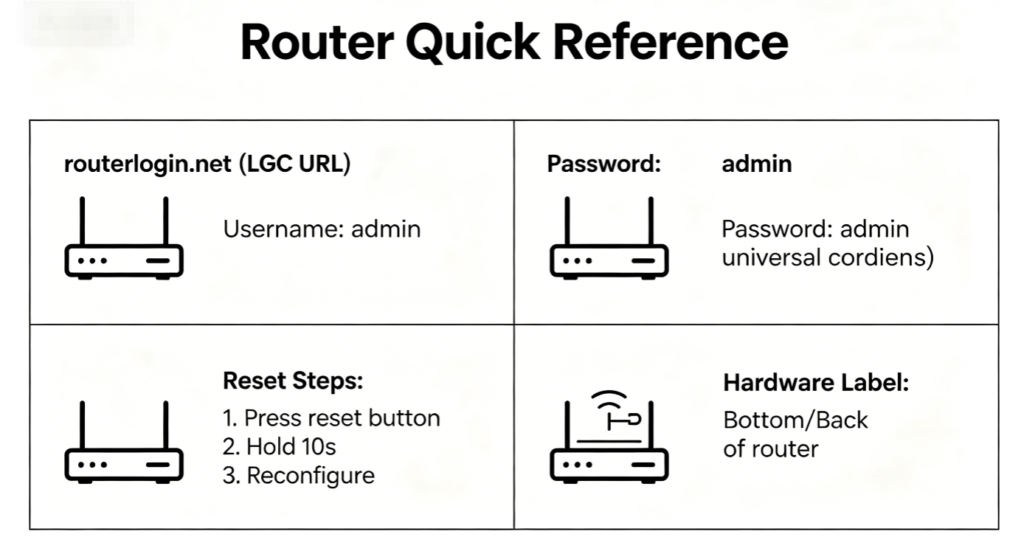
Every Netgear device prints factory login details on a white sticker attached to the bottom or rear casing:
- Default login web address:
routerlogin.net/192.168.1.1 - Admin username
- Default admin password
- Pre-set Wi-Fi network name and passphraseIf the sticker is scratched or faded, use the universal 2026 default rules below.
Mainstream Netgear Universal Login (Nighthawk, Orbi, AC/AX Series)
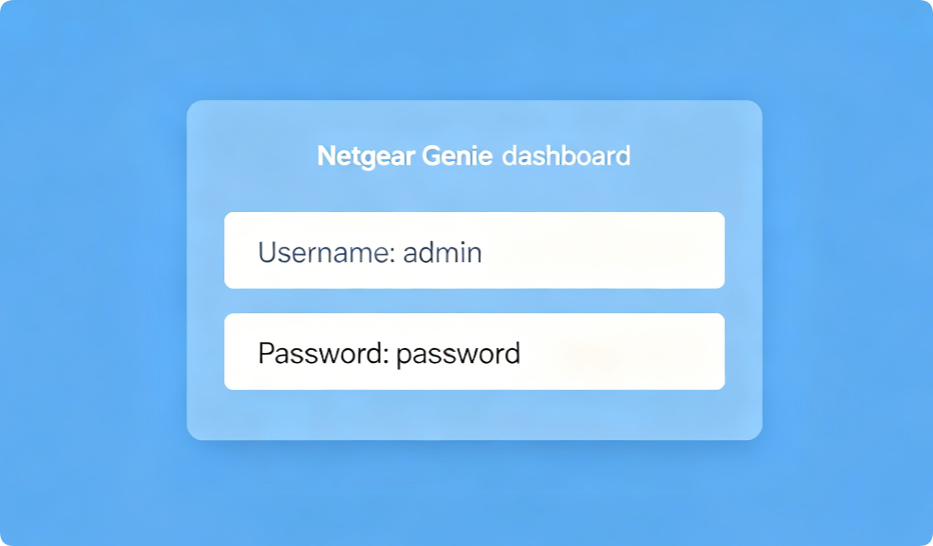
For nearly all modern Netgear Wi-Fi 5 and Wi-Fi 6 hardware released after 2020:
- Login URL:
routerlogin.net - Default Username:
admin - Default Password:
passwordThis standard applies to all Nighthawk RAX/AX models, Orbi RBK/RBS mesh satellites, and entry-level AC dual-band routers.
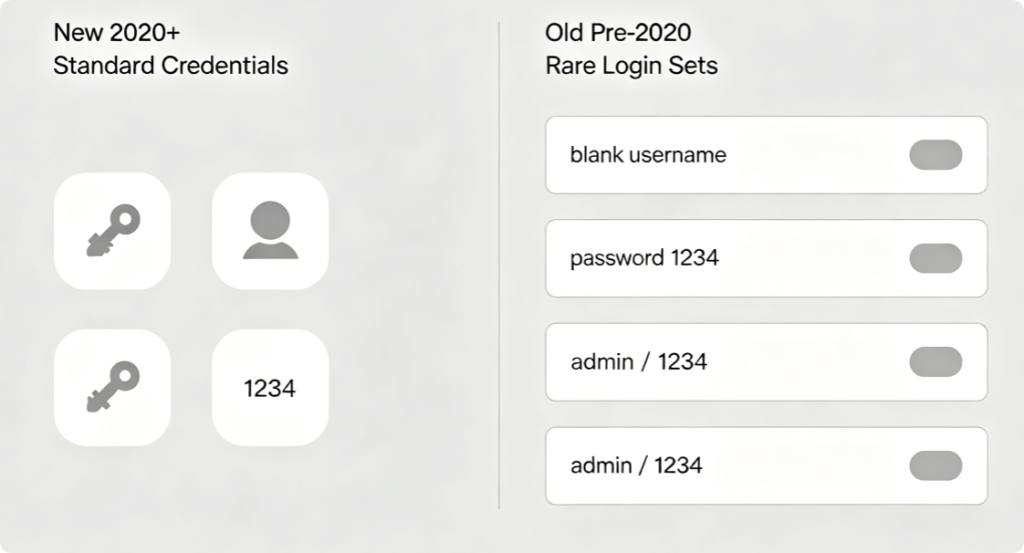
Rare Legacy Default Combinations (Older Modem/Router Units)
A small number of outdated Netgear hardware uses non-standard logins:
- Username: (blank / empty) | Password: 1234
- Username: admin | Password: 1234
- Username: guest | Password: guestThese sets only appear on single-band Wi-Fi 4 modems and discontinued old ADSL combos.
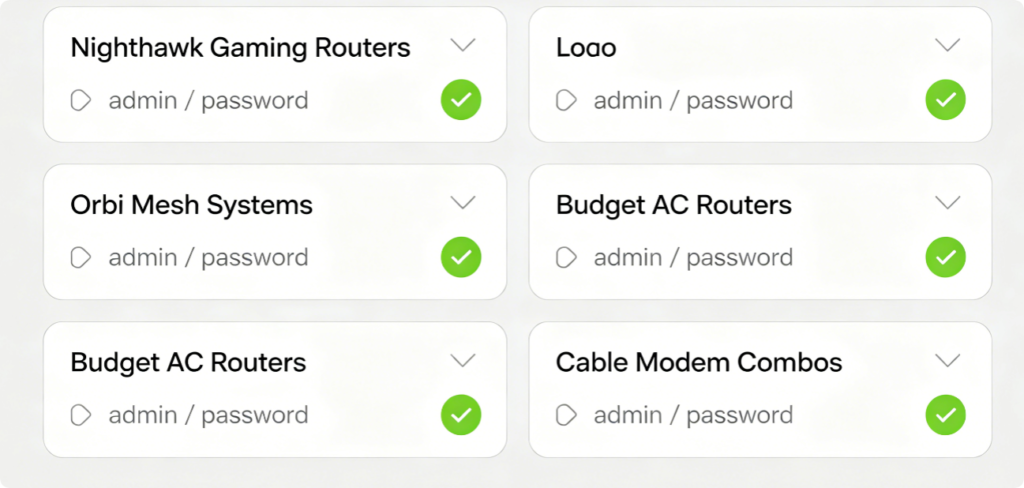
Grouped Model Default Credentials (2026 Updated)
- Nighthawk RAX / AX Wi-Fi 6 Gaming Routers: admin / password
- Orbi RBK Main Routers & RBS Satellites: admin / password
- AC1200 / AC1900 / AC2600 Budget Wi-Fi 5 Routers: admin / password
- Cable Modem + Router Combo Units (C7000, CM1200): admin / password
- Old ADSL Modem Routers (DGND Series): Check sticker; may use 1234 password
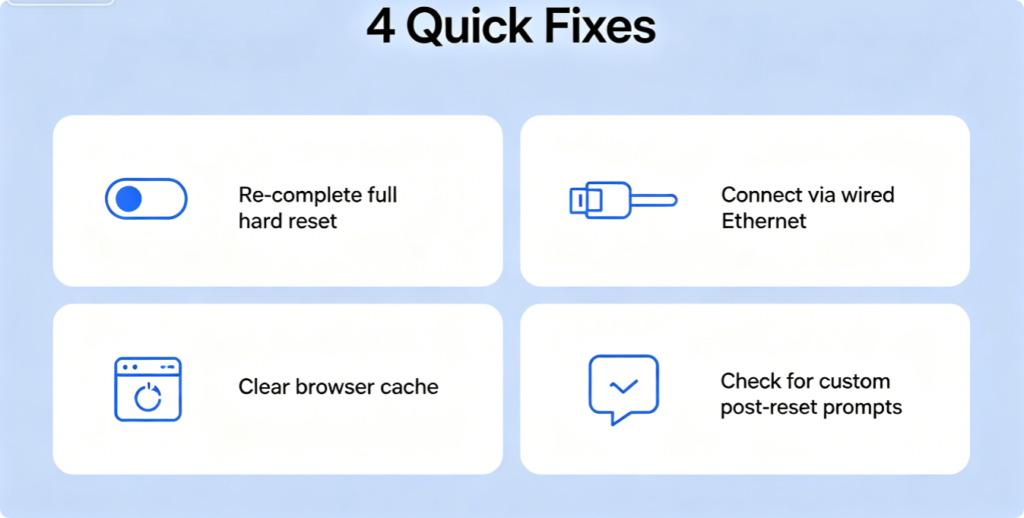
Why Default Credentials Do Not Work
- Incomplete factory reset: Hold reset pinhole for 10 full seconds until all LEDs flash amber
- Logging in over Wi-Fi: Always use a wired Ethernet connection to avoid access blocks
- Browser cache conflict: Open Incognito/Private mode to load the login page cleanly
- New security prompt: Some latest 2026 Nighthawk models force a custom password creation page on first login, skipping default password usage entirely
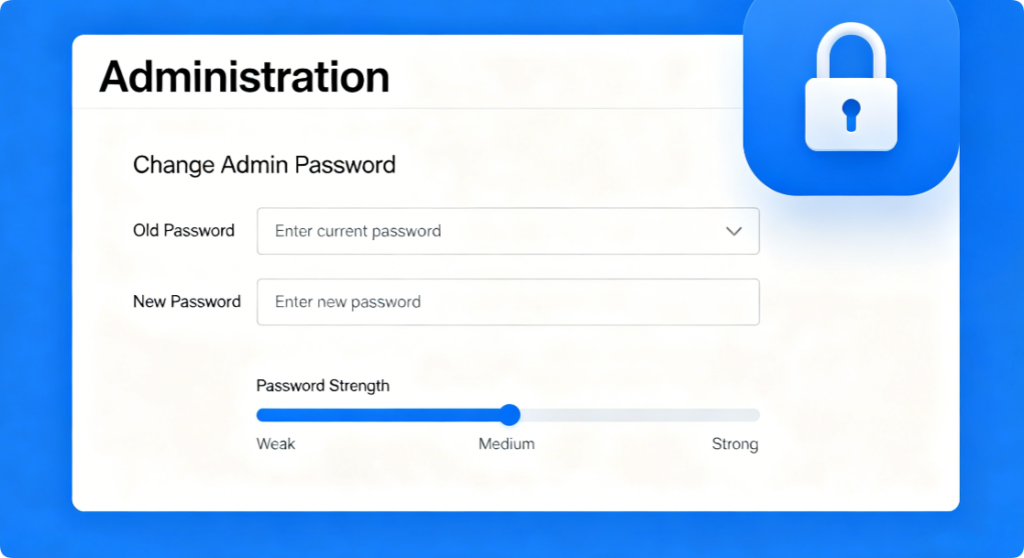
Critical Security Step Post-Login
Immediately replace the default generic admin password:
- Log into
routerlogin.netwith factory credentials - Navigate Advanced > Administration > Set Password
- Create a complex 12+ character unique password (never reuse Wi-Fi passwords)
- Save changes and store new login data in a password manager to avoid future lockouts
Conclusion
90% of all modern Netgear Nighthawk, Orbi and combo devices released up to 2026 share the default login pair: username admin, password password. If your sticker is unreadable, test this universal set first. Older legacy hardware uses rare alternative credentials, and failed default login issues are almost always fixed by a full hard factory reset plus wired Ethernet access. Always swap out the factory admin password for a unique secure passphrase after your first login to block brute-force network hacking attacks.