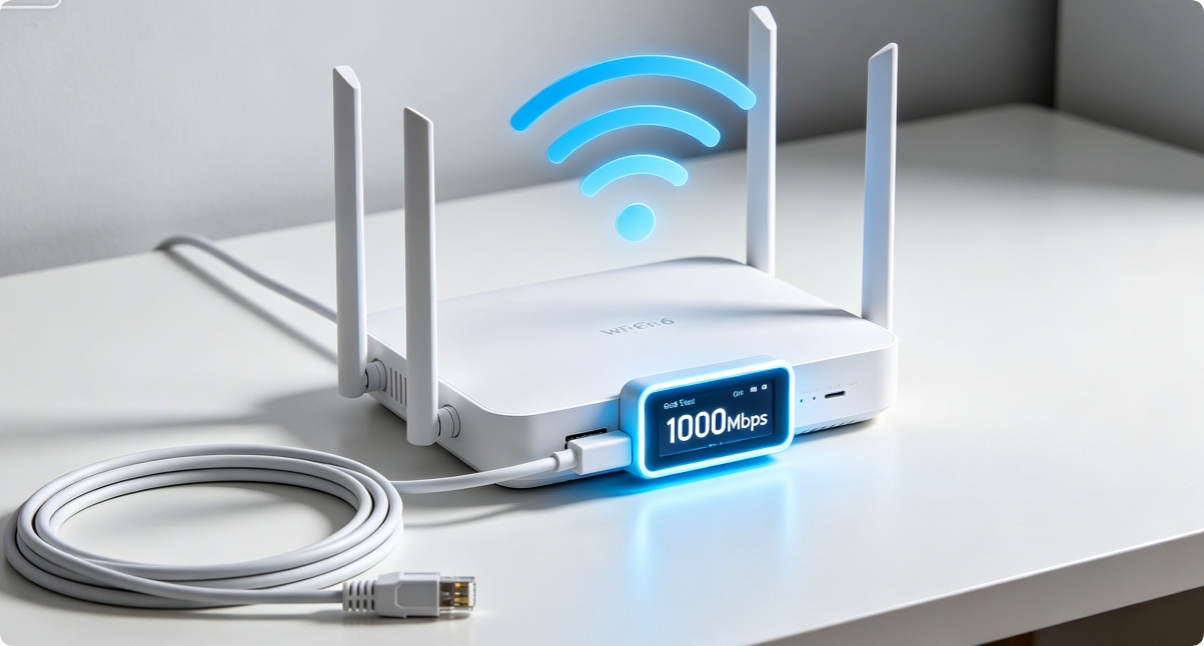
Gigabit fiber internet delivers up to 1000 Mbps download speed, yet most households only hit 300–600 Mbps due to misconfigured router default settings, cheap wiring, and disabled high-speed wireless features. This concise step-by-step guide works for TP-Link, Asus, Netgear and all dual-band Wi-Fi 5/6 routers to unlock full gigabit wired and wireless throughput, no expensive hardware upgrades required.
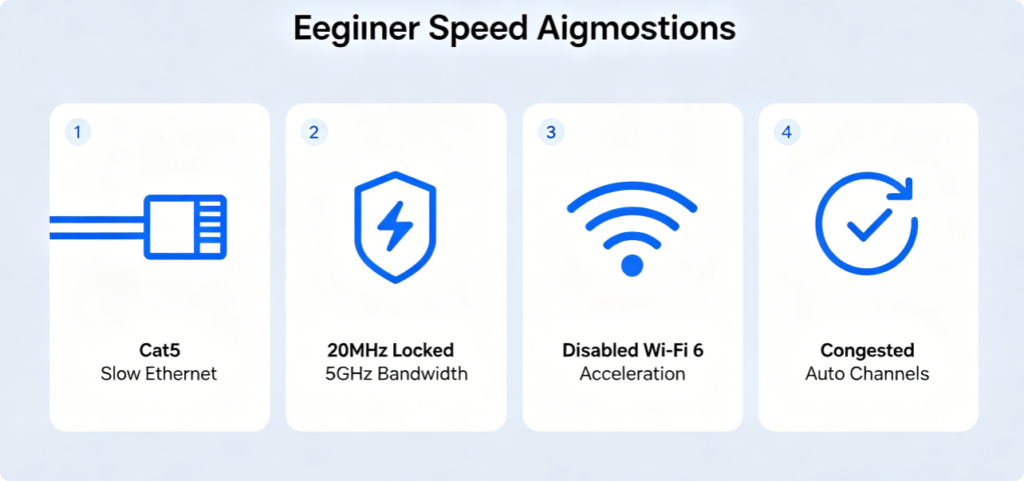
Key Hidden Gigabit Bottlenecks
Four common mistakes cut your fiber speed in half: outdated Cat5 cables, narrow 5GHz channel width, factory-disabled OFDMA/MU-MIMO, and auto-selected crowded Wi-Fi channels. The following 6 tweaks eliminate all these limits instantly.
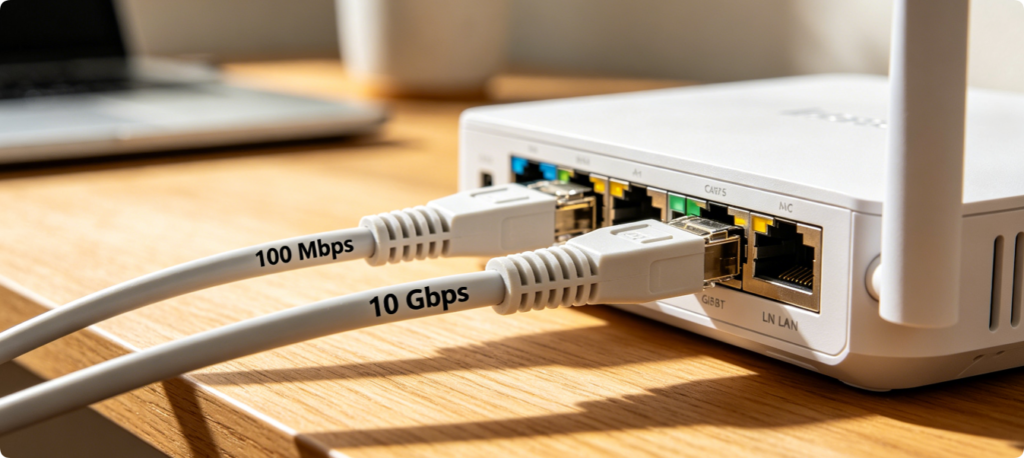
- Swap all router-modem and device-router connections for Cat6 cables. Cat5 only caps speed at 100Mbps, while Cat6 supports full 1000Mbps gigabit transmission. Always plug devices into router Gigabit LAN ports (avoid 10/100 fast ethernet ports if marked).
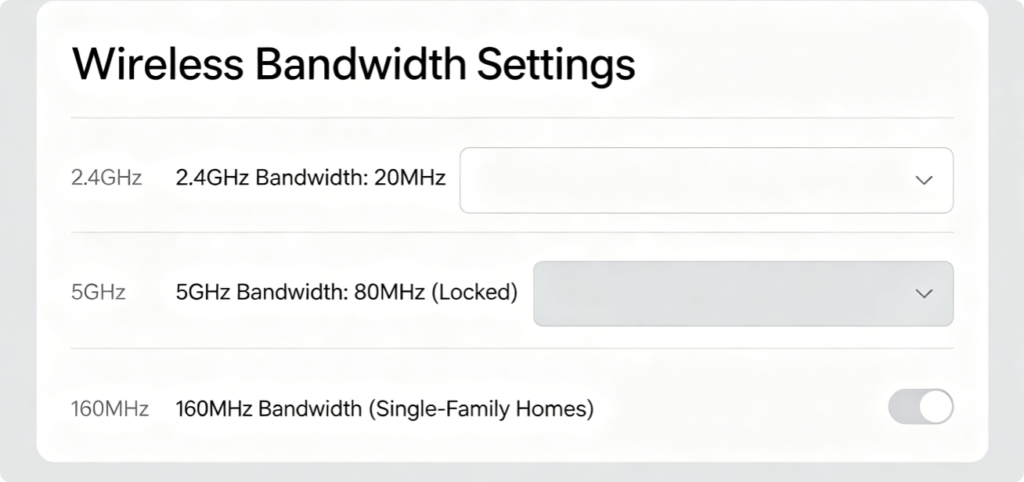
- Set dedicated channel bandwidth for dual bands:
- 2.4GHz: Fixed 20MHz only (prevents spectrum overlap, stable IoT connectivity)
- 5GHz: 80MHz for apartments; 160MHz bandwidth for isolated houses with zero neighbor interference. Wide 5GHz channels unlock maximum wireless gigabit speeds for laptops and game consoles.
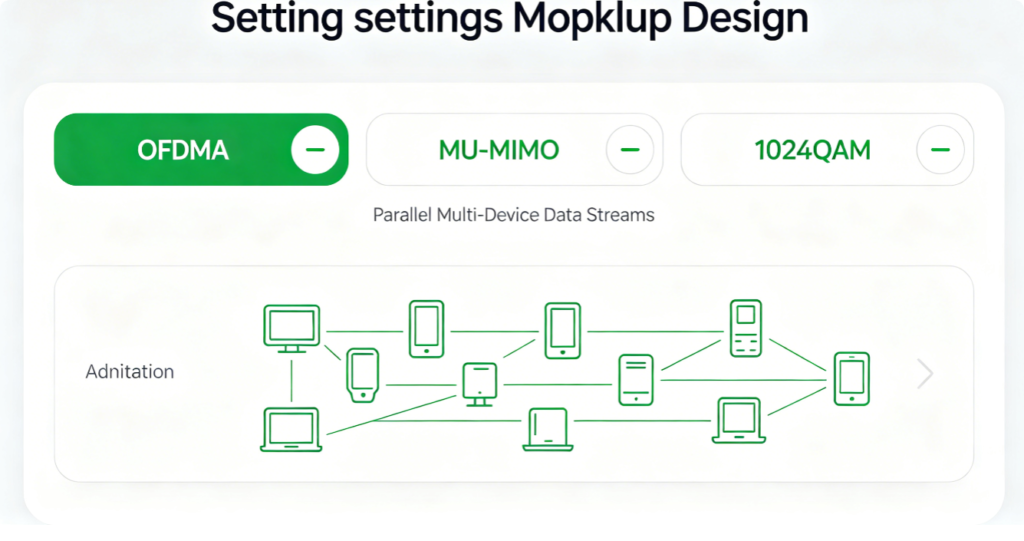
- For Wi-Fi 6 routers, activate all three core acceleration tools: OFDMA splits channels for low-power gadgets, MU-MIMO transmits parallel data to multiple high-speed devices, and 1024QAM boosts data compression to reach full gigabit wireless throughput during simultaneous streaming and gaming.
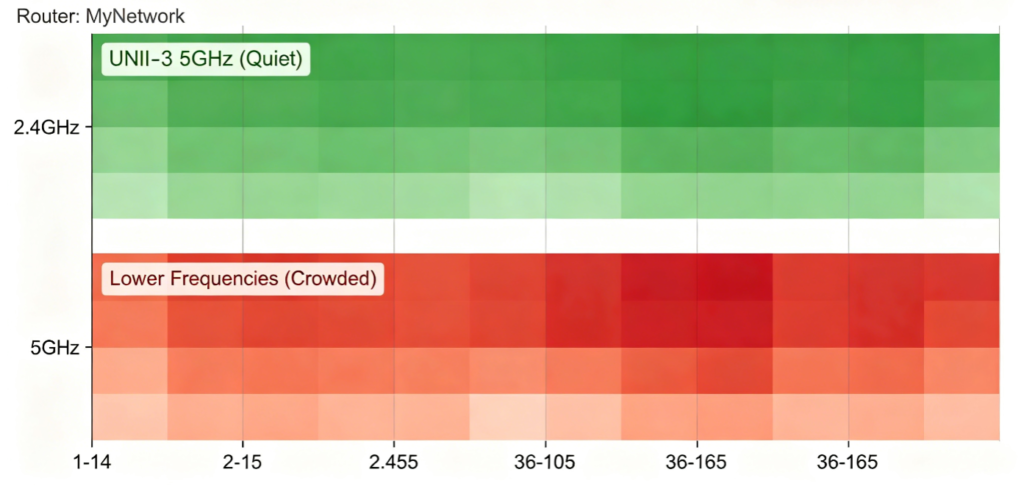
- Disable Auto Channel mode and run the router’s built-in Wi-Fi scan tool:
- 2.4GHz: Pick only non-overlapping channels 1,6,11
- 5GHz: Select upper UNII-3 channels 149/153/157 Congested auto channels create packet loss that throttles gigabit broadband speeds drastically.
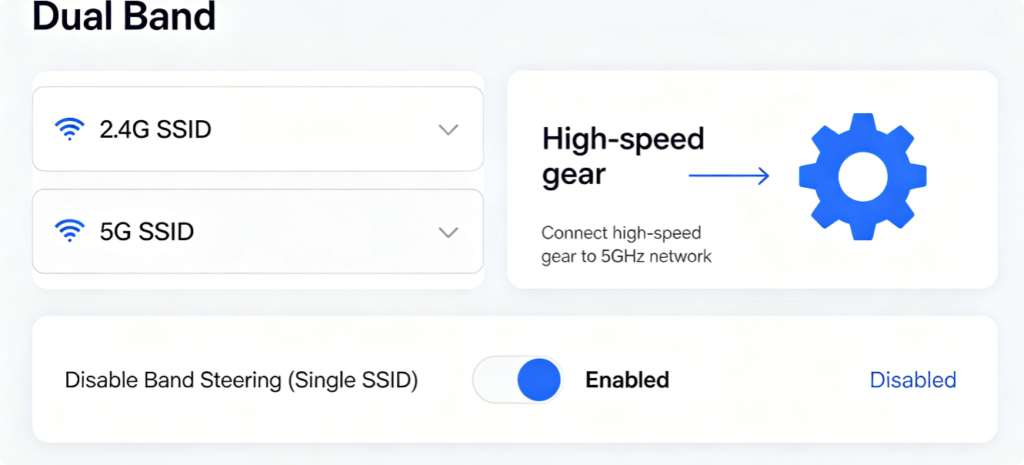
- Turn off unified Smart Connect single SSIDs and create separate Wi-Fi names for each band. Manually assign gaming PCs, 4K TVs and laptops to the fast 5GHz network; reserve 2.4GHz solely for low-bandwidth smart home sensors to avoid 5GHz bandwidth waste.
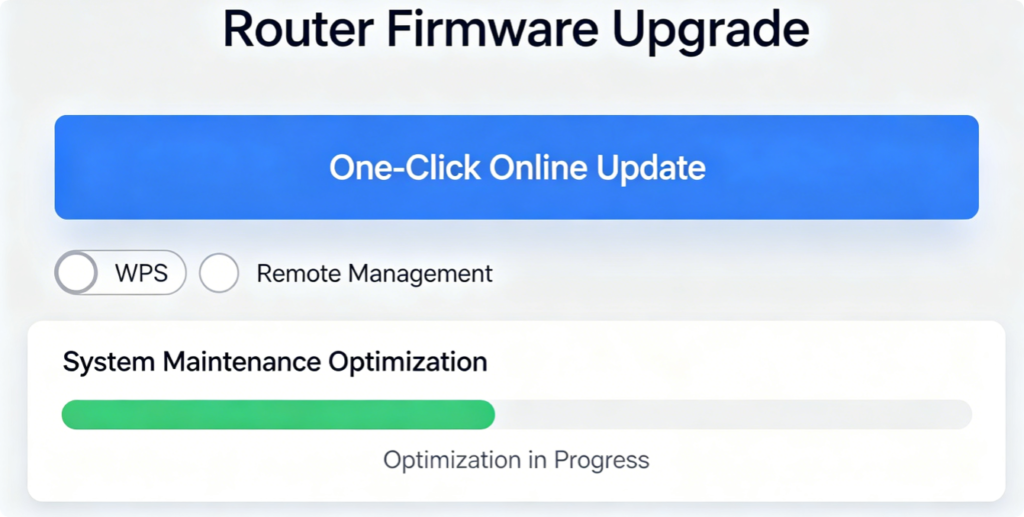
- Install the latest official router firmware to patch speed throttling bugs. Disable unused background tools (WPS, Remote Management, idle UPnP) to reduce router CPU load, ensuring the processor handles full gigabit data traffic without lag.
Conclusion
Unlocking full gigabit internet speed relies on six simple router optimizations: Cat6 gigabit wiring, properly sized dual-band channel bandwidth, enabled Wi-Fi 6 acceleration features, manually selected clean channels, separated dual-band Wi-Fi networks, and updated firmware with disabled unnecessary background functions. These zero-cost adjustments remove all artificial throughput limits, letting your router deliver the full 1000 Mbps speed promised by your fiber ISP for wired and wireless connections alike.