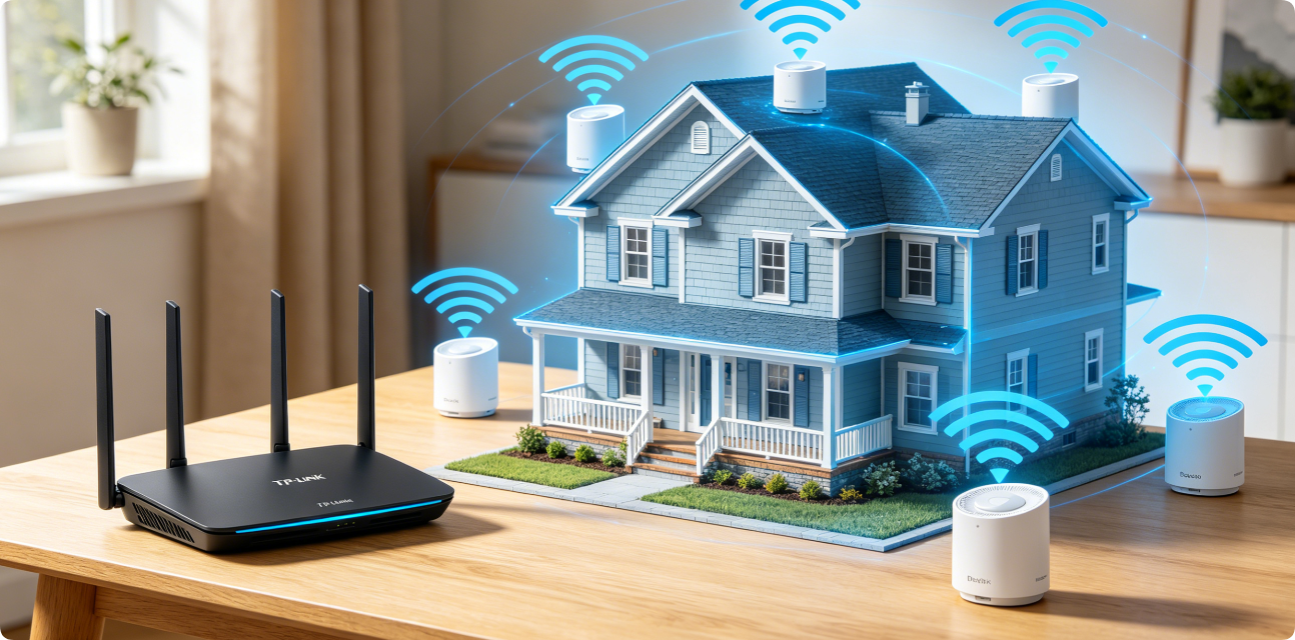
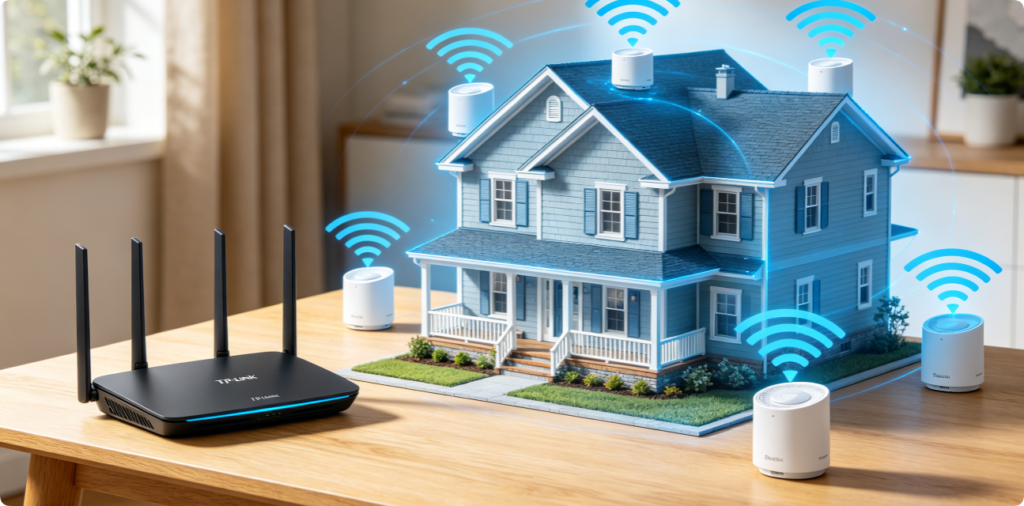
TP-Link EasyMesh unifies Archer Wi-Fi routers and Deco mesh satellites into one single Wi-Fi network, eliminating dead zones, weak far-room signals and annoying manual network switching. Unlike generic extenders that split your SSID and cut speed, EasyMesh enables automatic band steering, seamless device roaming and load balancing across all compatible TP-Link hardware. This condensed guide covers wired/wireless mesh setup, band optimization and troubleshooting for all Archer AX series and Deco models.
Why Choose TP-Link EasyMesh
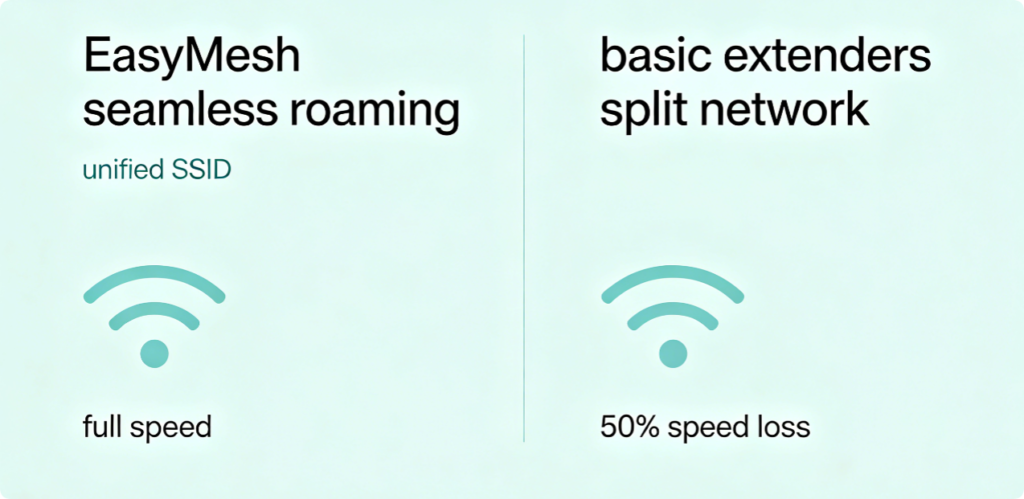
Standard Wi-Fi extenders create separate secondary networks and halve wireless throughput. EasyMesh solves this with three key benefits:
- One shared SSID for all routers/nodes; devices auto-switch between hardware without disconnection
- Balanced device load across mesh units to avoid single-node congestion
- Cross-compatibility: Any modern Wi-Fi 6 Archer router works as main hub with Deco satellites
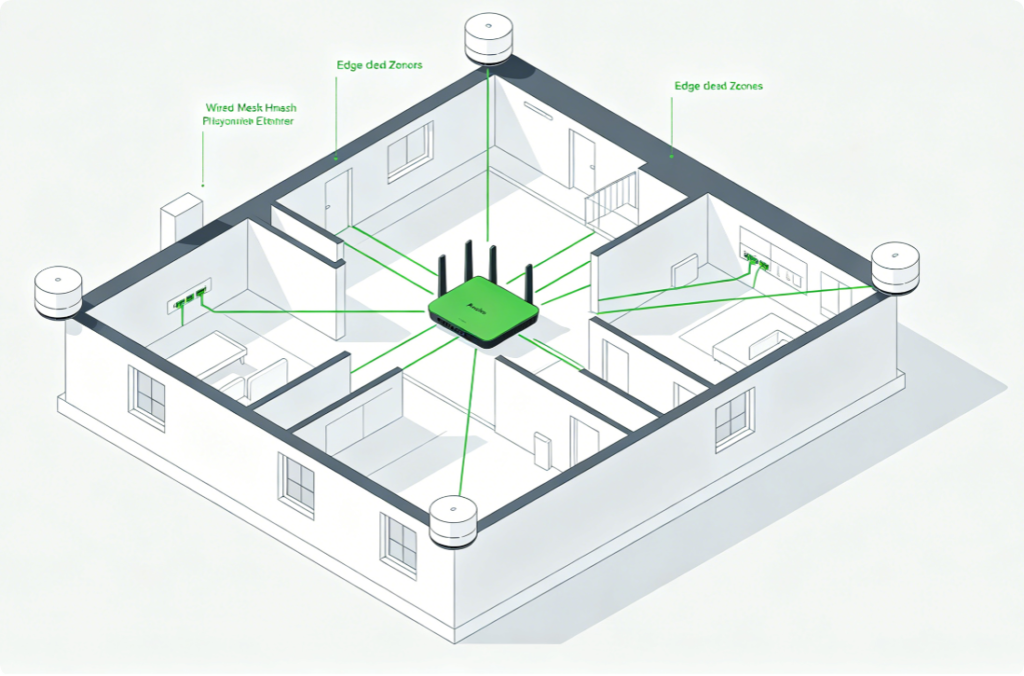
- Compatibility & Placement RulesAll Wi-Fi 5/6 TP-Link Archer AX routers and Deco mesh systems support EasyMesh. Place the primary Archer router at your home geometric center; position Deco satellites halfway between the main router and dead zones. For maximum speed, run Cat6 Ethernet cables between nodes for wired backhaul.
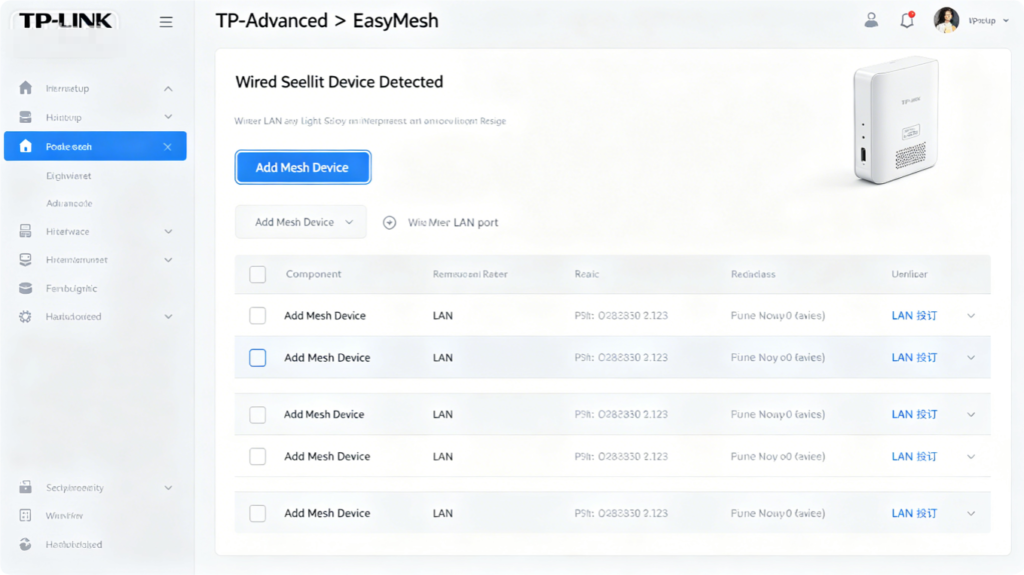
- Wired Backhaul Setup (Fastest Performance)Connect Deco satellite LAN port to main Archer router LAN port with Cat6 cable:
- Log into
tplinkwifi.netfrom wired desktop - Navigate Advanced > EasyMesh
- Click Add Mesh Device; the system auto-detects wired Deco nodes
- Confirm pairing and save settings for stable full-speed mesh links
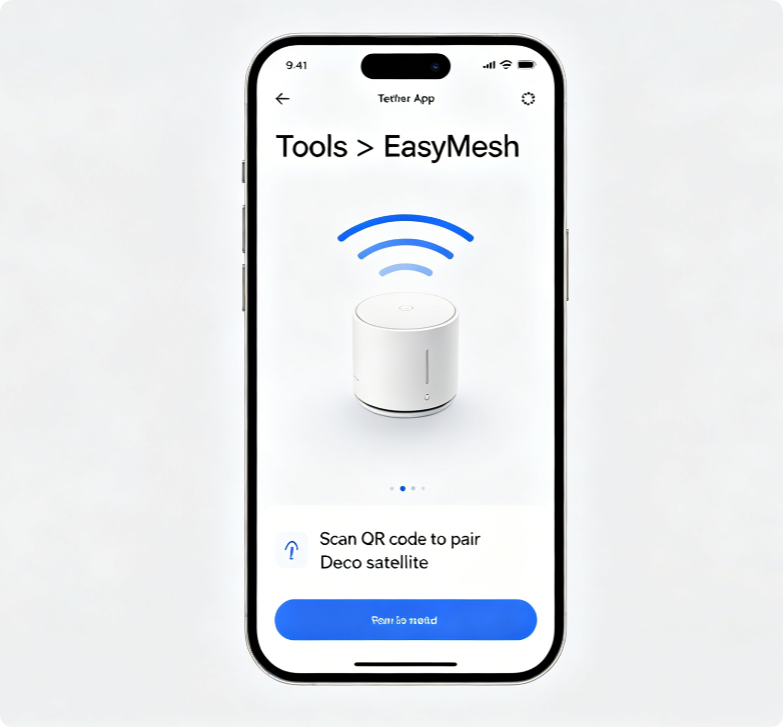
- Wireless Backhaul for Homes Without Extra CablingIf you cannot run Ethernet cables, pair wirelessly through the Tether mobile app:
- Connect phone to main Archer router Wi-Fi and open Tether
- Tap Tools > EasyMesh > Add New Mesh Node
- Scan Deco node QR code and follow on-screen prompts to complete wireless pairing
- Keep satellites within 1–2 walls of the main router to avoid weak backhaul signal
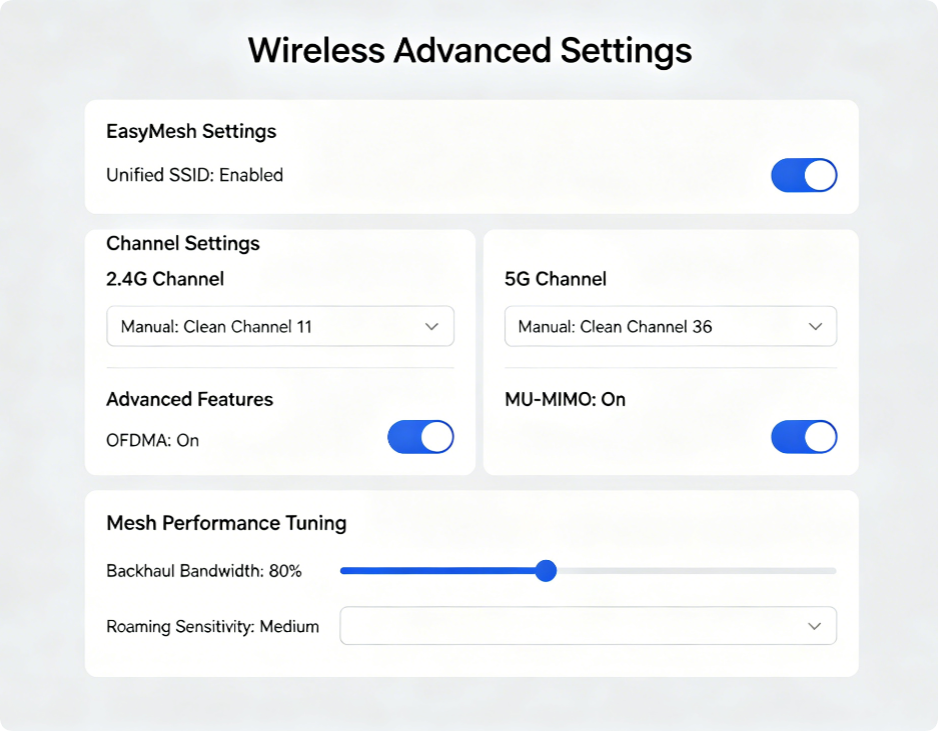
- Optimize Mesh Network Stability After PairingAdjust these universal settings on your main Archer router:
- Enable unified single SSID for seamless roaming
- Lock 2.4GHz to 20MHz bandwidth (channels 1/6/11); 5GHz to 80MHz
- Turn on OFDMA and MU-MIMO to reduce multi-device mesh lag
- Set medium transmit power for apartments, high power for multi-story homes
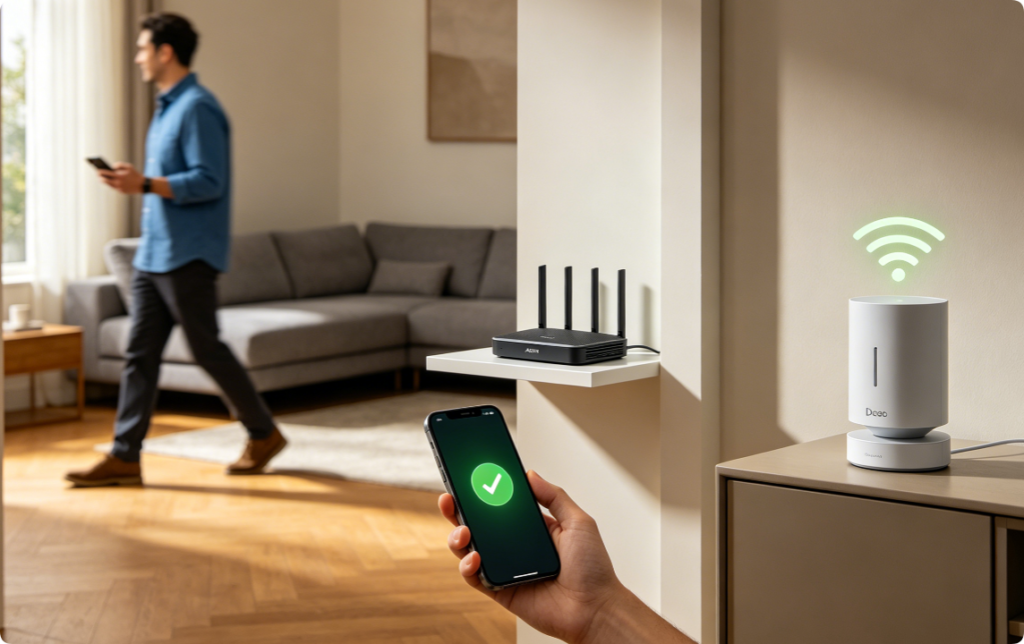
- Post-Setup Roaming TestCarry a mobile device through every room to test automatic band/node switching:
- Video calls and streaming should never pause during movement
- Gaming ping remains stable without sudden drops when switching mesh nodes
- All smart home devices maintain permanent, steady connections
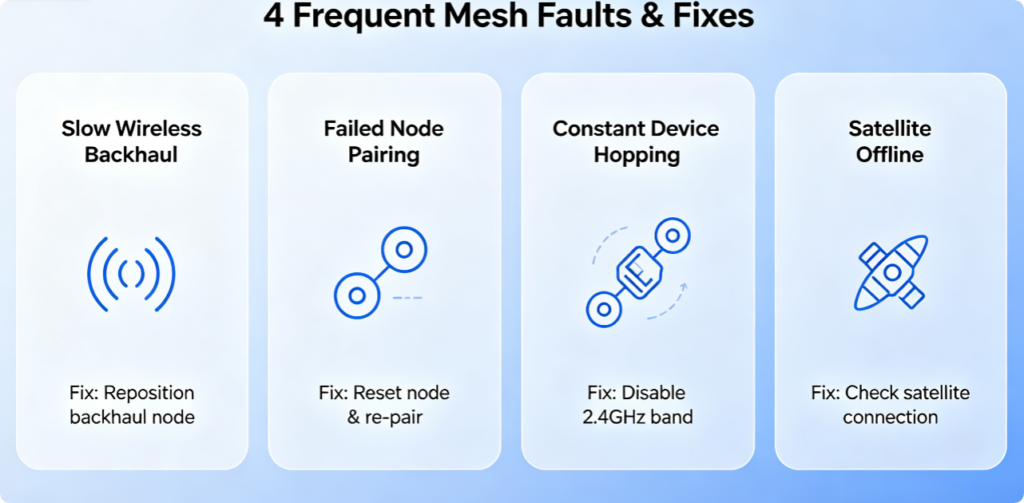
Quick EasyMesh Troubleshooting
- Slow satellite speed: Run Cat6 wired backhaul or reposition Deco closer to main router
- Nodes fail pairing: Reset Deco to factory default and restart Tether setup
- Frequent device disconnection: Switch to manual low-interference 5GHz channels
- Satellite offline: Check power supply and Ethernet cable connection
Conclusion
TP-Link EasyMesh delivers lag-free whole-home Wi-Fi by combining Archer routers and Deco satellites under one unified network. Wired Cat6 backhaul delivers peak throughput, while wireless pairing works for cable-free households. Optimize dual-band channels and Wi-Fi 6 acceleration features after setup, and test roaming to eliminate dead zones completely. This flexible mesh solution outperforms basic extenders for large apartments, two-story homes and villas.