Router firmware is the core operating system that controls all functions of your TP-Link wireless router. Regular official firmware upgrades patch critical security loopholes, optimize Wi-Fi speed, fix frequent disconnection […]
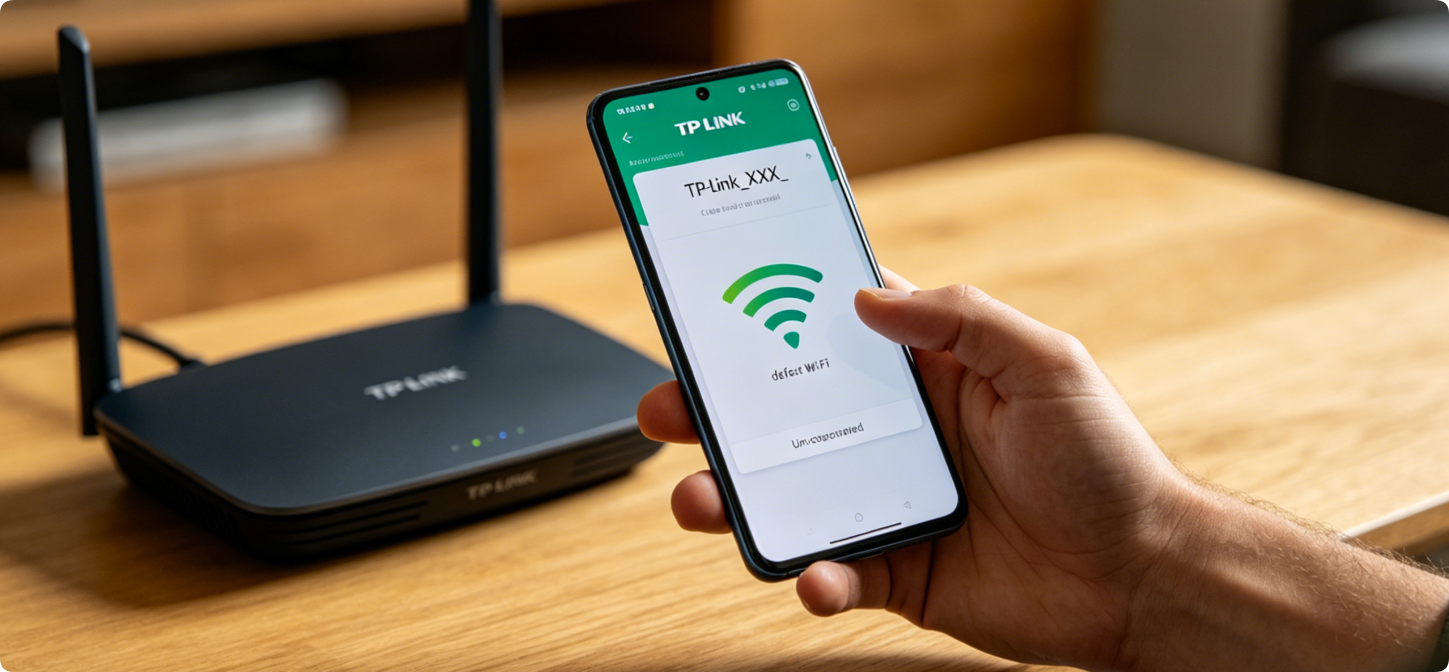
How to Use TP-Link Tether App for Full Router Setup & Remote Management Step by Step
Traditional router configuration relies on computer browsers, which is inconvenient for users without laptops. TP-Link Tether is the official mobile application designed exclusively for all TP-Link wireless routers, Wi-Fi extenders […]
TP-Link Router Basic Settings: Complete Guide to PPPoE, DHCP & Static IP Configuration
Internet connection mode configuration is the core basic setting of all TP-Link home routers. Improper internet type selection will cause no internet access, frequent offline disconnection, or IP conflict errors. […]
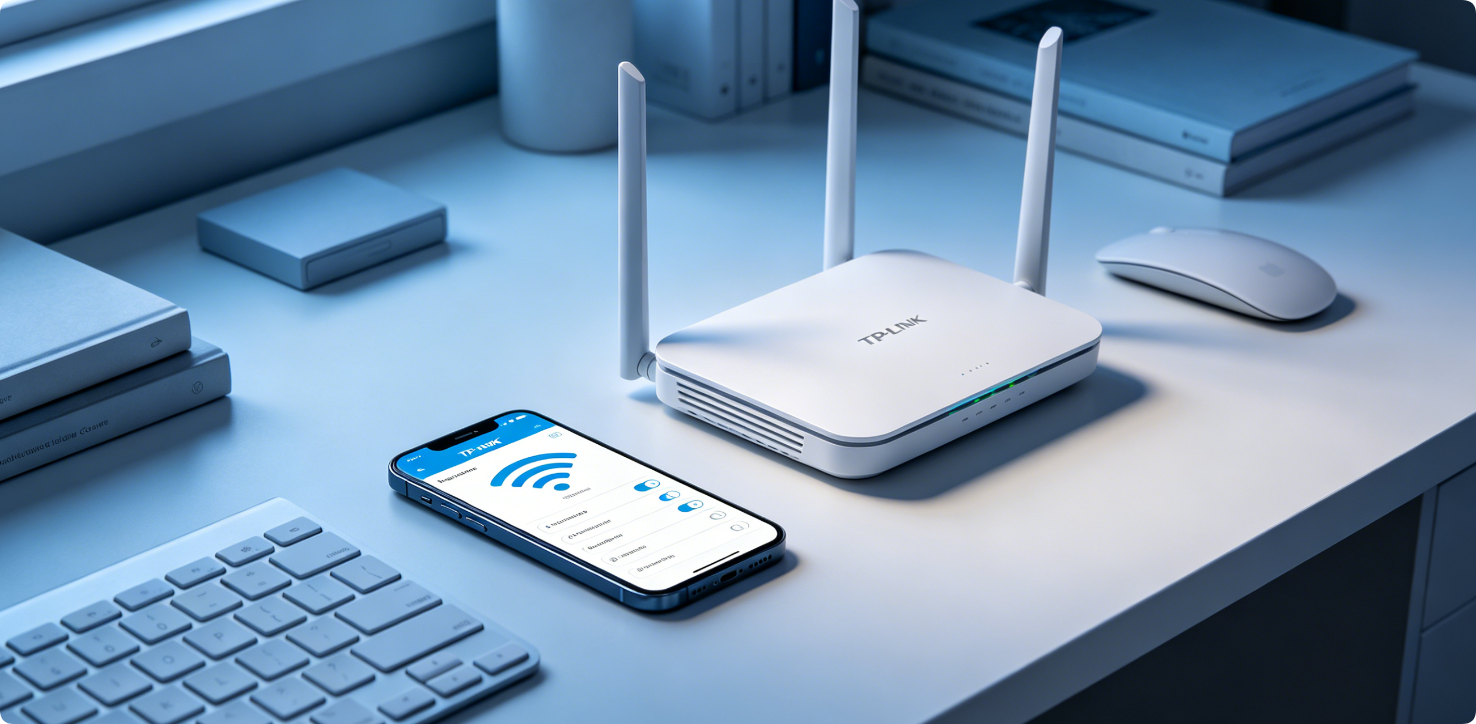
How to Change TP-Link Wi-Fi Name & Password (SSID & Wireless Security Key)
Changing your TP-Link Wi-Fi name and password is one of the most basic and important network maintenance tasks. Default router SSIDs and passwords are easy to guess, which may lead […]
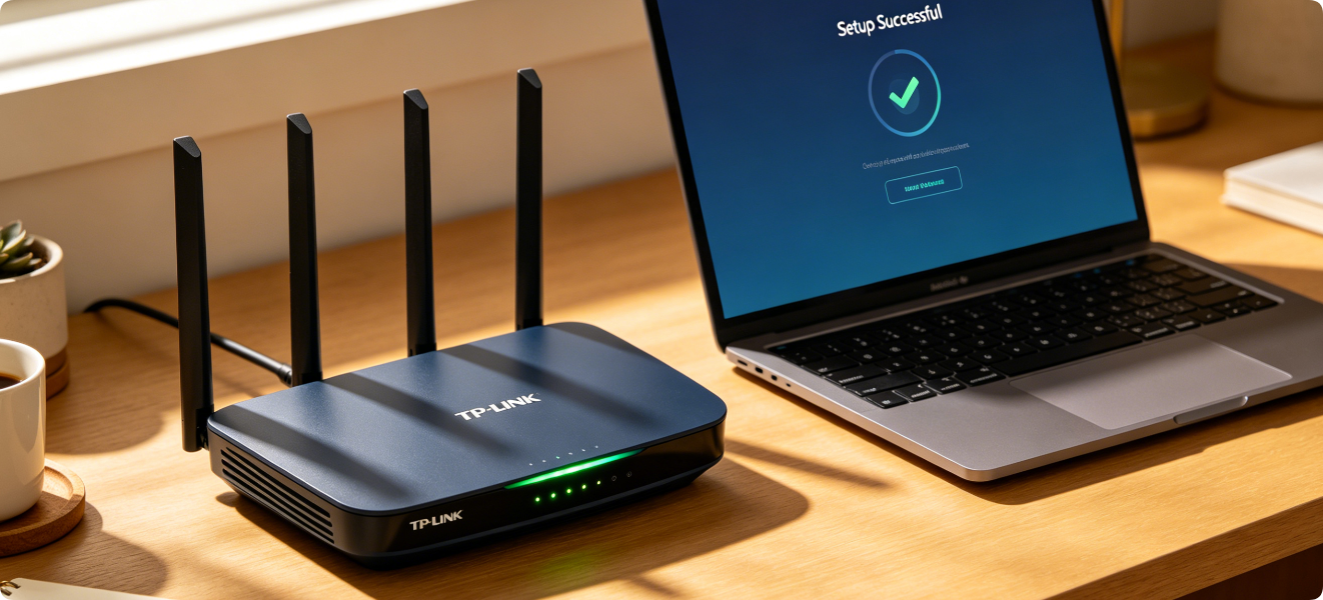
TP-Link Quick Setup Wizard: Complete Step-by-Step Router Configuration Guide
Setting up a new TP-Link router for the first time is simple with the built-in Quick Setup Wizard. This official tool streamlines the entire configuration process, allowing beginners to finish […]
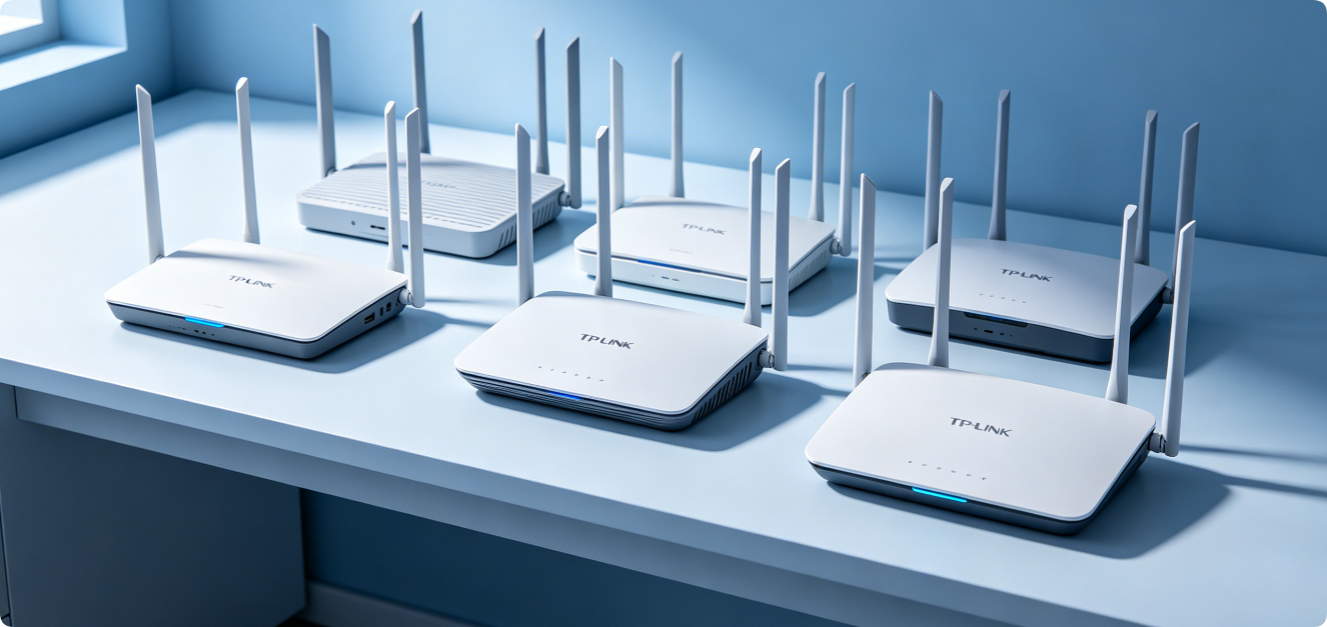
TP-Link Default Password & IP: A Complete Guide to Find Admin Credentials Easily
Every TP-Link router comes with factory default IP address and admin login credentials. These details are essential for accessing the router admin panel to adjust Wi-Fi settings, manage connected devices, […]
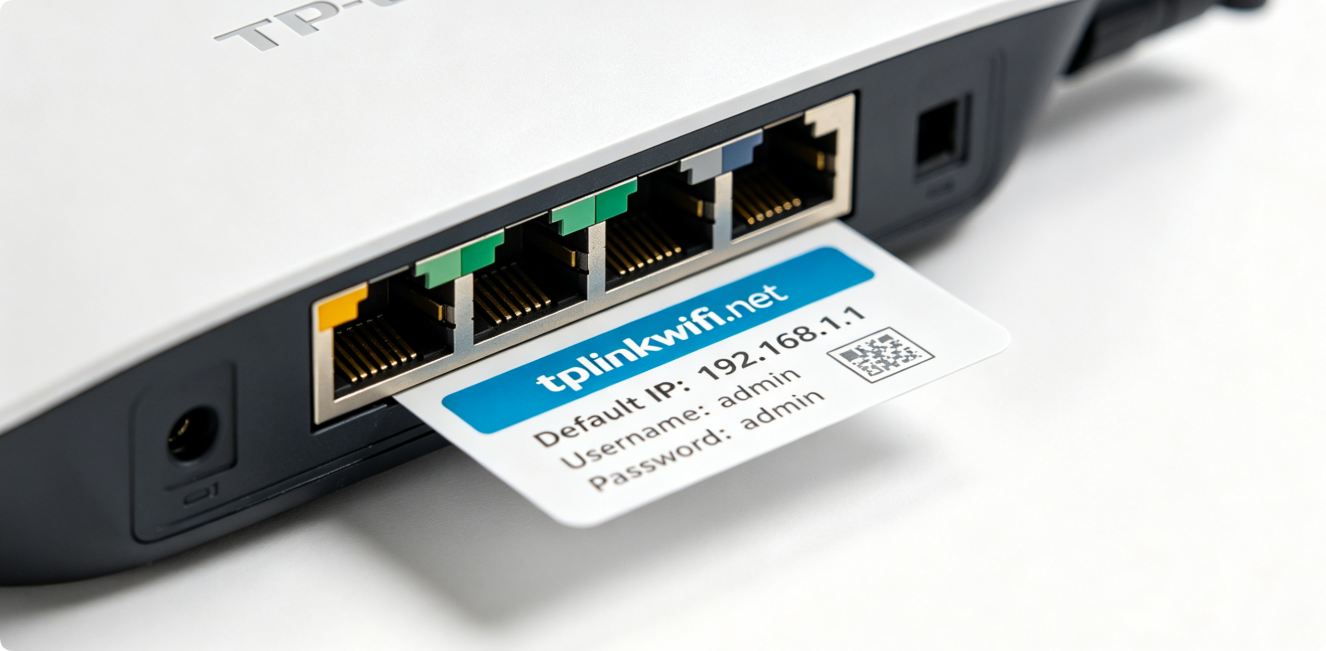
How to Login to TP-Link Router: Complete Guide for tplinkwifi.net and 192.168.1.1
Logging into your TP-Link router admin panel is the first step to manage Wi-Fi networks, adjust settings, check connected devices and fix network issues. TP-Link provides two common access methods: […]
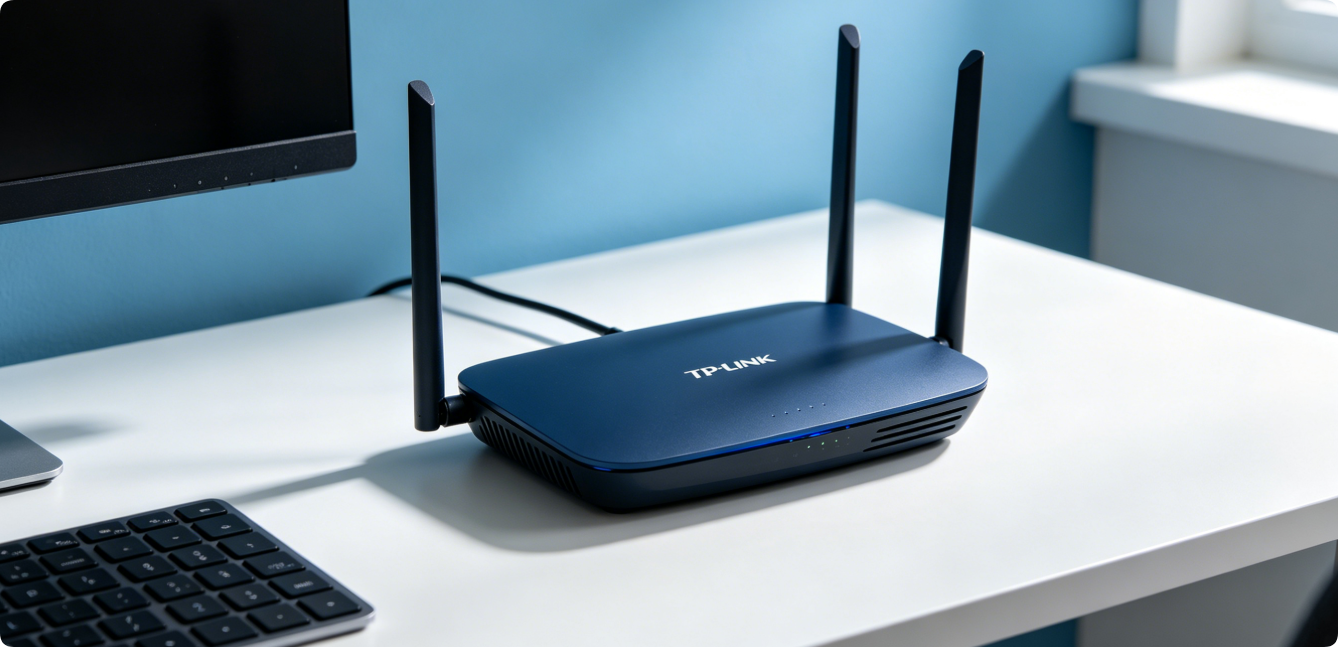
TP-Link Router Setup: Complete Guide to Install & Configure Your Router for First Use
Setting up a TP-Link router for the first time can seem intimidating for beginners, but the official installation process is simple and straightforward. Whether you are replacing an old router […]