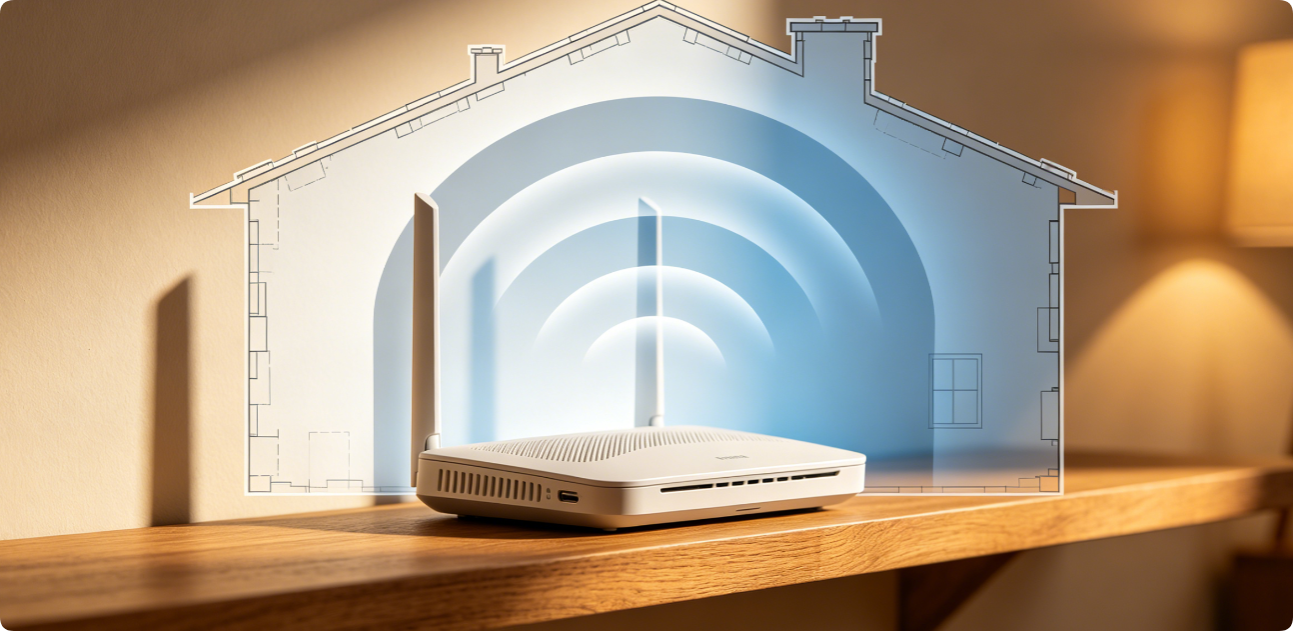
Blank dead zones with zero Wi-Fi signal plague bedrooms, basements and garages in nearly every household. Many homeowners immediately buy expensive mesh extenders, but most weak coverage issues can be eliminated with free, quick router setting tweaks and placement changes. These brand-neutral adjustments work for TP-Link, Netgear, Eero and all single/mesh routers to erase signal black spots without extra hardware.
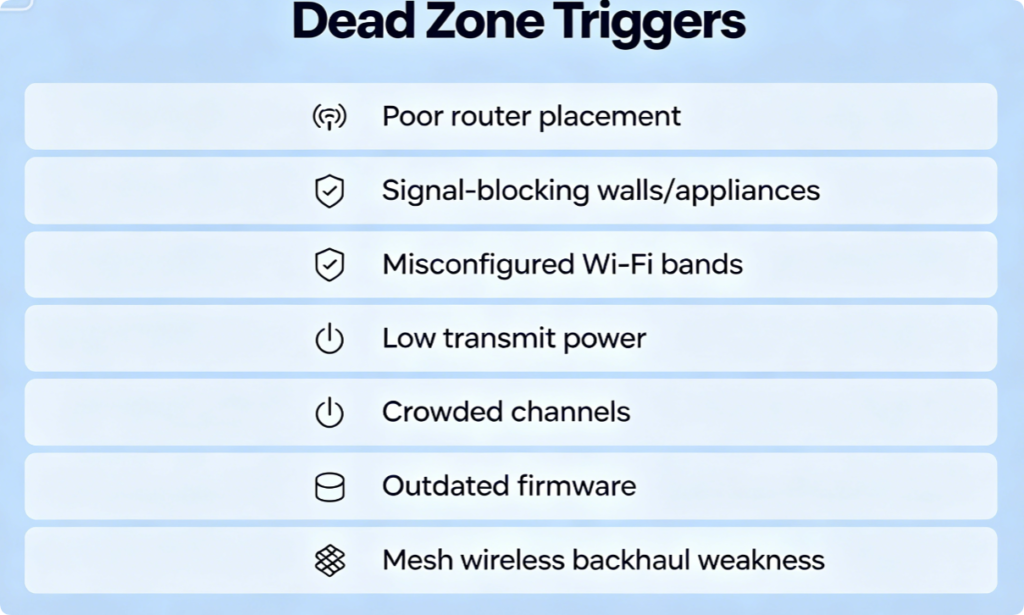
Why Dead Zones Form In Your Home
- Router tucked in closed closets, basements or corner cabinets
- Metal furniture, refrigerators, concrete walls blocking radio waves
- Devices trapped on weak 2.4GHz instead of faster long-range 5GHz/6GHz
- Low router transmit power limiting broadcast range
- Overlapping neighbor Wi-Fi channels causing signal interference
- Outdated firmware limiting signal output and roaming performance
- Mesh satellites relying on unstable wireless backhaul
Maximize Raw Signal Range
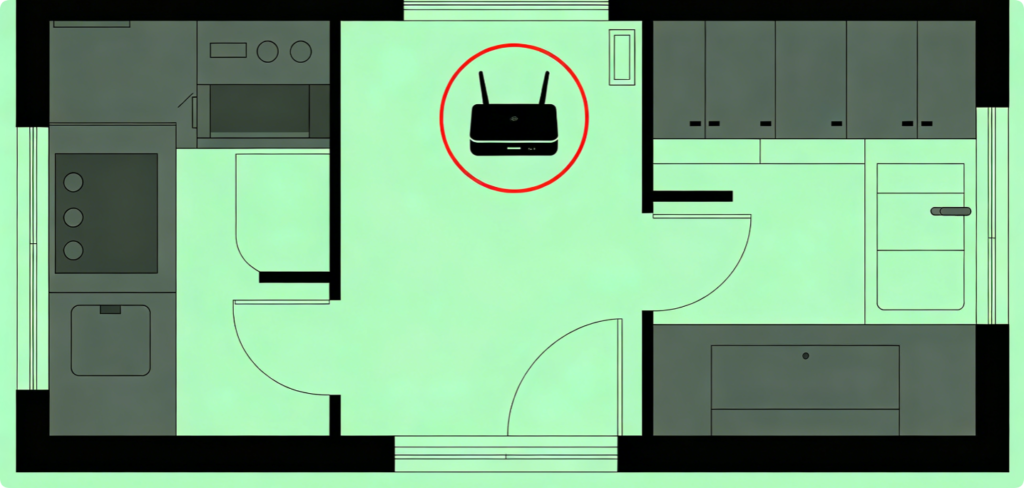
Place your router high, open and at the home’s center. Keep it 3+ meters away from microwaves, metal cabinets, TVs and plumbing pipes that absorb Wi-Fi signals. Avoid cramped closets or basement corners entirely.
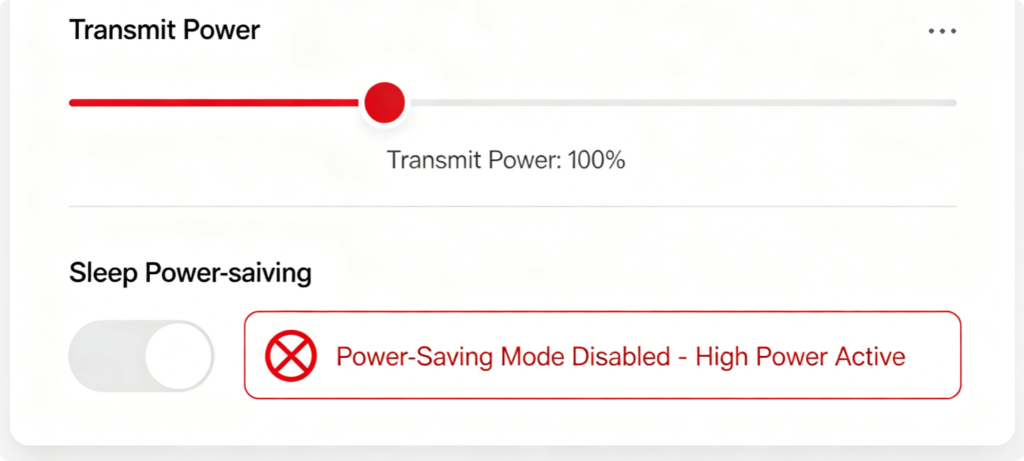
Prevent Artificial Signal Limiting
Many routers default to medium transmit power and activate sleep modes that shrink coverage. Switch power output to full strength and turn off all Wi-Fi energy-saving functions to extend signal reach to far rooms.
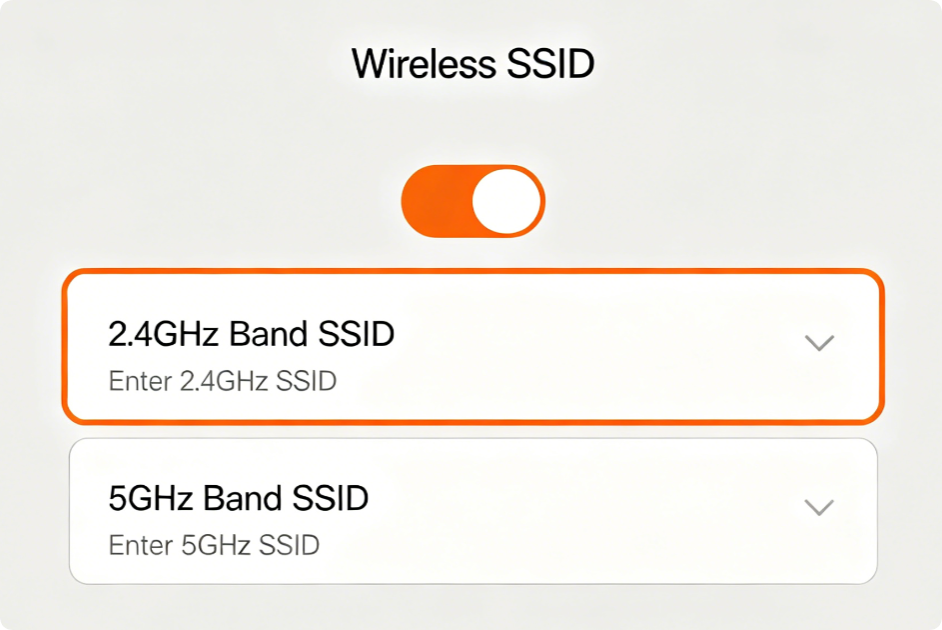
Use 2.4GHz For Far-Away Dead Zone Areas
2.4GHz travels farther through walls, while 5GHz delivers faster short-range speeds. Split your Wi-Fi names: connect smart thermostats, garage cameras and basement devices to the 2.4GHz network to fill distant dead zones.

Clear Blocked Signal Paths
Lock 2.4GHz to channels 1, 6 or 11 only to avoid overlapping neighbor signals. Set 5GHz to auto-channel scan so the router automatically picks empty frequencies with no competing networks.
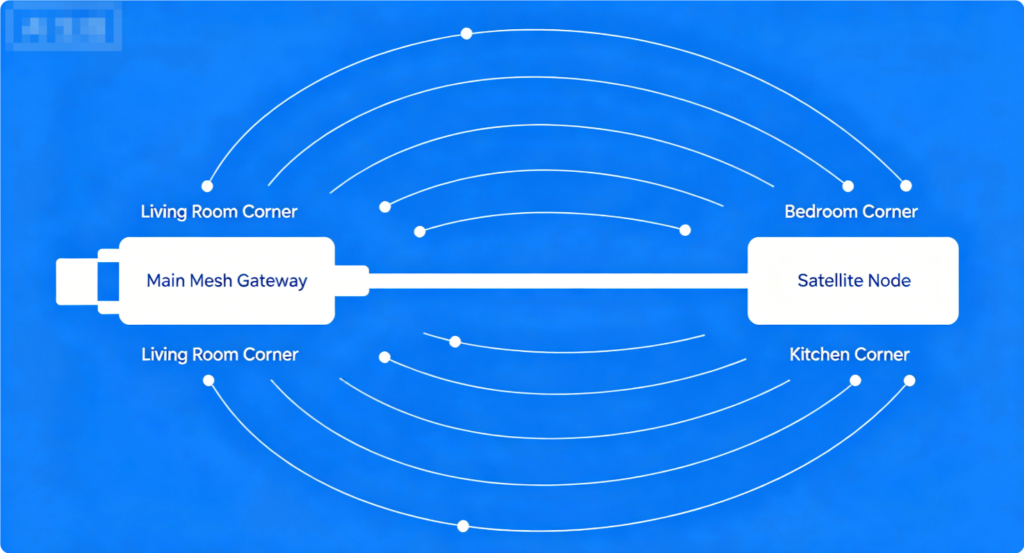
Fix Mesh-Specific Dead Zones
Wireless links between mesh satellites weaken coverage in distant rooms. Run wired Ethernet backhaul between nodes to maintain full signal strength and remove dead zones on every floor.
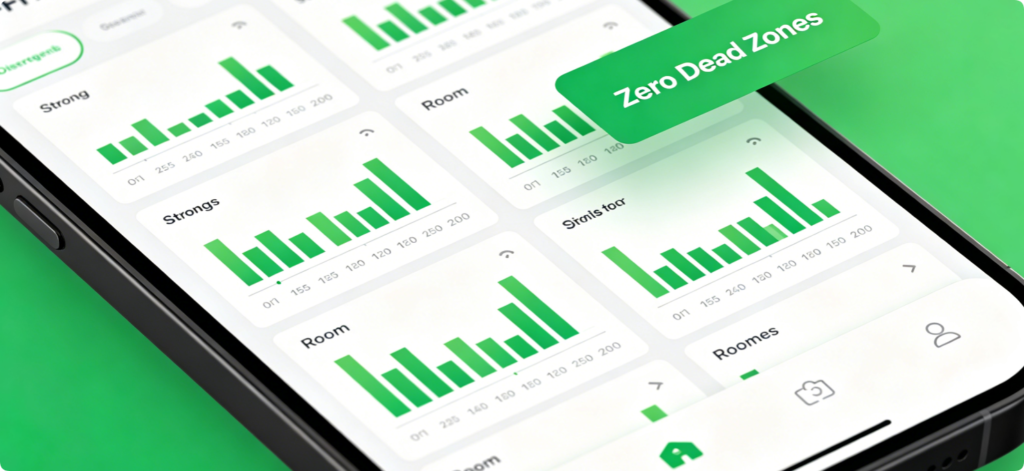
Verify Full Coverage
After applying all adjustments, walk through every room with a Wi-Fi signal analyzer app. If dark dead zone areas remain, add a low-cost mesh satellite; most spaces will see complete signal recovery with only the above settings.
Conclusion
You don’t need pricey extenders to eliminate most Wi-Fi dead zones. Start with central router placement and full transmit power, then split Wi-Fi bands and tune channels to bypass wall interference. Mesh users should hardwire satellites for stable long-range signal transmission. These simple router adjustments expand Wi-Fi coverage evenly across your entire house and erase weak-signal black spots effectively.