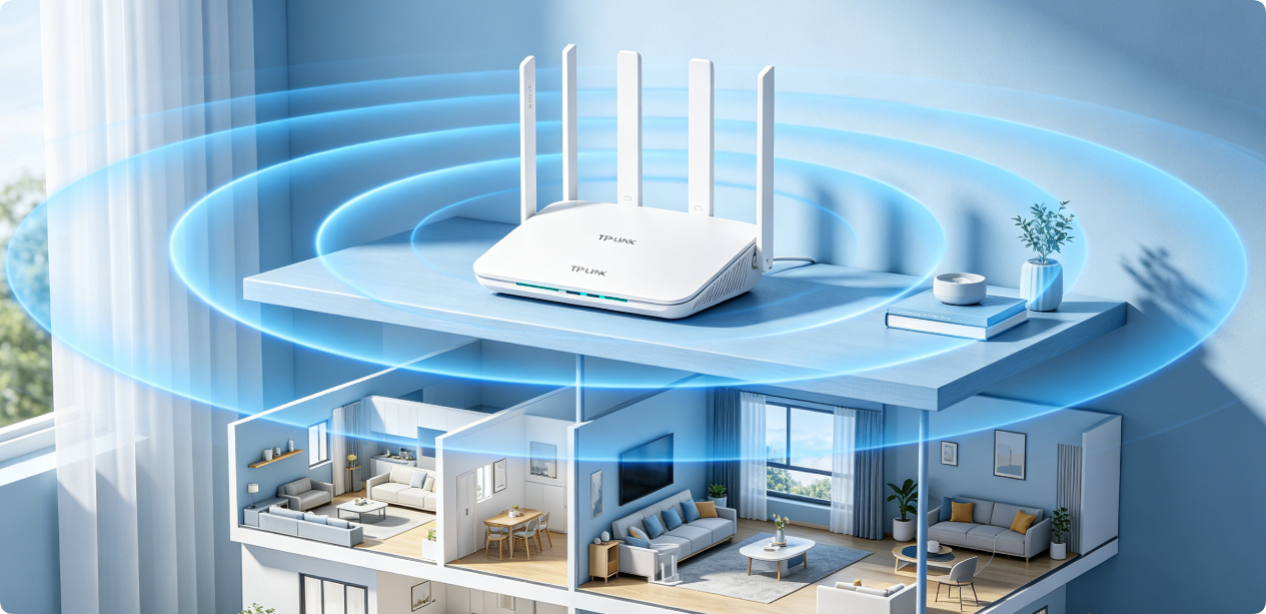
Most TP-Link Wi-Fi 5 and Wi-Fi 6 routers (AX1800, AX3000, Archer AX53, TL-XDR1850) deliver far less coverage than advertised, not due to hardware defects, but wrong placement. Poor router location creates dead Wi-Fi zones, weak 5GHz signals, IoT disconnections and gaming ping spikes, especially in multi-story houses and compact enclosed apartments. Adjusting router position is the zero-cost, most effective way to boost full-home Wi-Fi range without buying mesh extenders or upgrading routers. This dedicated guide shares model-friendly placement rules, ideal spots, forbidden locations, antenna angle tricks, and customized layout solutions for small apartments, two-story homes, three-story villas and basement-equipped residences.
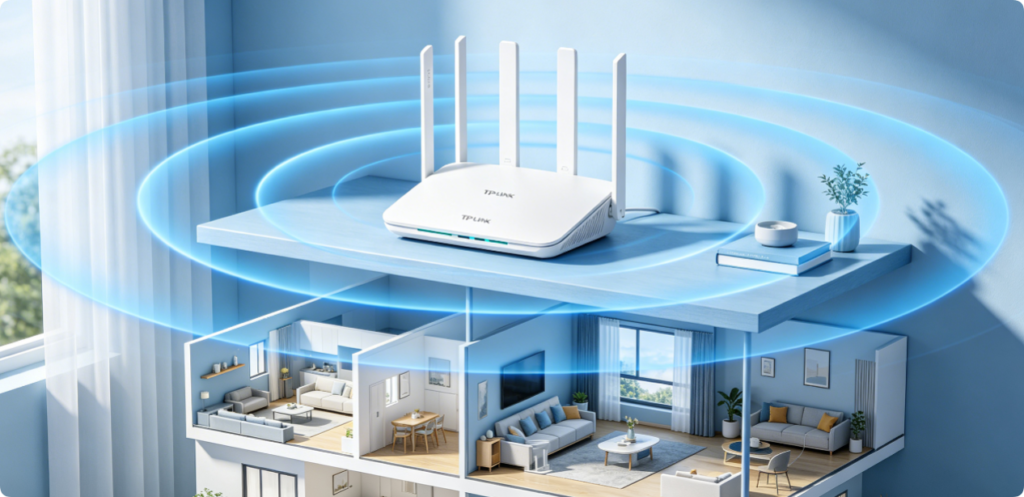
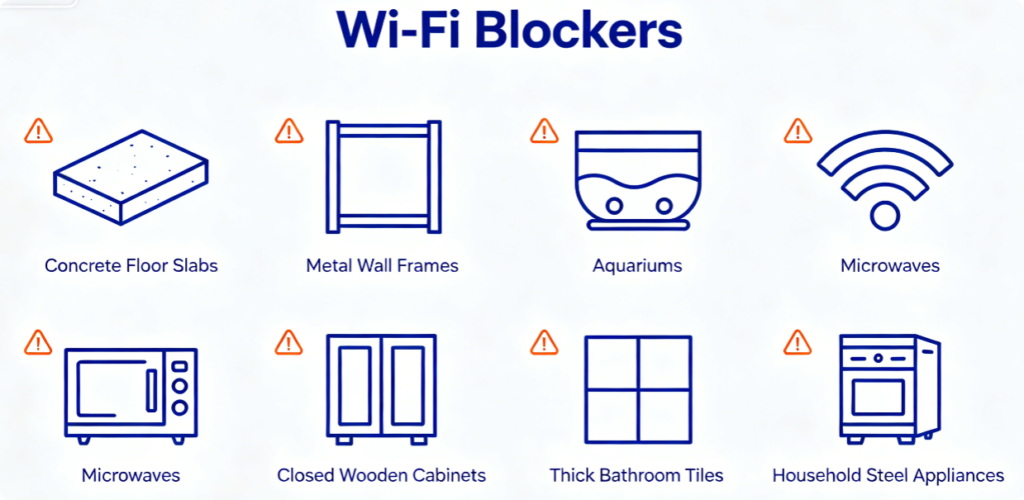
Before choosing a placement spot, learn key signal attenuation rules for TP-Link routers: 5GHz high-speed signals cannot penetrate concrete floors and metal walls; 2.4GHz long-range signals get interfered by kitchen electronics and water-filled objects. Multi-story homes suffer floor slab signal loss, while small apartments face wall reflection interference from narrow enclosed spaces. Avoid all obstacles above to retain full original router transmit power.
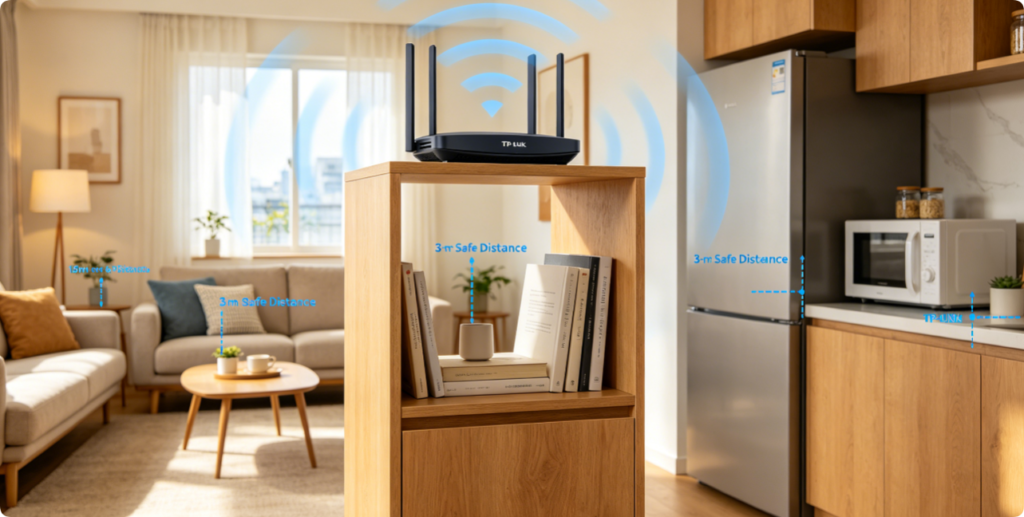
These non-negotiable rules fit every home layout and all TP-Link dual-band routers:
1. Central geometric position: Place router at horizontal center to spread 360° balanced signal
2. Elevation standard: 1.2m–1.8m above ground, bypass sofa, cabinet and furniture blockage
3. Antenna standard: All external antennas fully vertical for uniform dual-band coverage
4. Safe clearance: Keep 3m away from metal appliances, Bluetooth devices and large water tanks
5. Ventilation rule: Never seal router inside closed cabinets to avoid overheating signal throttling
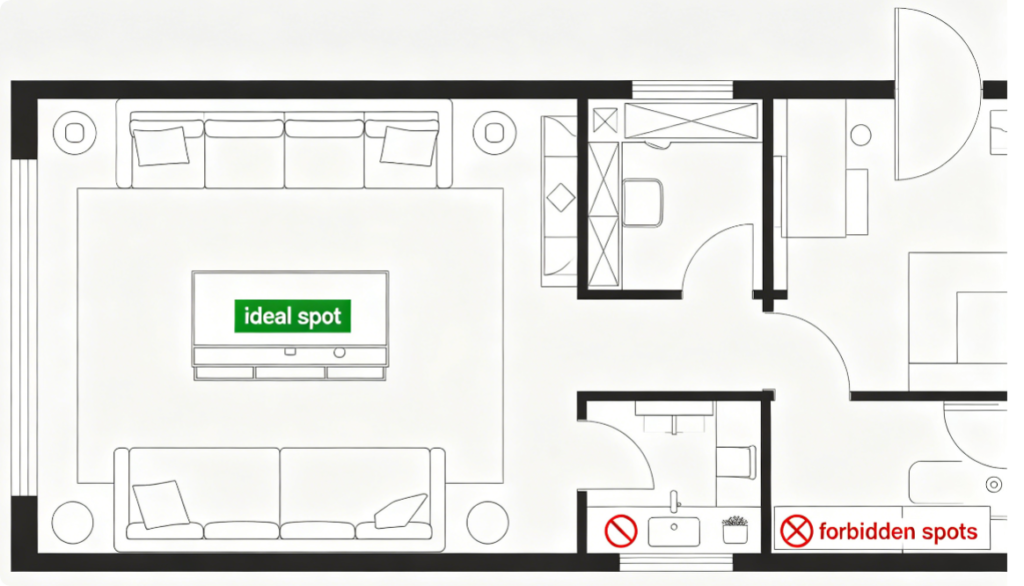
Custom Placement Guide for Compact Small Apartments:
✅ Ideal Spot: Open central living room floating shelf, midway between bedroom and kitchen
✅ Adjustment Tip: Shift slightly toward the bedroom if the room has one thick partition wall
❌ Never Place: Balcony edge, behind TV metal panel, kitchen beside microwave, low floor corner
Apartment extra tweak: Set router transmit power to Medium, avoid High power to reduce neighbor Wi-Fi cross-interference.
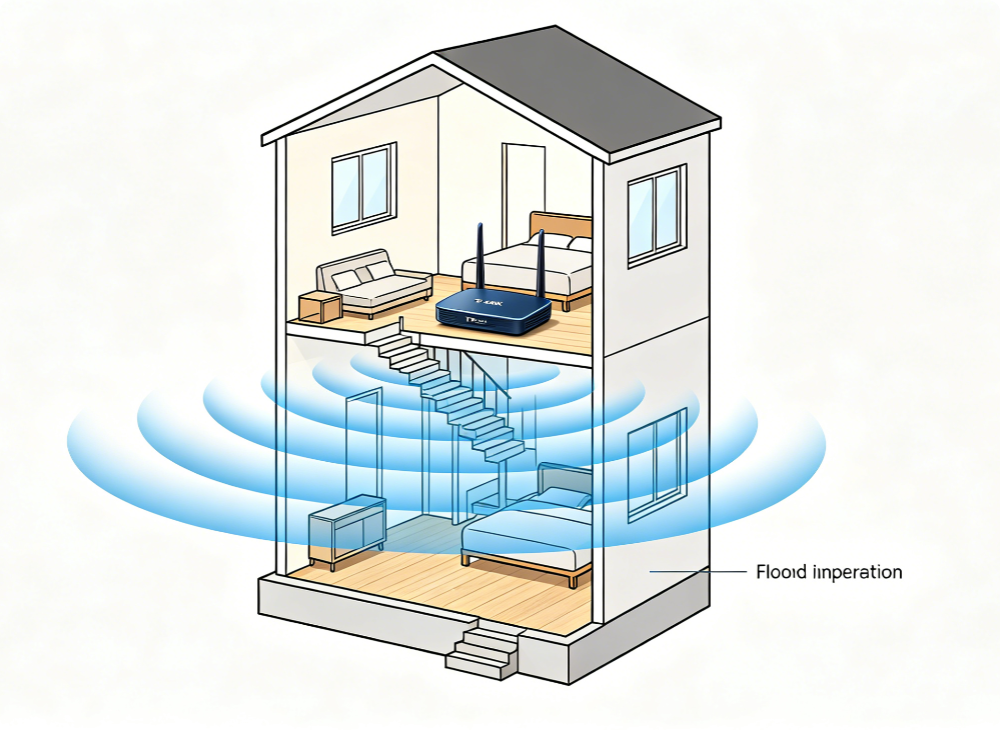
Two-story homes have the most uneven vertical Wi-Fi coverage, follow this exclusive spot:
✅ Best Location: Central upstairs hallway landing (vertical center of the whole house)
Why this spot: Wi-Fi signals travel downward easier than upward through wooden floor slabs
✅ Antenna Trick: Tilt 1 antenna 30° downward to strengthen ground-floor 5GHz signal
❌ Wrong Spot: Ground floor living room corner, basement storage room, first-floor garage
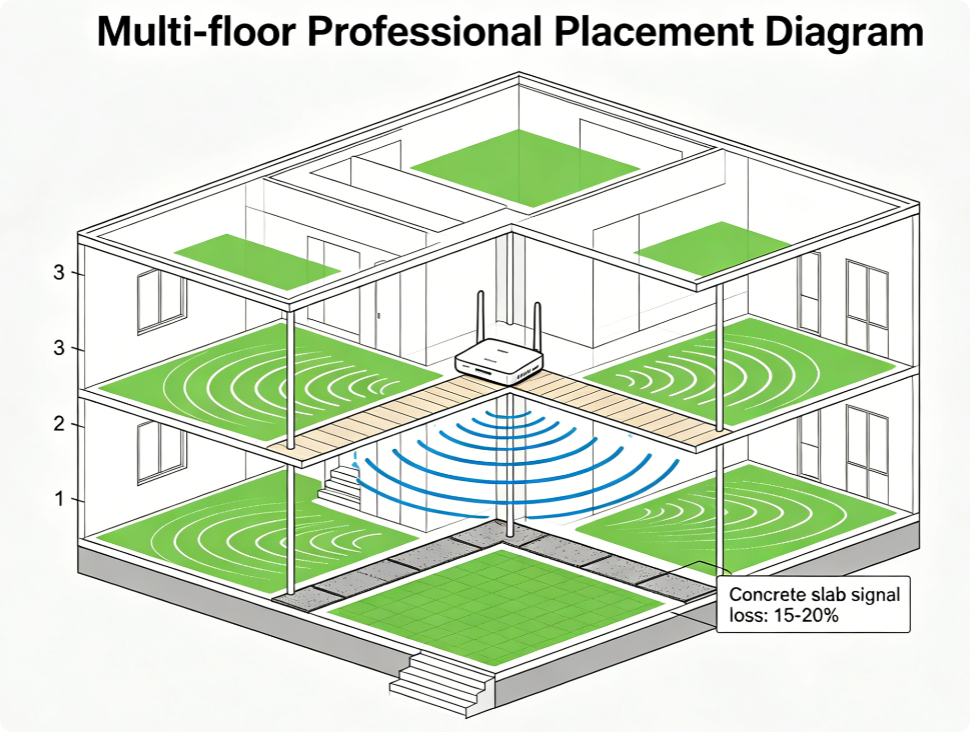
Three-story villa core placement solution:
Place the TP-Link router on the second-floor central corridor, the absolute vertical midpoint of the building. This position balances signal loss to the ground floor and top floor equally.
Auxiliary setting: Turn router transmit power to High; enable OFDMA and MU-MIMO to stabilize multi-floor device connection. Add one OneMesh extender only if thick reinforced concrete walls block partial zones.
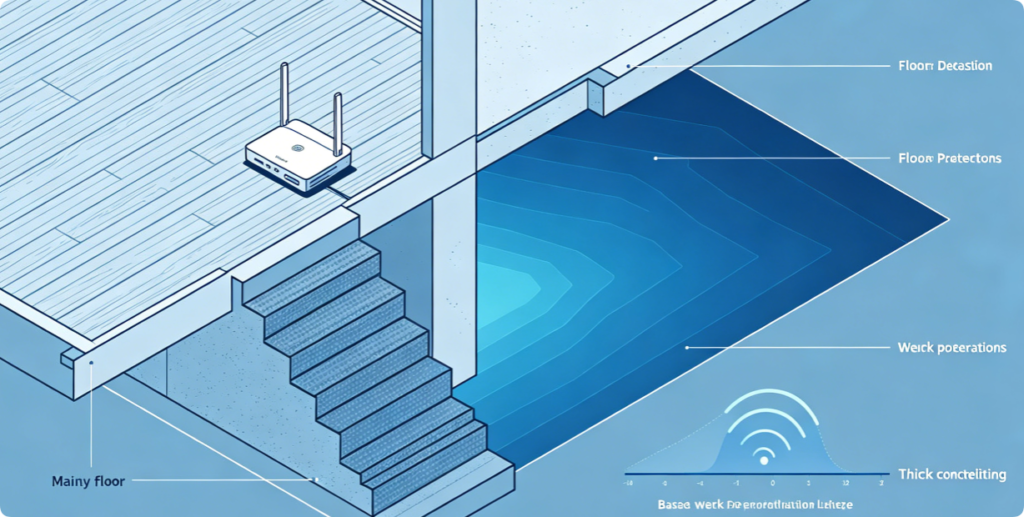
Basement coverage is the hardest due to reinforced concrete ceilings, follow this rule:
1. Main router stays on main floor, directly above basement staircase opening
2. Clear storage boxes and metal shelves right above basement ceiling to reduce blockage
3. Never put main TP-Link router inside basement: concrete walls trap all upstairs Wi-Fi signal
4. Backup solution: Plug a TP-Link OneMesh extender at the stairwell wall for full basement coverage
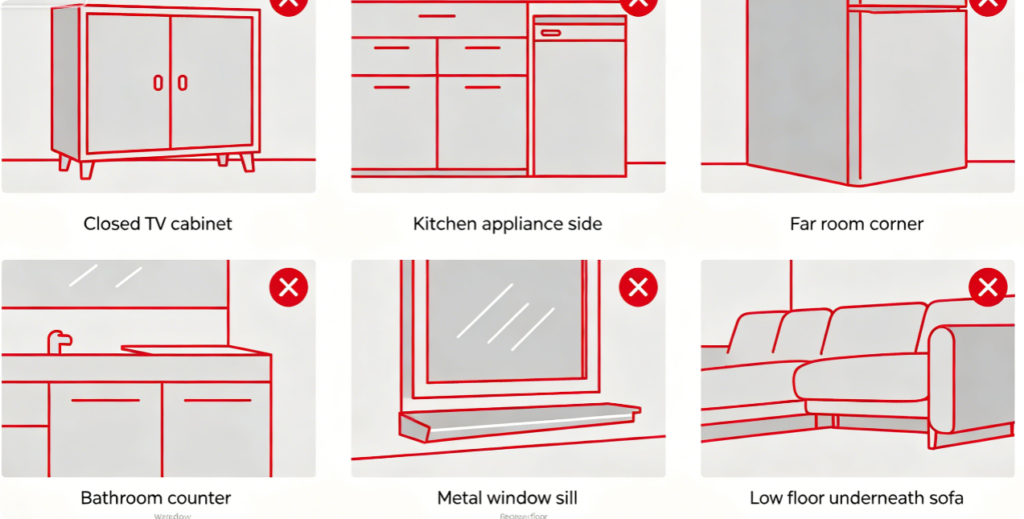
These spots permanently reduce TP-Link Wi-Fi coverage by 40%-60%:
1. Far room corners: Signal only covers one single direction, opposite rooms become dead zones
2. Closed entertainment cabinets: Heat buildup triggers router automatic speed throttling
3. Kitchen zone: Microwave interferes 2.4GHz band all cooking hours
4. Bathroom counter: Water vapor and ceramic tiles absorb dual-band radio waves
5. Metal window frame: Reflects Wi-Fi signal outward to neighbor houses
6. Low ground placement: All furniture blocks outgoing wireless signals
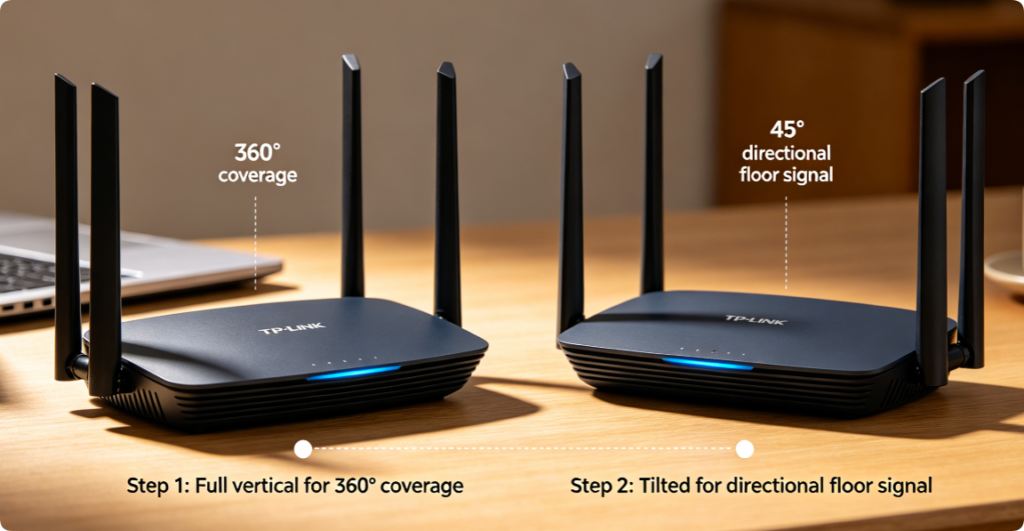
TP-Link antenna angle customized tips for different houses:
1. Small apartment: All antennas straight vertical, standard omnidirectional signal
2. Two-story house: 3 vertical antennas + 1 downward tilted antenna for downstairs coverage
3. Long rectangular house: Tilt two antennas toward the long end room to extend directional signal
Note: Hidden internal antenna TP-Link routers only need upright vertical placement on wall sockets.
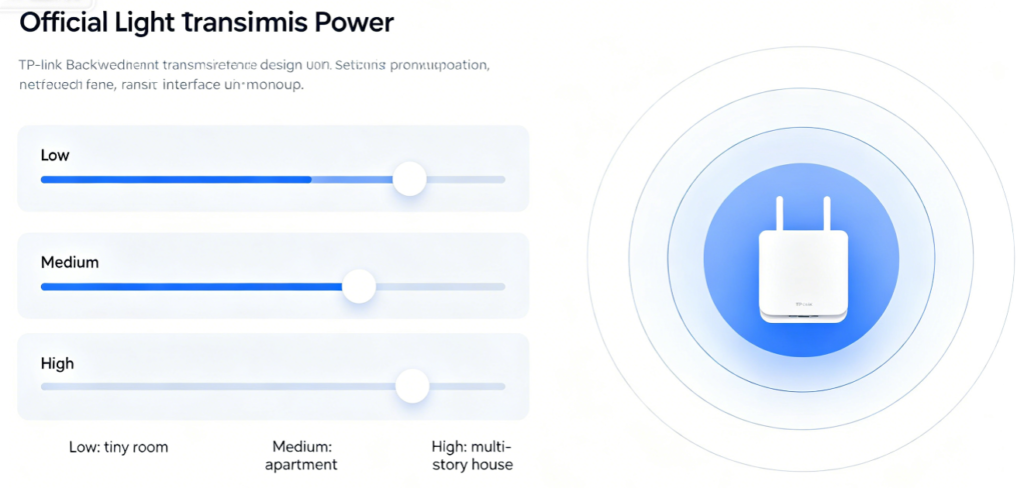
Cooperate placement with correct transmit power to maximize coverage:
1. Under 80㎡ Apartment: Medium Power — avoid signal overflow and neighborhood interference
2. 90-150㎡ Single Floor House: High Power — boost wall penetration for edge rooms
3. Multi-Story Villa: Max High Power — compensate floor slab signal loss upstairs and downstairs
Setting path: Advanced > Wireless > Channel & Transmit Power on TP-Link web dashboard
Checklist after relocating your TP-Link router:
✅ No weak signal bars in bedrooms, hallway and basement
✅ Router surface temperature normal, no overheating hot shell
✅ Gaming devices keep stable 5GHz connection without dropping to 2.4GHz
Quick fixes for leftover dead zones:
Switch manual clean 2.4G/5G channels, update router firmware, adjust antenna angle, add official TP-Link OneMesh extender
Conclusion
Maximizing TP-Link router Wi-Fi coverage depends on layout-targeted placement rather than expensive network upgrades. For small enclosed apartments, choose central living room elevated spots with medium transmit power; for two-story homes, use upstairs central landing as the core position; for three-story villas, place the router on the second-floor mid corridor; for basement homes, set the router right above basement stairwells. Always keep antennas vertical, stay away from metal and electronic interference objects, and match transmit power to house area. Combined with optimized Wi-Fi channels and Wi-Fi 6 advanced features, correct placement eliminates nearly all Wi-Fi dead zones, delivers stable dual-band signal, and realizes full-house seamless Wi-Fi coverage for every room.