Running VPN directly on a TP-Link router encrypts traffic for every connected device and enables secure remote access to home NAS, cameras and PCs without installing client software separately. Most modern TP-Link Archer and Deco mesh models support WireGuard, OpenVPN and outdated PPTP. This guide compares each protocol and walks through complete server setup for remote LAN access and global encrypted browsing.
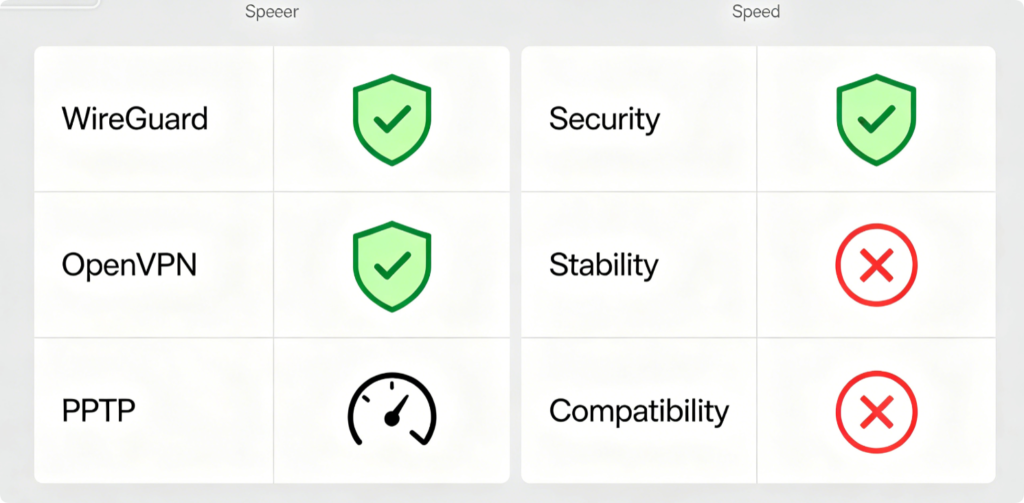
Protocol Quick Breakdown
- WireGuard: Fastest, lightweight, top-tier security; best for daily whole-home encryption
- OpenVPN: Widest cross-device support, stable remote LAN connection, ideal for long-distance access
- PPTP: Old, vulnerable encryption, easy to set up; not recommended for real security
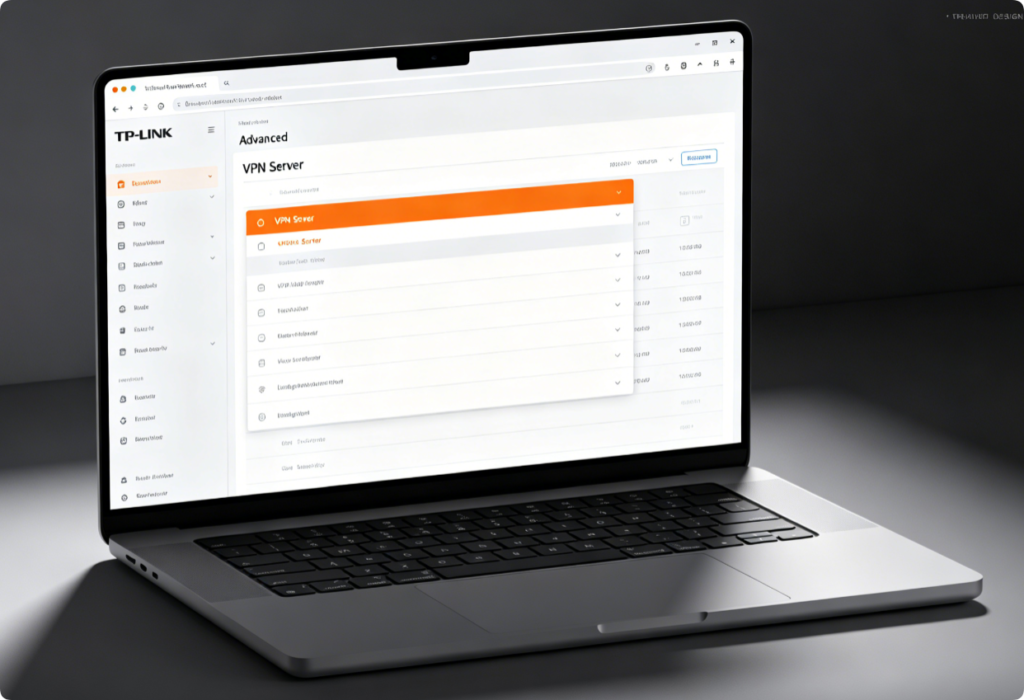
Enter VPN Configuration Page
- Connect PC via Ethernet, visit
tplinkwifi.netand log in with admin credentials - Navigate to Advanced > VPN Server; three protocol tabs will appear
- Confirm your router supports WireGuard (new AX series) before configuration
Deploy WireGuard (Recommended Primary Option)
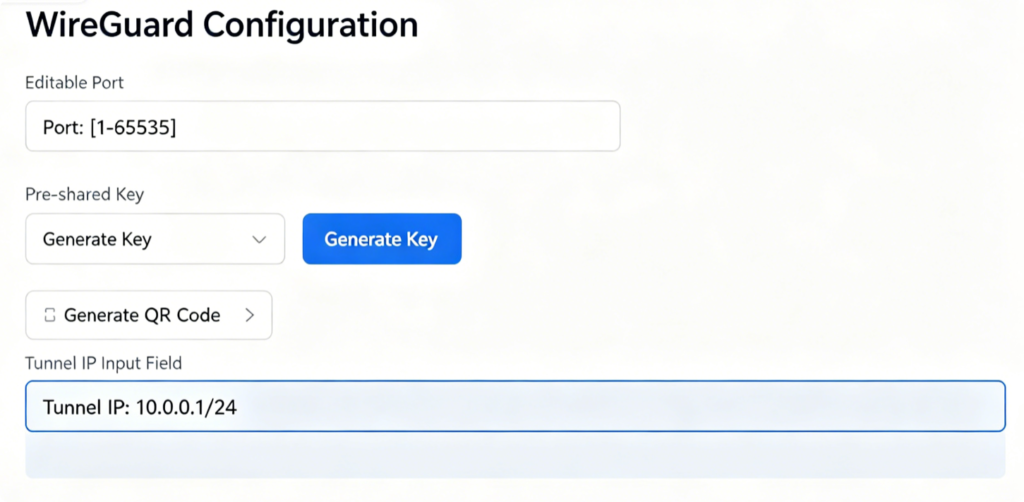
- Switch to WireGuard tab and toggle Enable VPN Server
- Customize service port and set a private tunnel IP range
- Generate client profile QR code or config file for phones/laptops
- Save settings; WireGuard runs with minimal CPU load for constant whole-home encryption
Set Up OpenVPN for Remote Home Access
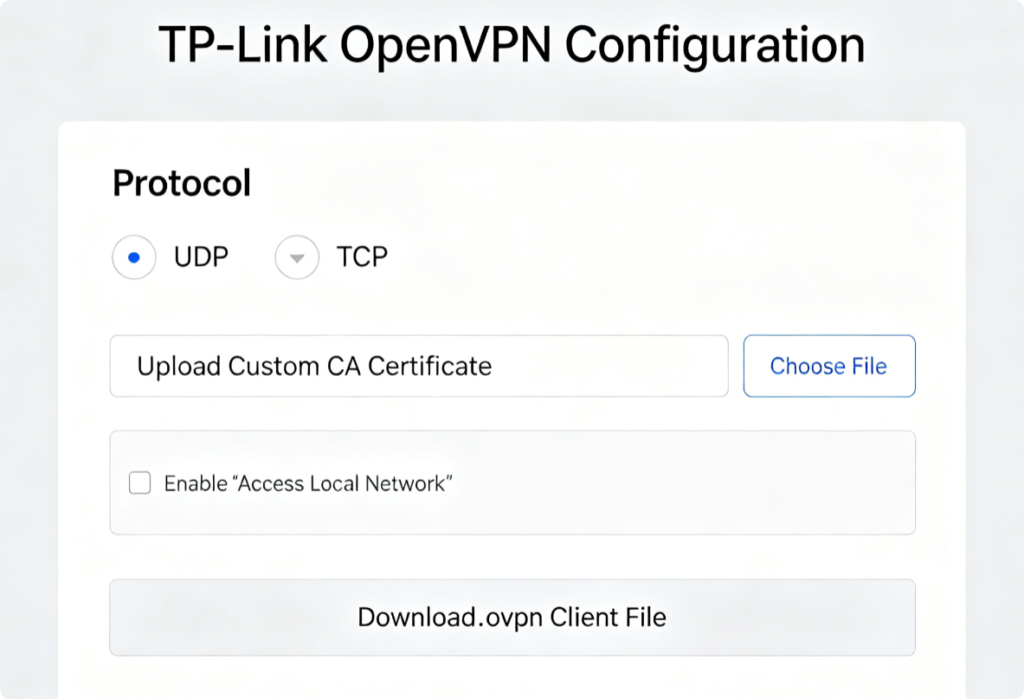
- Choose UDP for faster speed or TCP for restrictive public Wi-Fi
- Tick Allow clients to access the local LAN to view NAS and security cameras remotely
- Download the unified OpenVPN config file and import it to your phone or computer client
PPTP Warning & Basic Setup
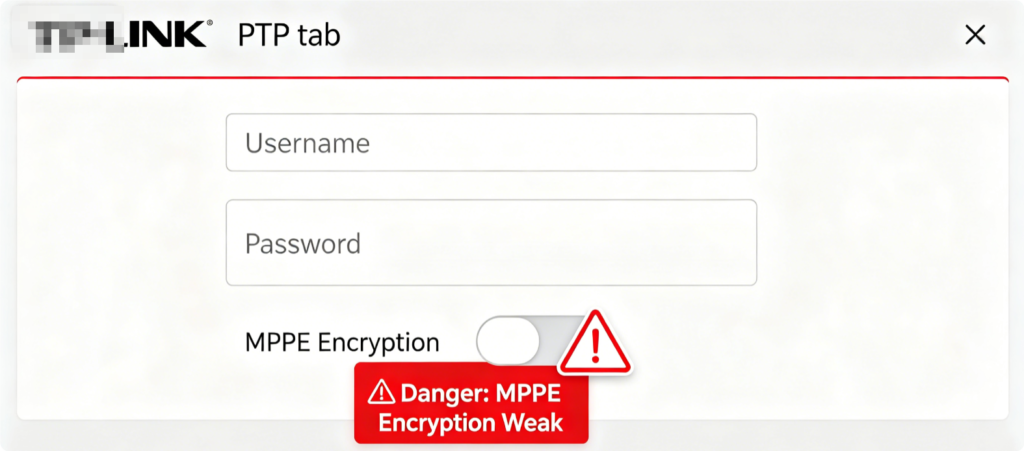
PPTP suffers critical encryption flaws and should only be used for temporary non-sensitive access. Simply create login credentials and enable the server, but avoid transmitting personal files or financial data over PPTP tunnels.
Two Core VPN Modes
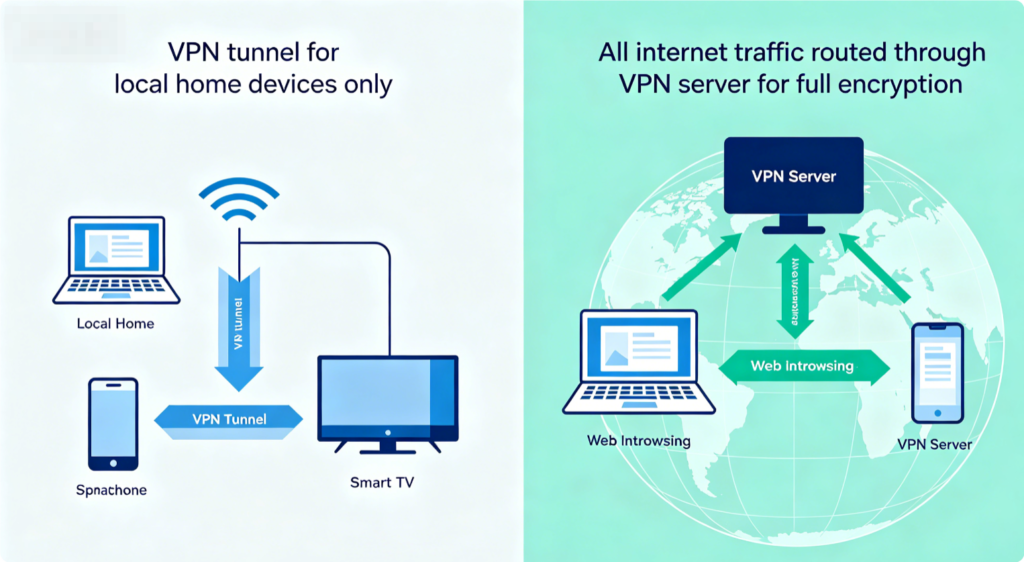
- Remote LAN Only: Clients access home network resources; regular internet uses local public connection
- Full Traffic Encryption: All device web traffic passes through the router VPN for privacy on public networks
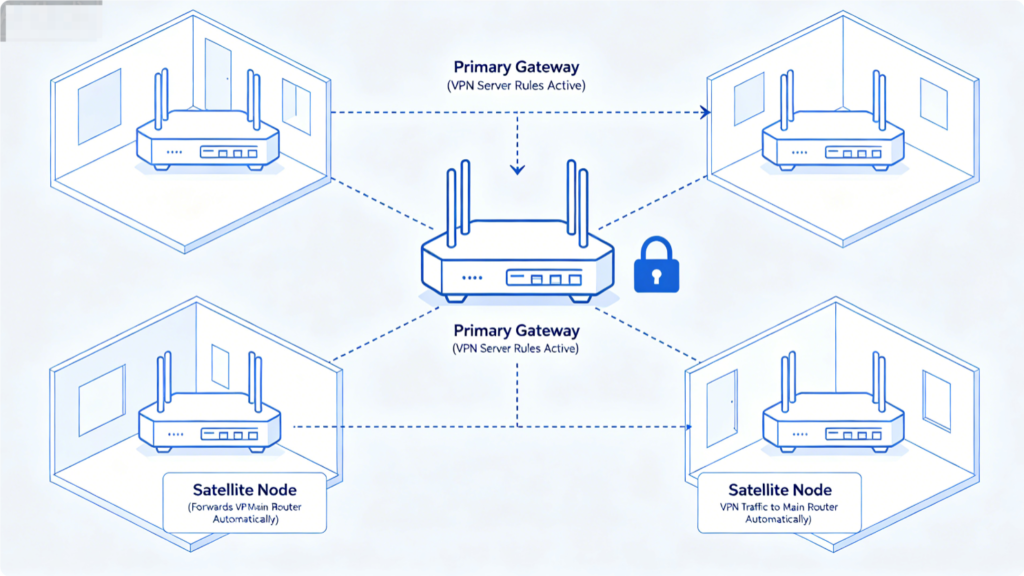
Mesh Router Note
For TP-Link Deco mesh systems, VPN server functionality is hosted solely on the main Deco unit. All satellite mesh points forward incoming VPN connections without extra configuration.
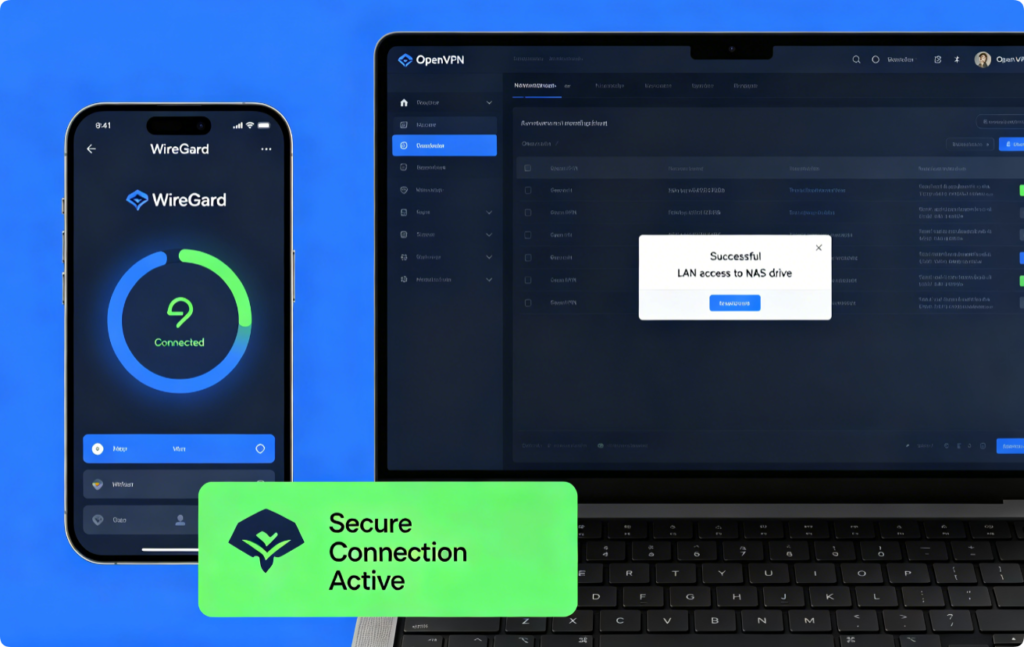
Verify VPN Works Properly
- Import the router-generated config file to your phone VPN client
- Connect via cellular data to test remote access
- Check if local printers, storage and cameras load through the tunnel
- Confirm public IP changes if full traffic routing is enabled
Conclusion
TP-Link routers offer flexible VPN deployment via WireGuard, OpenVPN and PPTP protocols. Prioritize WireGuard for lightweight, high-speed full-home encryption, while OpenVPN remains the reliable choice for stable remote LAN access. Avoid insecure PPTP except for trivial temporary use. After finishing setup, all your household devices gain permanent protection without individual app installs, and you can safely reach home network hardware from anywhere worldwide.