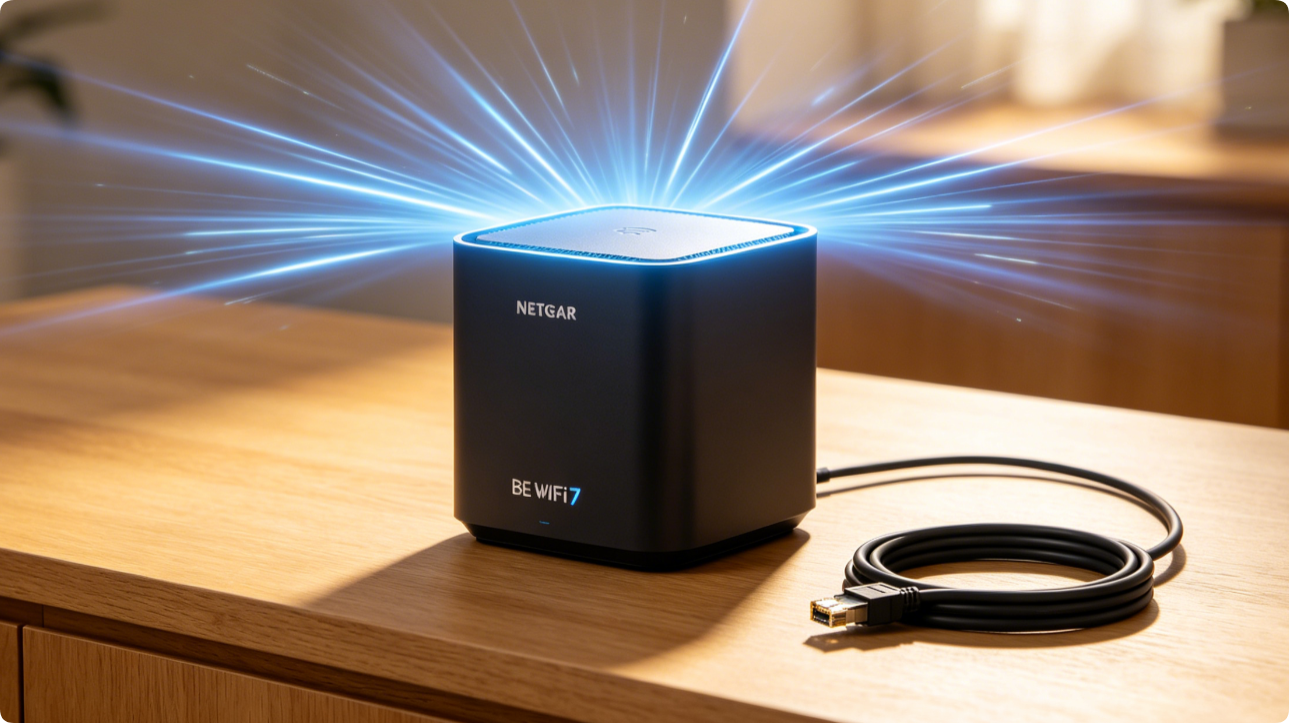
Netgear BE-series WiFi 7 mesh systems deliver ultra-high throughput and seamless roaming, yet many users suffer weak far-room signals and slow mesh links due to improper backhaul and radio settings. This guide covers wired backhaul configuration, band radio tuning and firmware tweaks to achieve stable full-house coverage for streaming, gaming and 4K/8K media.
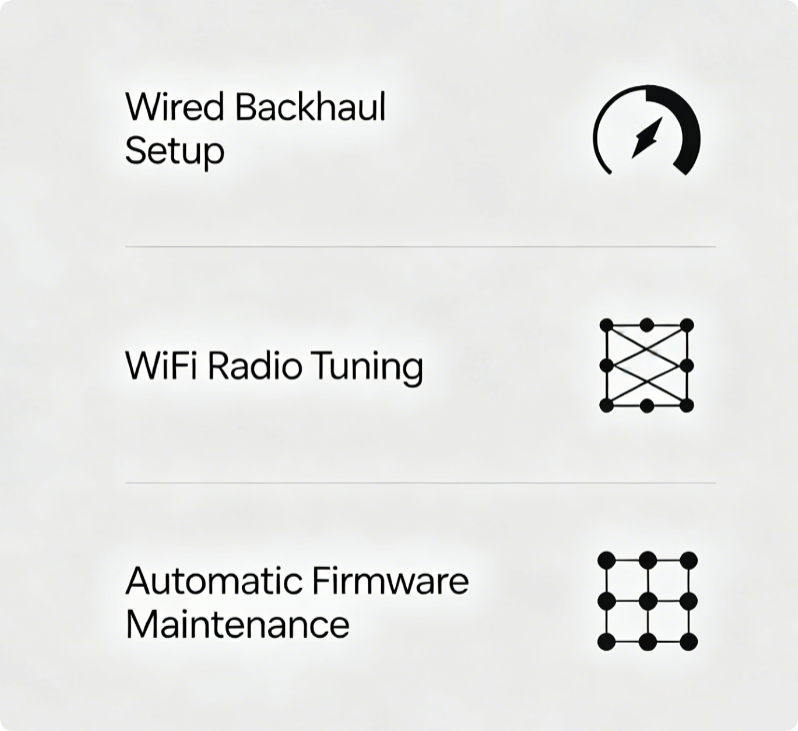
Three Critical Setup Pillars
- Deploy gigabit wired backhaul between main and satellite nodes
- Fine-tune 2.4GHz, 5GHz and 6GHz WiFi 7 radio power & channels
- Enable auto firmware updates to patch roaming and throughput bugs
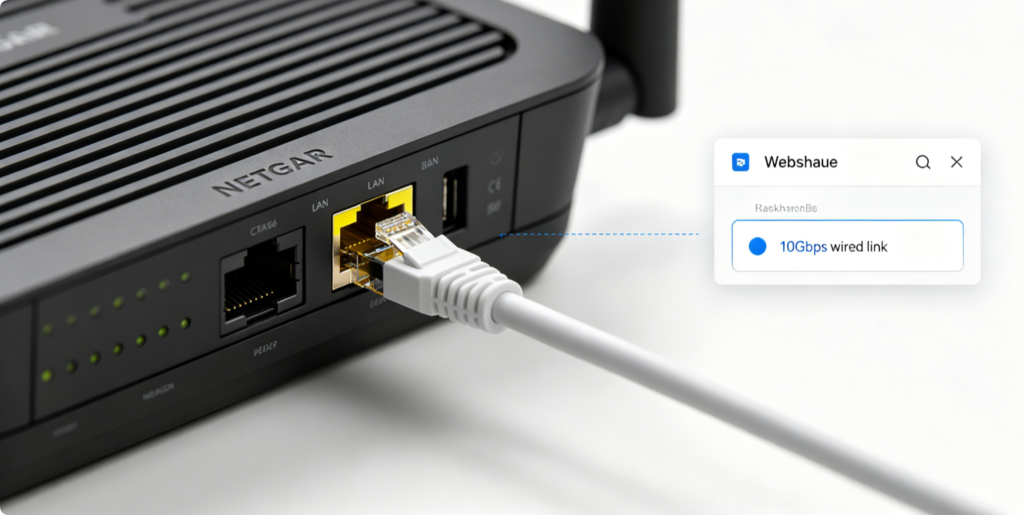
Wired Backhaul Configuration
- Connect main router LAN port to each satellite’s LAN port via Cat6/Cat6a cable
- Log into
routerlogin.net, enter Mesh Settings, select Wired Backhaul priority - Disable wireless backhaul fallback if full home Ethernet wiring is available Wired links eliminate wireless interference and double mesh transmission speeds.
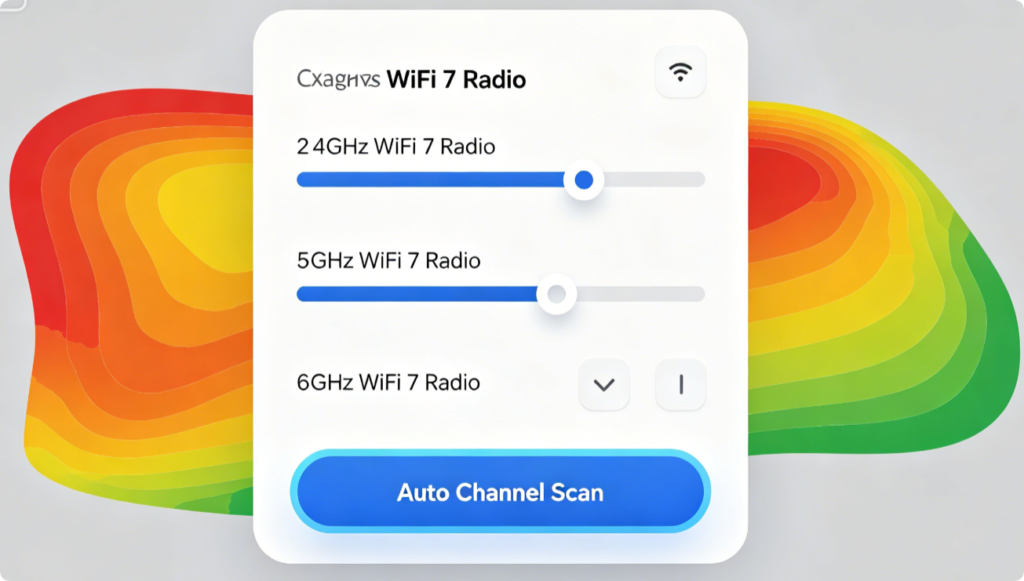
Minimize Cross-Band Interference
- 2.4GHz: Lock to non-overlapping channels 1, 6, 11, reduce transmit power for small apartments
- 5GHz: Use wider 160MHz channels for gaming devices
- 6GHz WiFi 7: Keep auto channel selection; this band has minimal neighbor congestion
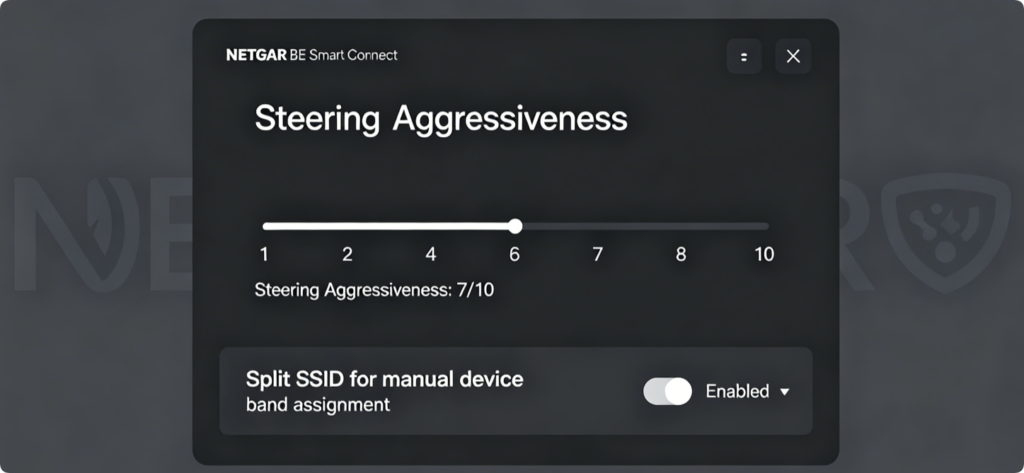
Smooth Device Roaming
Raise steering intensity to push compatible gadgets onto low-latency 6GHz/5GHz. For old IoT hardware, separate 2.4GHz SSID prevents frequent disconnections during roaming.
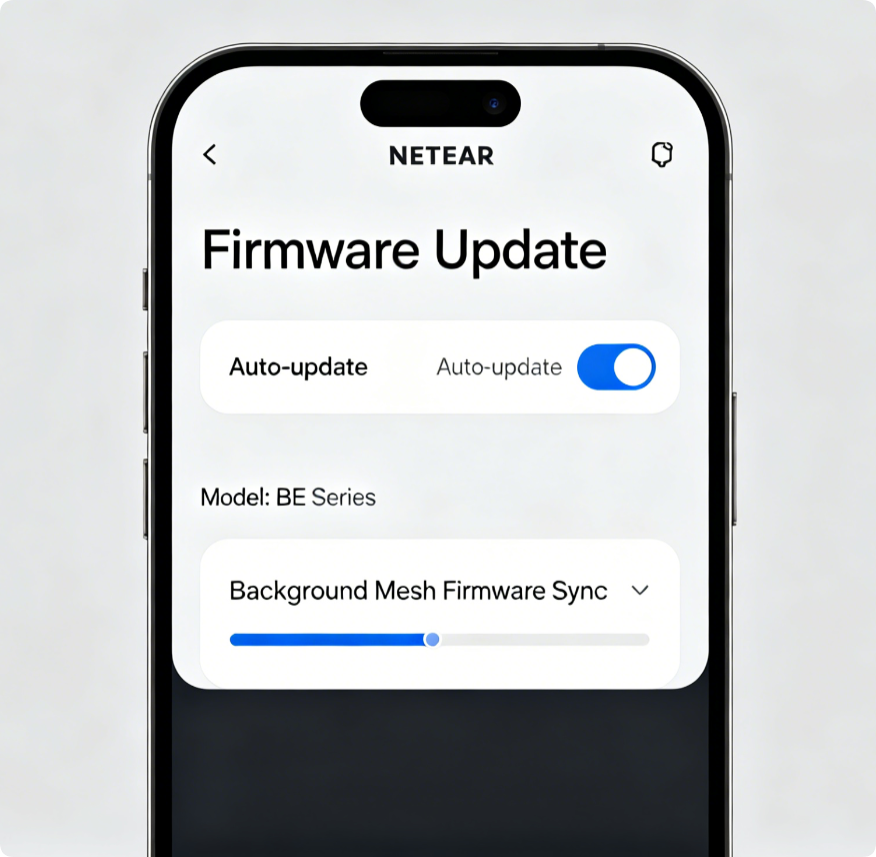
Fix Native WiFi 7 Stability Flaws
Netgear regularly releases patches for WiFi 7 roaming, multi-link operation (MLO) and mesh synchronization. Turn on auto-updates to avoid signal drops and throughput limitations.
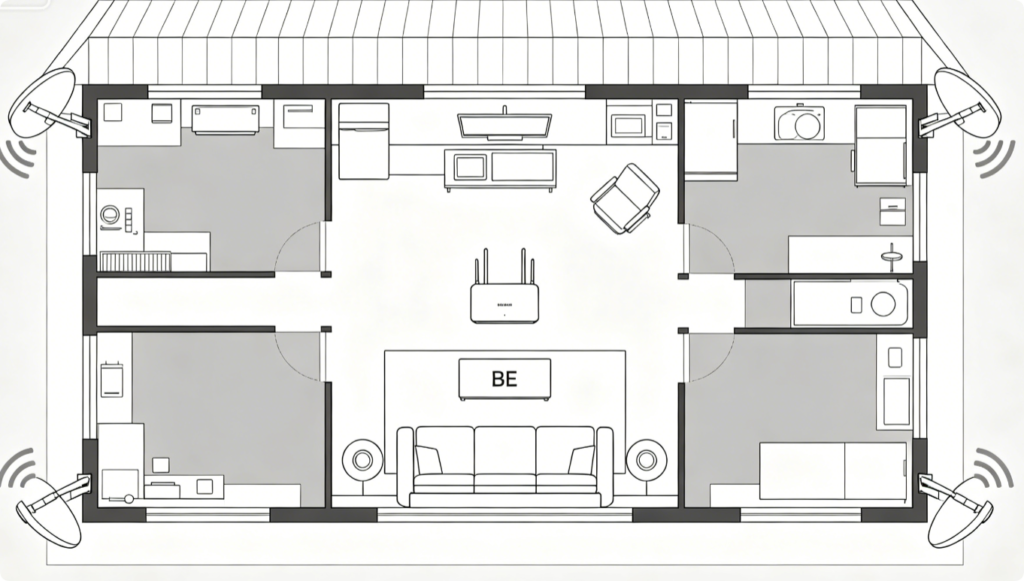
Eliminate Dead Zones
Position mesh nodes away from refrigerators, metal cabinets and thick concrete walls. Maintain moderate distance between satellites to avoid overlapping radio saturation.
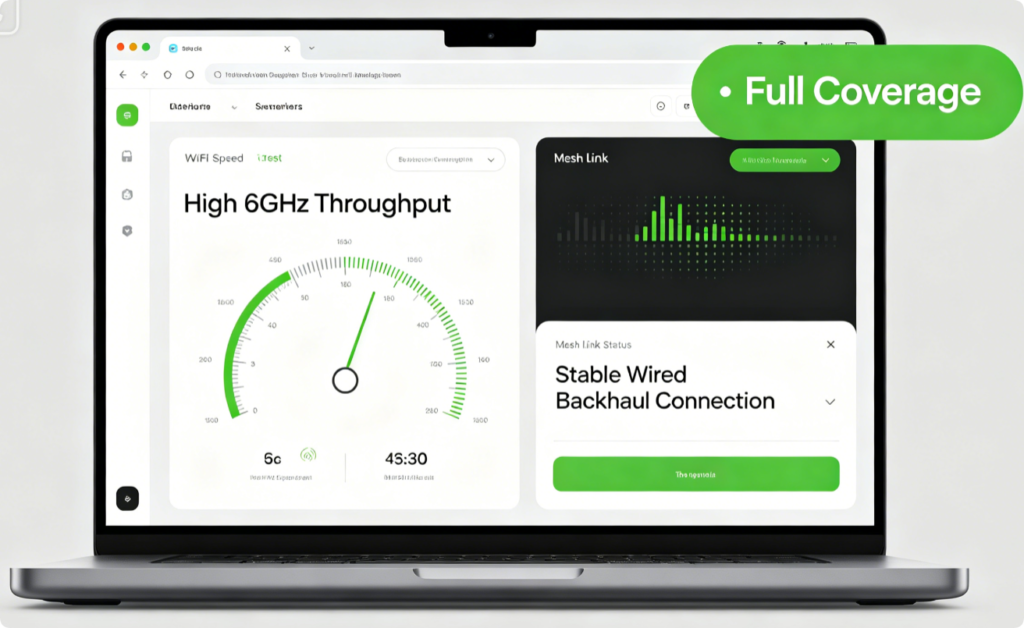
Verify Optimized Performance
Walk through every room to test seamless roaming between mesh nodes. Run speed tests to confirm 6GHz WiFi 7 speeds remain consistent without lag or buffering.
Conclusion
Netgear BE WiFi 7 mesh performance hinges on wired backhaul deployment, tri-band radio tuning and automatic firmware maintenance. Hardwiring satellites delivers the fastest mesh backbone, while targeted channel and Smart Connect adjustments reduce interference and roaming glitches. Pair these tweaks with proper node placement to eliminate dead zones and unlock reliable rock-solid whole-home WiFi 7 coverage for all connected devices.