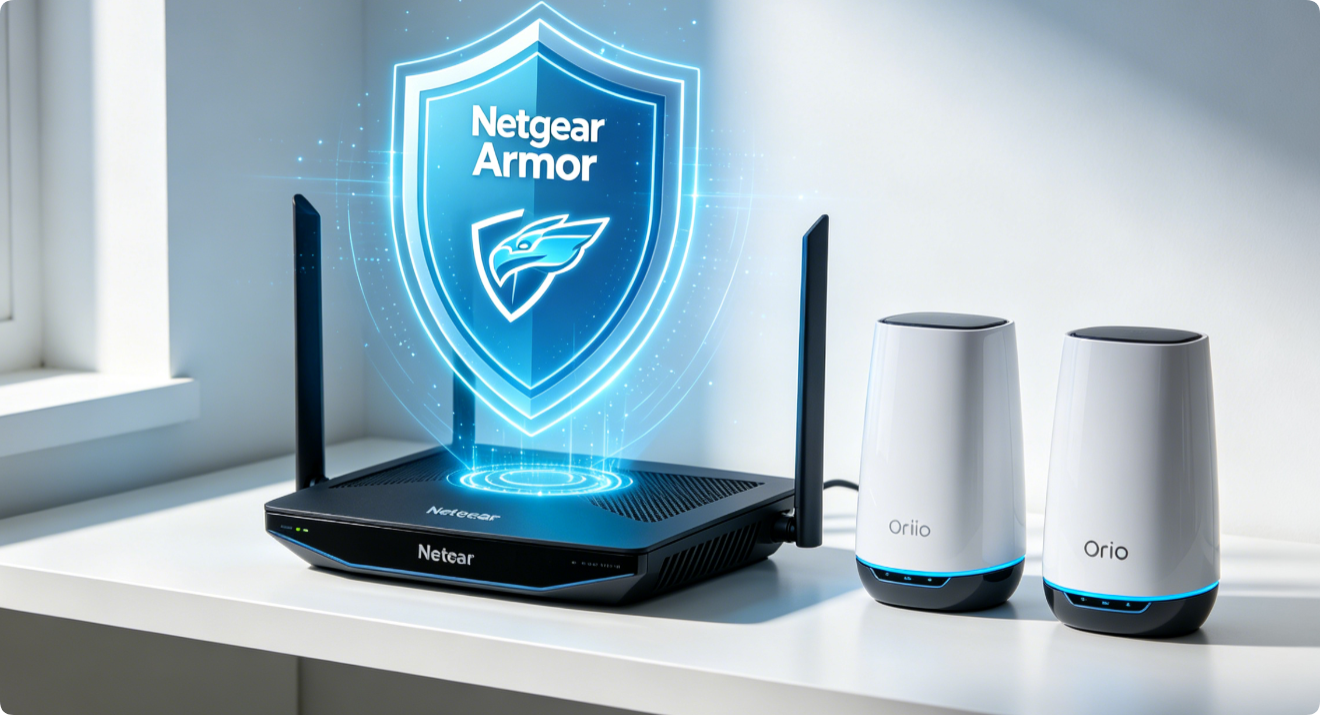
Netgear Armor is a native network security suite driven by Bitdefender, preloaded on modern Nighthawk AX/RAX routers and Orbi Wi-Fi mesh systems. It blocks malware, brute-force hacking, IoT device exploits and suspicious traffic before threats reach your phones, cameras or smart home gadgets. This complete walkthrough covers subscription activation, core feature tuning, device risk scanning and real-time threat monitoring.
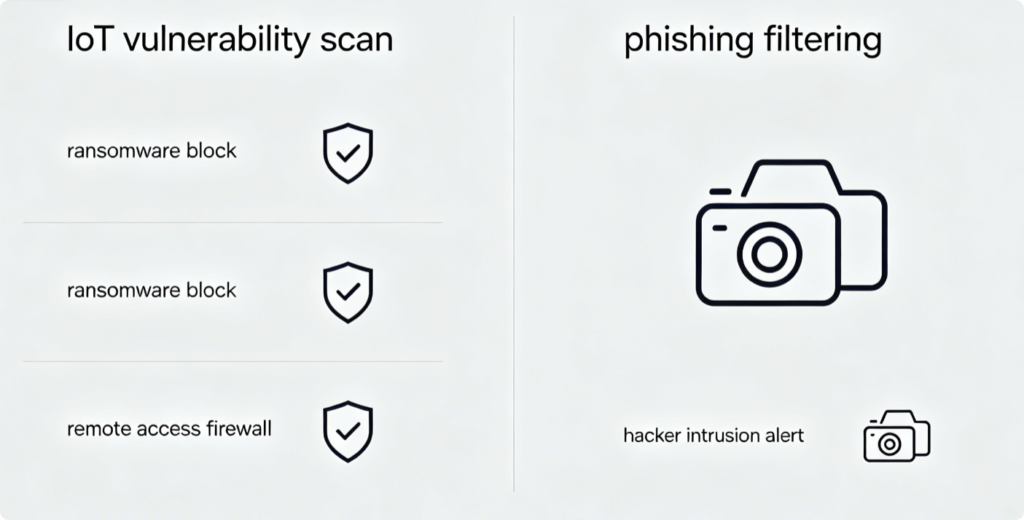
What Netgear Armor Protects Against
- Unsecured IoT cameras, thermostats and sensors targeted by botnet attacks
- Malware, ransomware and phishing websites accessed over Wi-Fi
- Brute-force login attempts on router admin and smart device panels
- Unauthorized remote port scanning and data exfiltration traffic
- Compromised devices communicating with malicious external servers
Access Armor Entry Point
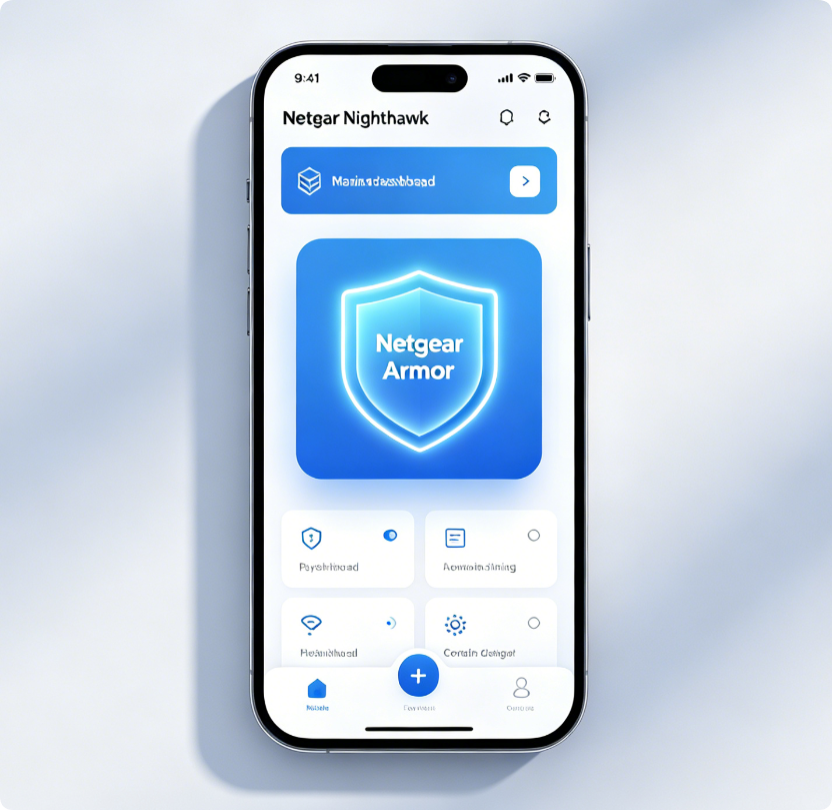
- Connect your phone to home Wi-Fi and launch the official Netgear app
- On the main home screen, tap the Netgear Armor shield icon
- Desktop alternative: Visit
routerlogin.net, go to Security > Netgear Armor
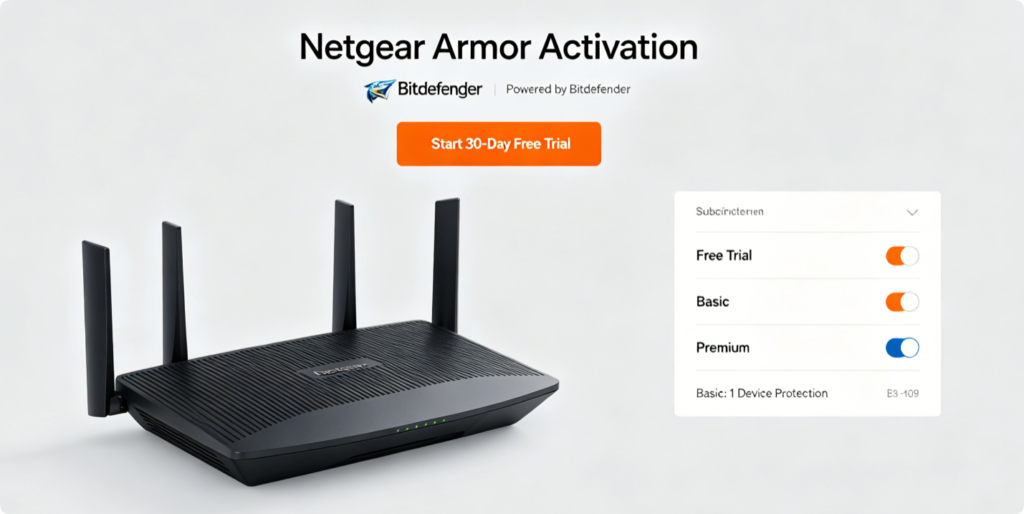
Activate Your Security License
- Tap Start Free Trial for the complimentary introductory protection period
- Link your Netgear account to unlock full Bitdefender threat databases
- Choose a paid subscription tier once the trial expires for permanent coverage All connected wired and wireless devices fall under automatic protection instantly after activation.
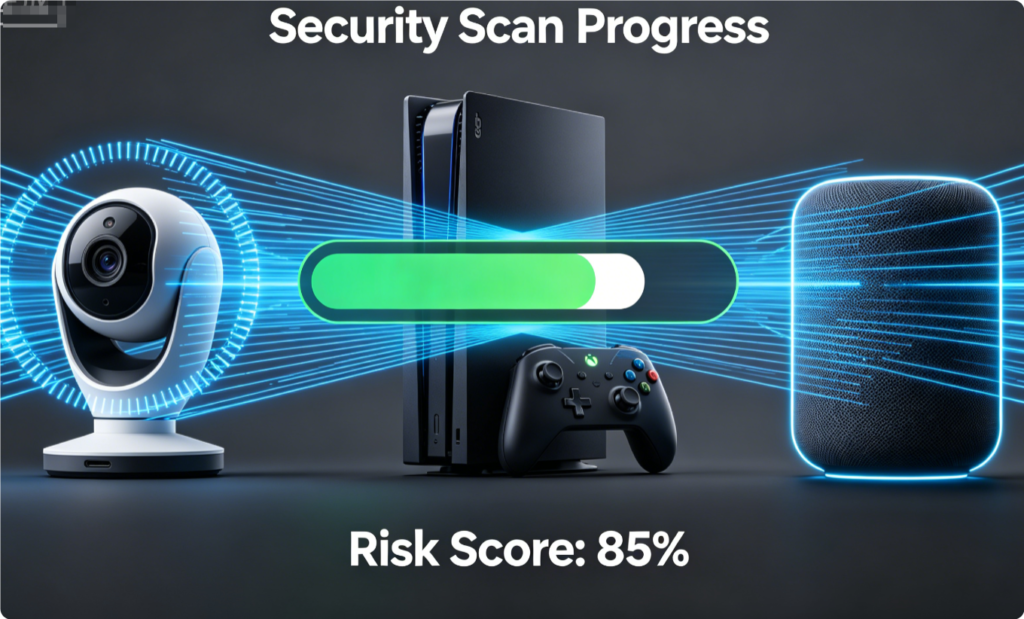
Scan All Connected Smart Devices
- Inside the Armor menu, select Scan Devices to launch a full network audit
- The tool flags weak passwords, outdated firmware and exploitable IoT hardware
- Follow one-click fix prompts to resolve detected security weaknesses
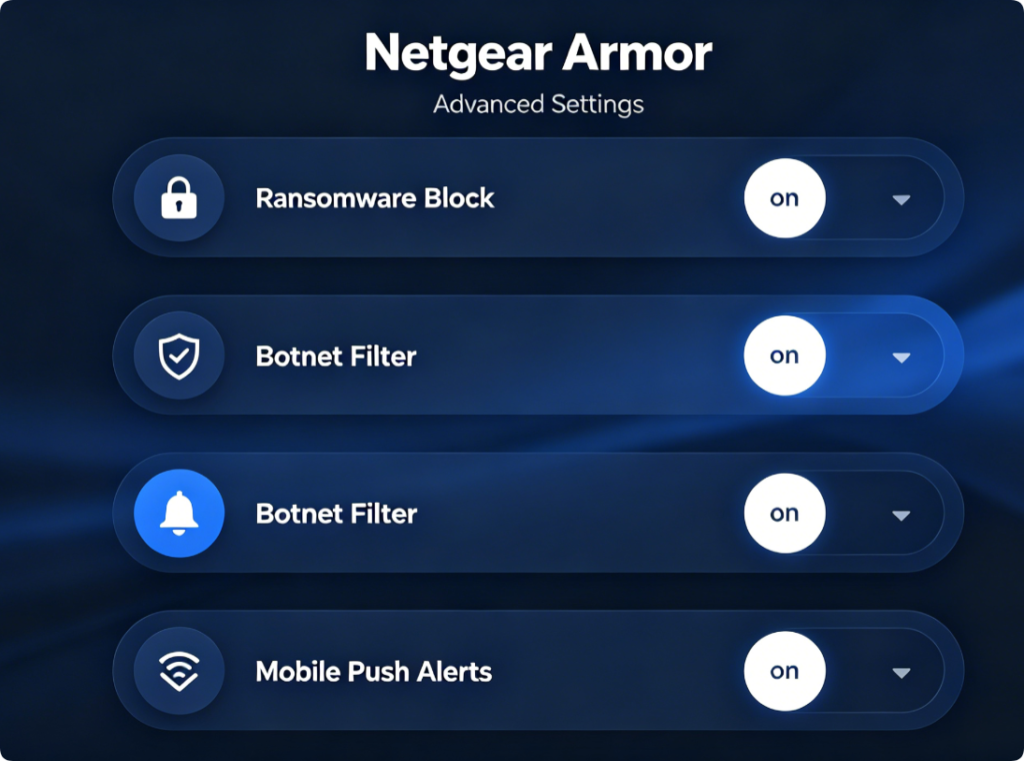
Customize Security Preferences
- Enable automatic real-time traffic filtering for all bands
- Turn on phone push notifications to receive instant hack threat alerts
- Toggle strict IoT botnet blocking to isolate compromised smart devices
- Keep default Bitdefender threat database auto-updates enabled
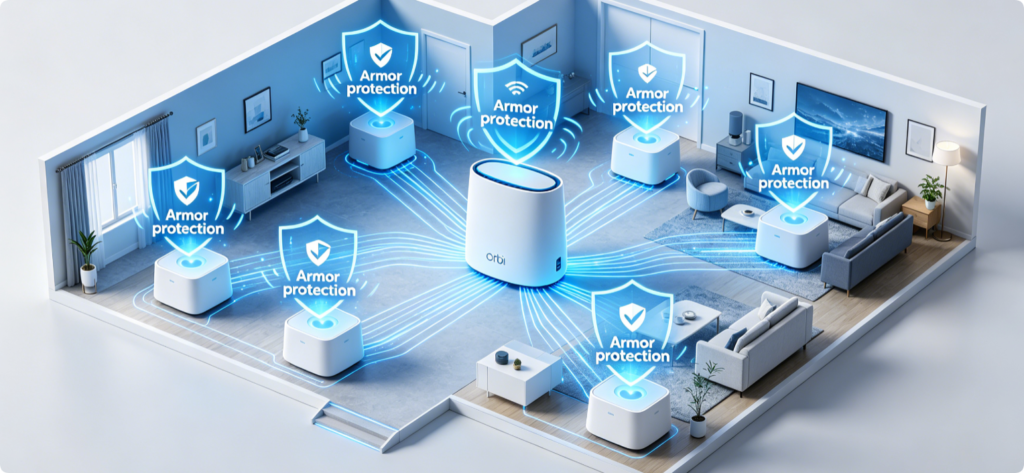
Mesh Synchronization for Orbi Systems
After enabling Armor on the primary Orbi router, all satellite mesh nodes inherit identical Bitdefender security rules. Threat detection and traffic filtering work uniformly across every room without separate setup on secondary units.
Monitor Ongoing Network Safety
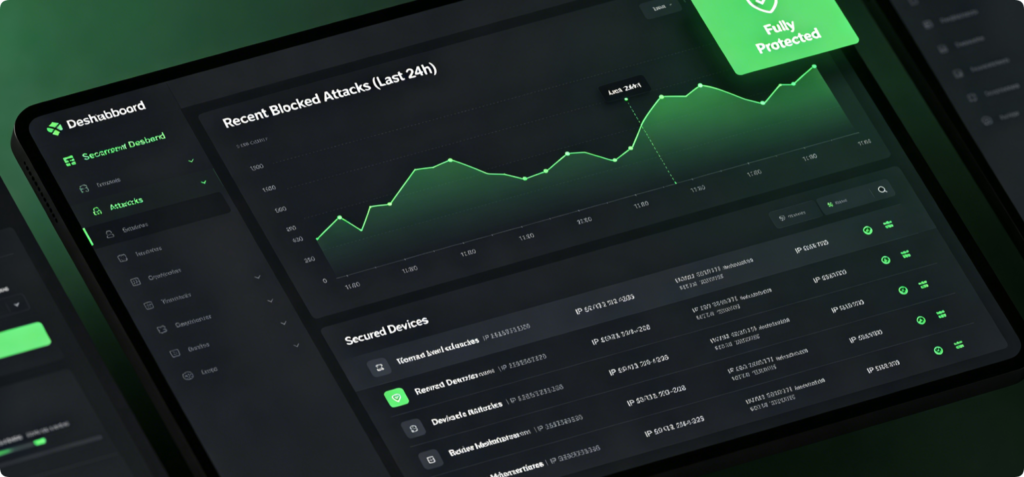
Check the Armor dashboard weekly to review blocked attacks, vulnerable devices and threat history. If unknown malicious devices attempt to connect, Armor automatically quarantines them and sends a mobile alert for immediate action.
Conclusion
Netgear Armor delivers enterprise-grade Bitdefender security to your entire home network, defending vulnerable IoT gear and personal electronics from hackers and malware. Complete activation in minutes via the Netgear mobile app or web panel, run regular vulnerability scans and enable real-time alerts to stay aware of network risks. Nighthawk and Orbi mesh owners gain full whole-house protection with synchronized filtering across all Wi-Fi nodes, eliminating security blind spots for every connected device.