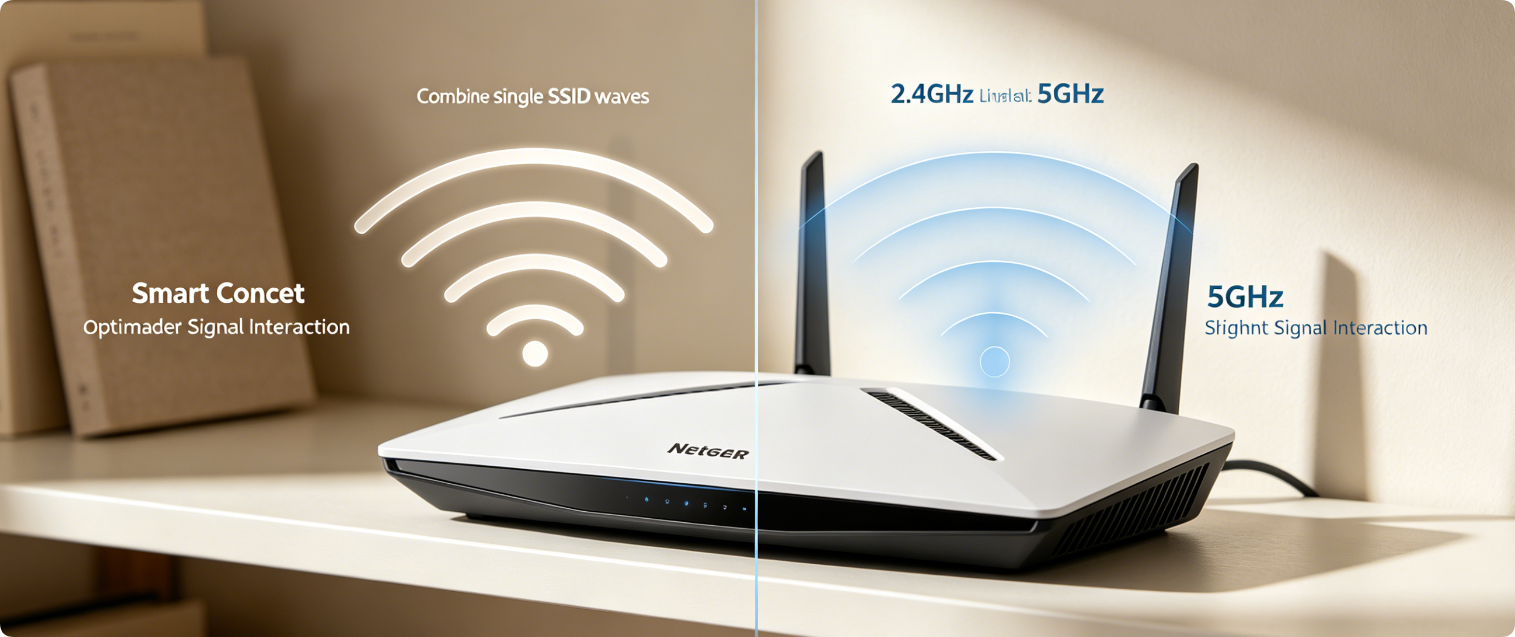
Netgear Smart Connect merges 2.4GHz and 5GHz Wi-Fi under one shared network name, but many users struggle with lag, disconnections and misassigned devices. This guide breaks down the pros and cons of combined unified bands versus separate independent SSIDs, plus step-by-step Smart Connect tuning for Nighthawk and Orbi mesh routers.
Core Difference Overview
- Combined Bands (Smart Connect ON): One Wi-Fi name for both frequencies; router automatically shifts devices between 2.4GHz and 5GHz
- Separate Bands (Smart Connect OFF): Two unique SSIDs, users manually pick which band each device connects to
When Unified Single SSID Works Best
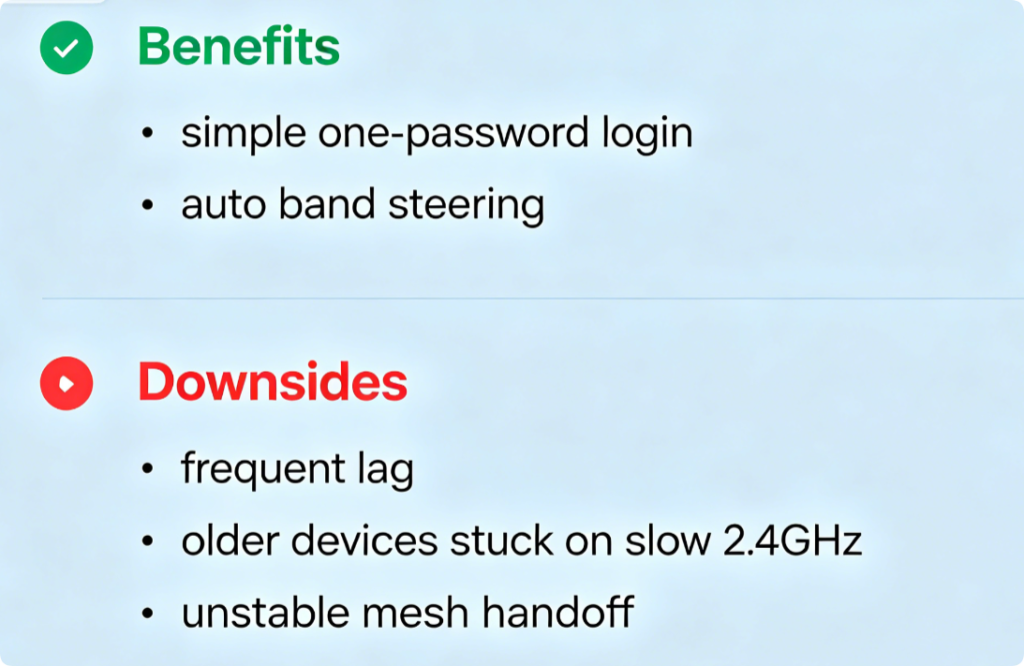
- Households with only modern Wi-Fi 5/6 phones, laptops and consoles
- Users who want one password without switching networks around the home
- Small apartments with minimal wall interference
Downsides to Watch For
- Low-end IoT devices often fail band switching and get trapped on slow 2.4GHz
- Smart Connect steering logic sometimes delays moving gaming gear to fast 5GHz
- Hard to troubleshoot slow devices without knowing which band they occupy
When Separate Bands Are The Better Choice
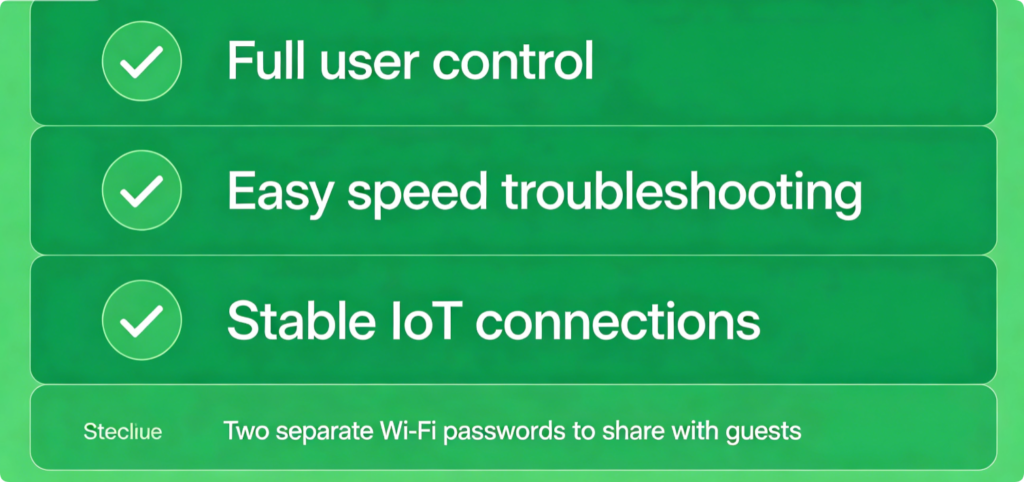
- Homes with dozens of smart bulbs, cameras and old IoT hardware
- Gamers, streamers needing consistent 5GHz low-latency performance
- Large multi-floor houses with weak far-room 5GHz coverage
- Users who want to manually lock fast devices onto 5GHz
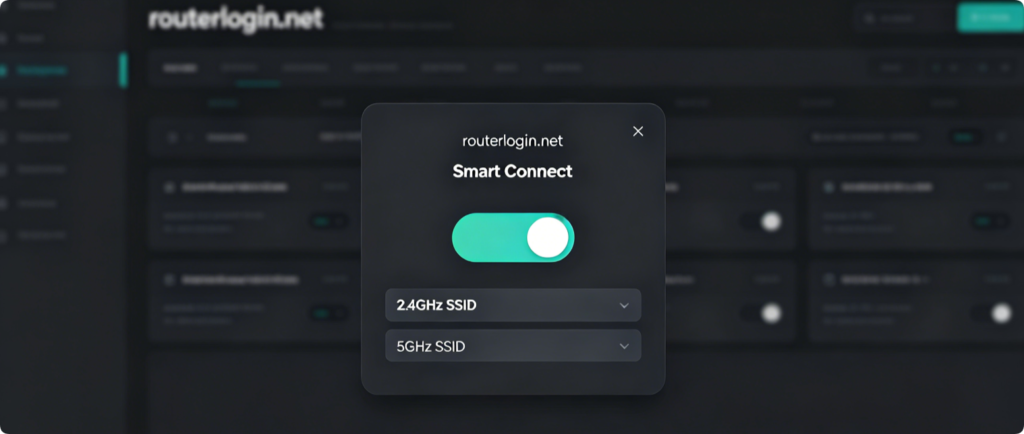
Adjust Smart Connect Via Desktop Dashboard
- Log into
routerlogin.net, navigate Advanced > Wireless Setup - Find the Smart Connect main enable/disable slider
- Toggle ON for combined single SSID; toggle OFF to edit independent band names and passwords
- Save wireless settings and wait for Wi-Fi to reboot
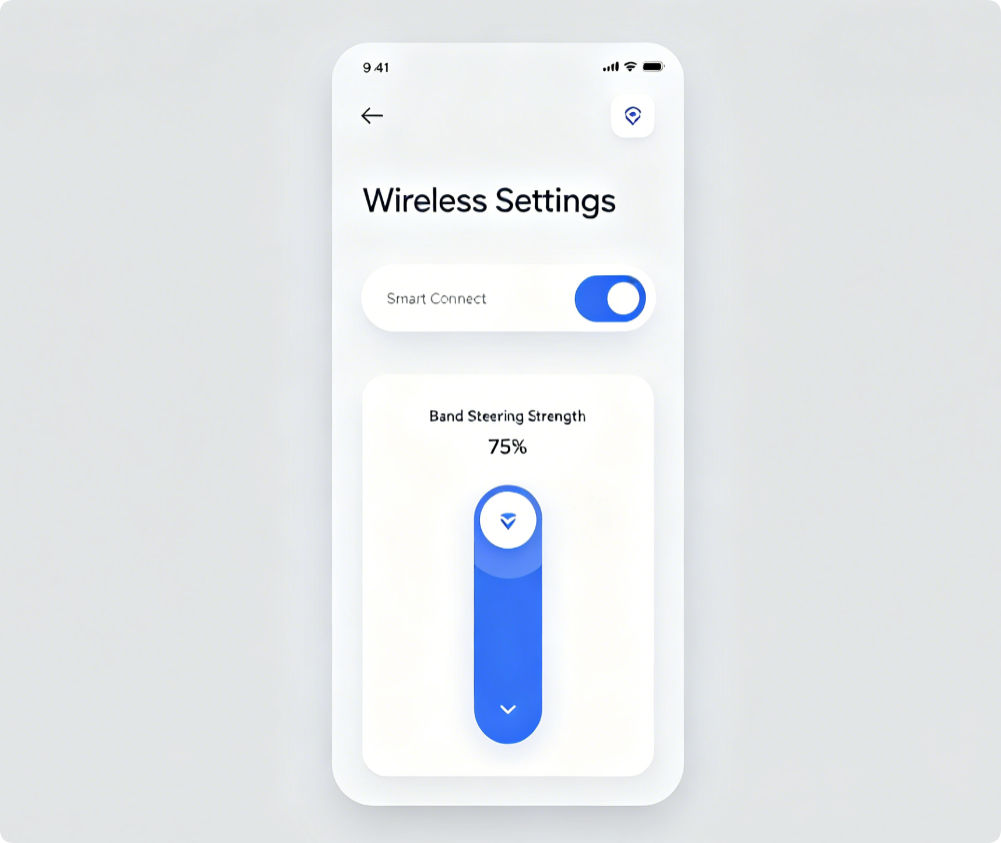
Mobile App Quick Configuration
- Open official Netgear app and select your Nighthawk / Orbi system
- Enter Wi-Fi Settings and locate Smart Connect controls
- If enabled, adjust steering aggressiveness to push compatible devices faster to 5GHz
- Disable Smart Connect entirely to create two distinct Wi-Fi networks
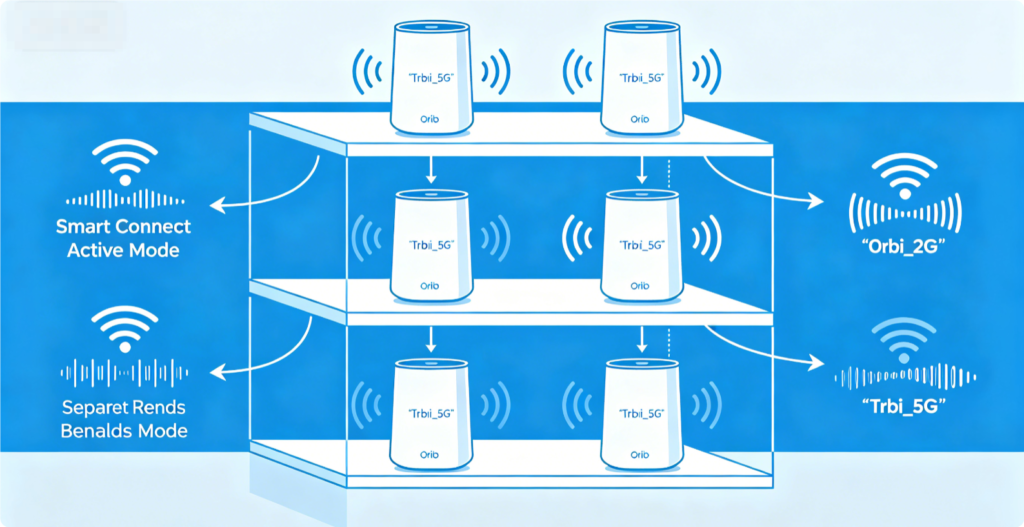
Mesh System Note
Orbi mesh syncs Smart Connect settings across every satellite node automatically. If you disable combined bands on the main router, all satellites will broadcast separate 2.4GHz and 5GHz SSIDs throughout the whole house.
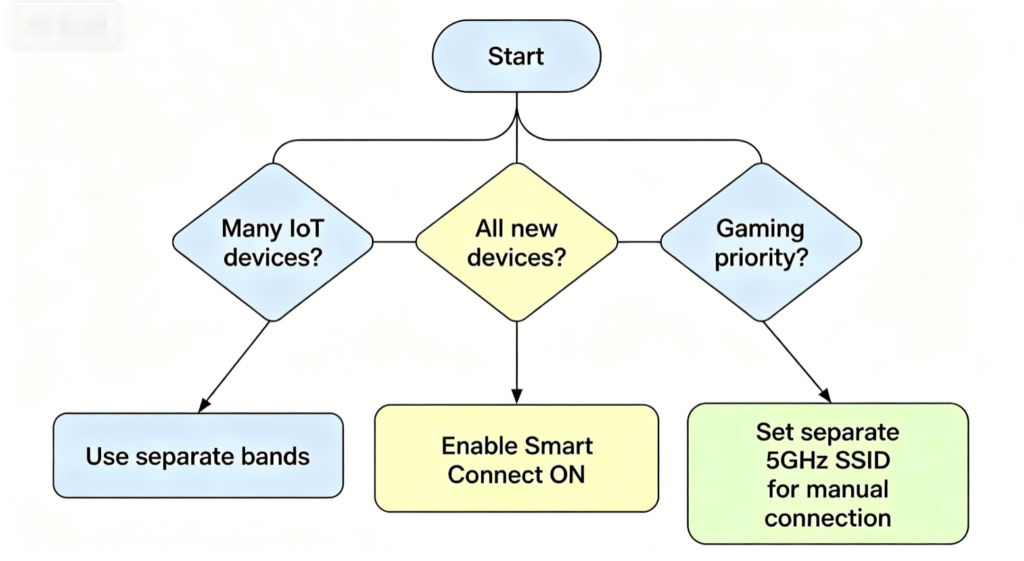
Conclusion
There is no universal “perfect” setting for Netgear Smart Connect. Small homes with all modern electronics benefit from the convenience of combined single SSID bands. Households full of older IoT gadgets, gaming PCs and multi-floor coverage issues should turn Smart Connect off and use separate 2.4GHz and 5GHz Wi-Fi names for full control and stable speeds. Adjust the feature either through the Netgear web dashboard or mobile app to match your device lineup and home layout.