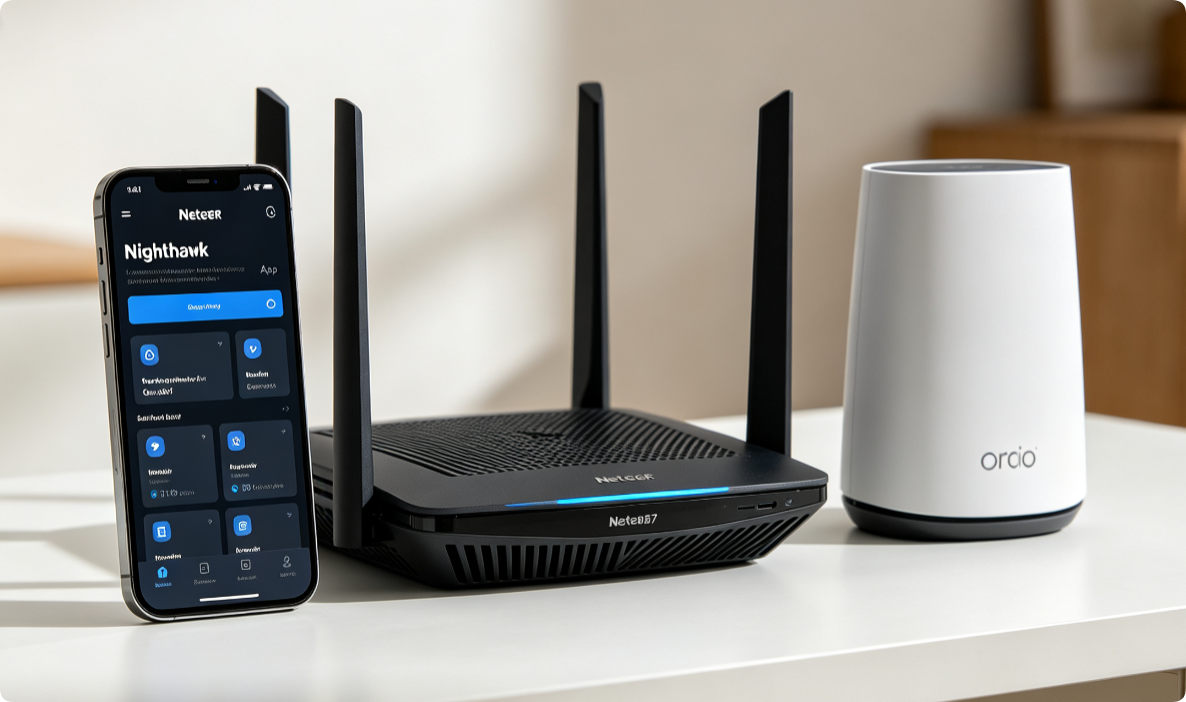
Managing Netgear AX/BE routers and Orbi mesh no longer requires a desktop browser. The official Nighthawk mobile app delivers one-touch setup, real-time device monitoring, speed testing, QoS prioritization, firmware updates and security controls for all Netgear WiFi 6 / WiFi 7 hardware. This full walkthrough covers installation, initial mesh pairing and every core remote management feature.
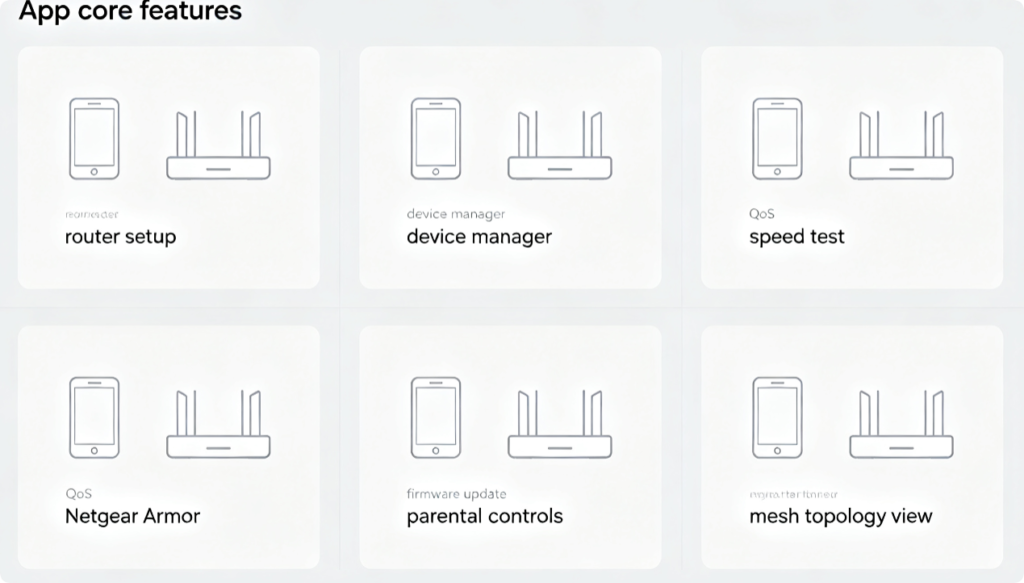
Full Feature List Inside Nighthawk App
- Zero-touch initial router & mesh satellite installation
- Real-time connected device bandwidth monitoring
- One-click internet speed test for whole-home network
- QoS traffic prioritization for gaming & streaming
- Netgear Armor malware & threat protection dashboard
- Scheduled automatic firmware upgrades
- Custom parental control time limits & content filters
- Visual mesh signal topology map for Orbi systems
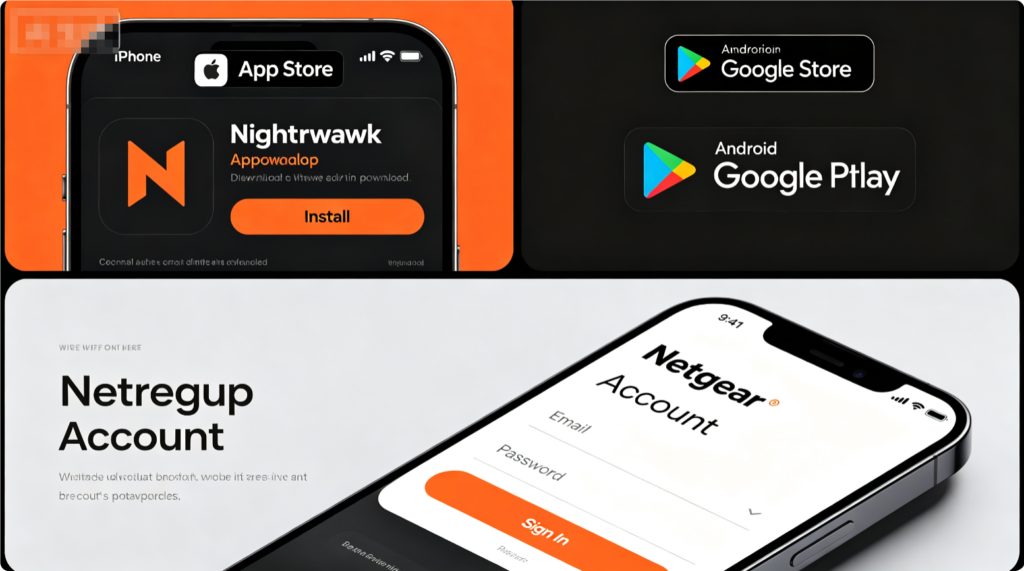
Install & Account Login
- Open Apple App Store or Google Play Store, search “Nighthawk” and download official Netgear app
- Launch the app and sign in with your registered Netgear account; create one if new
- Enable Bluetooth and phone location permission for fast router detection
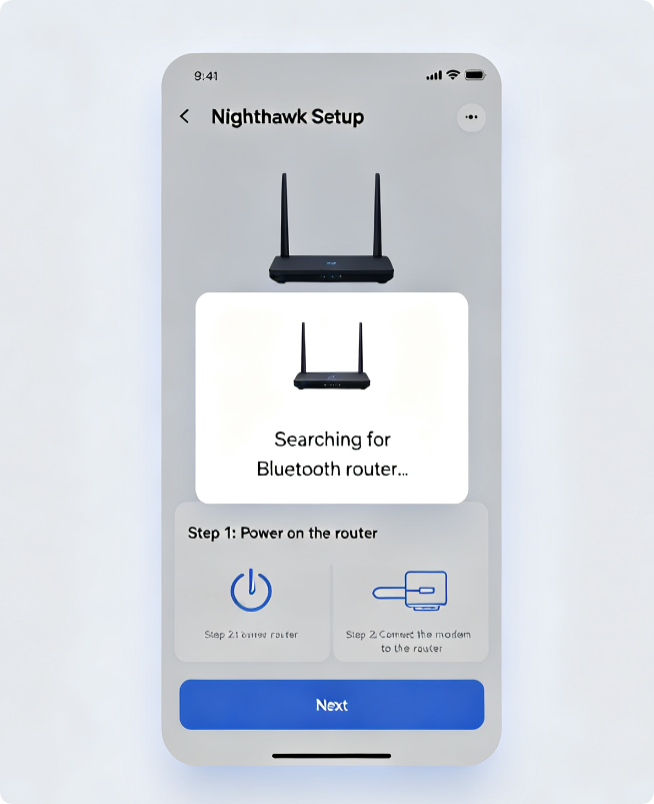
Single Router Guided Configuration
- Tap “Set Up a New Router” on the app homepage
- Follow Bluetooth pairing prompts to connect your Nighthawk gateway
- Input ISP PPPoE/DHCP credentials, create custom Wi-Fi SSID and password
- Finish setup; app auto-saves all network details to your phone
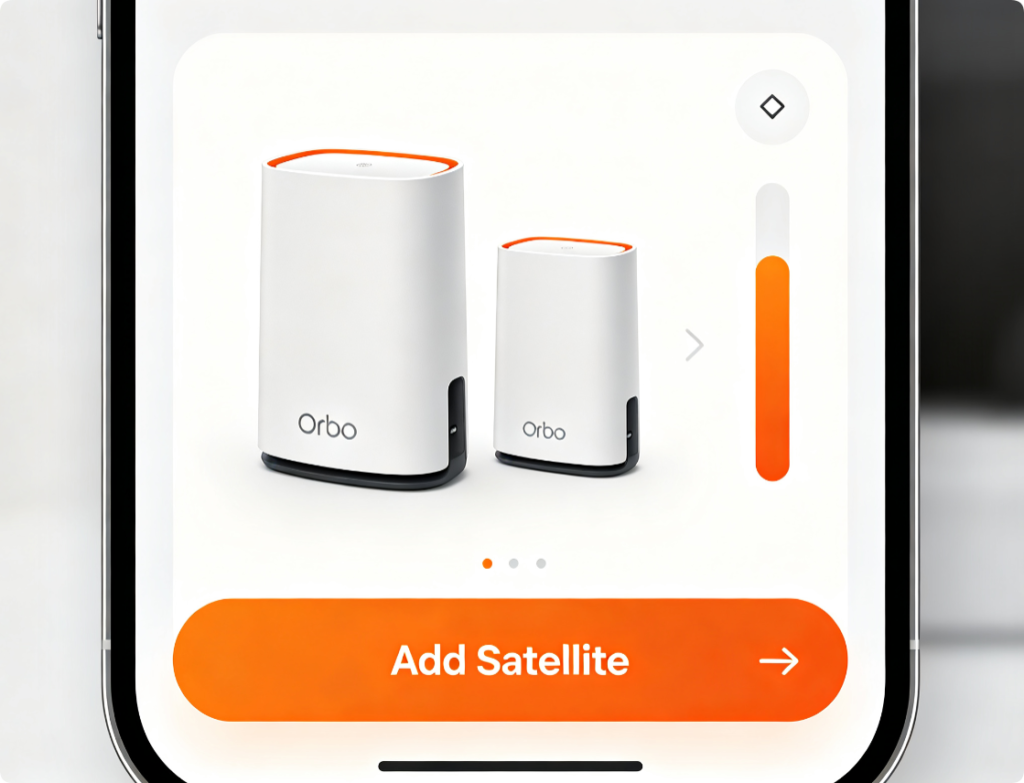
Expand Orbi Mesh Network
- After main gateway setup, tap Mesh icon > Add Satellite
- Power on Orbi satellite and wait for blinking sync LED
- The app automatically pairs the satellite via Bluetooth or wireless backhaul
- Check topology map to view real-time mesh link speed between nodes
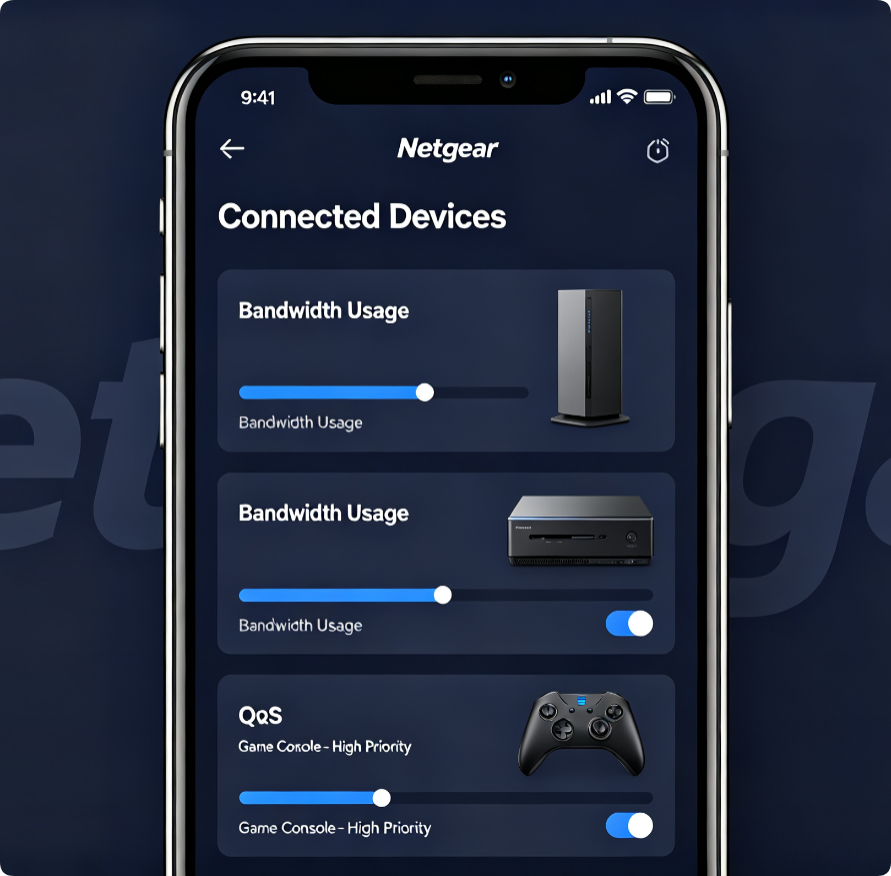
Optimize Household Bandwidth Remotely
- Tap each device to rename hardware and view real-time upload/download consumption
- Enter QoS menu to prioritize gaming PCs, 4K TVs and video conference laptops
- Throttle low-priority idle IoT devices to reduce network congestion
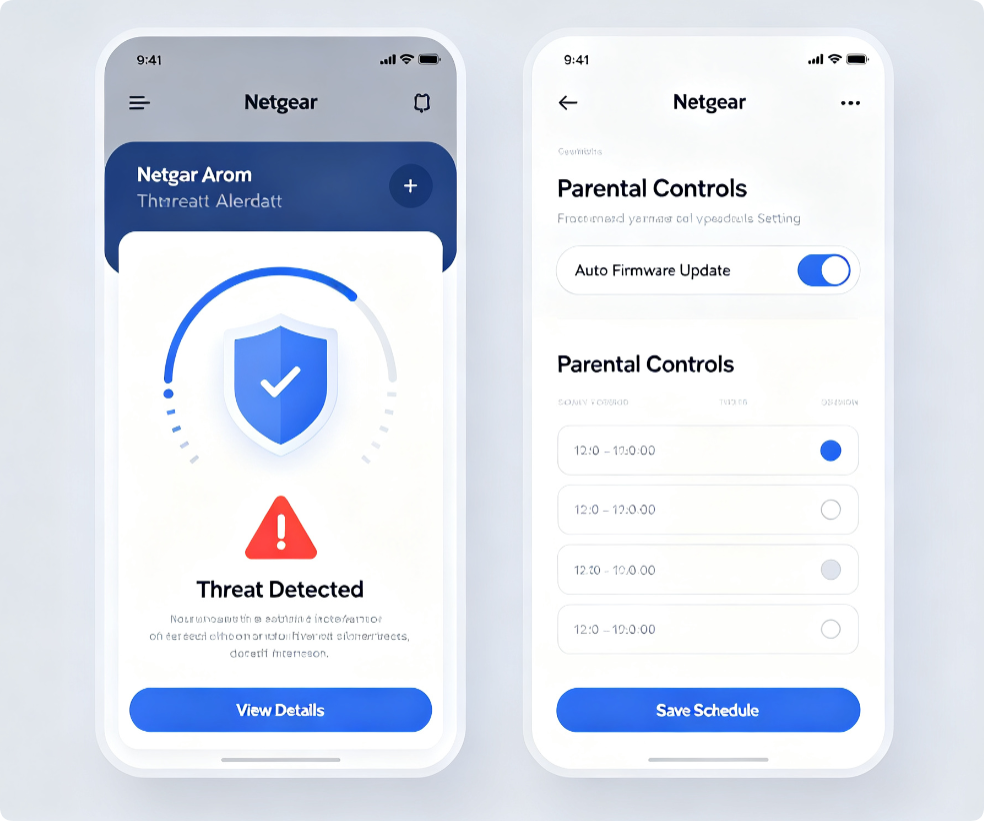
All-In-One Network Security
Turn on Netgear Armor to block malware, phishing and unknown external access. Set daily internet curfews for kids via parental filters. Enable automatic firmware updates to fix WiFi roaming and performance bugs overnight without manual operation.
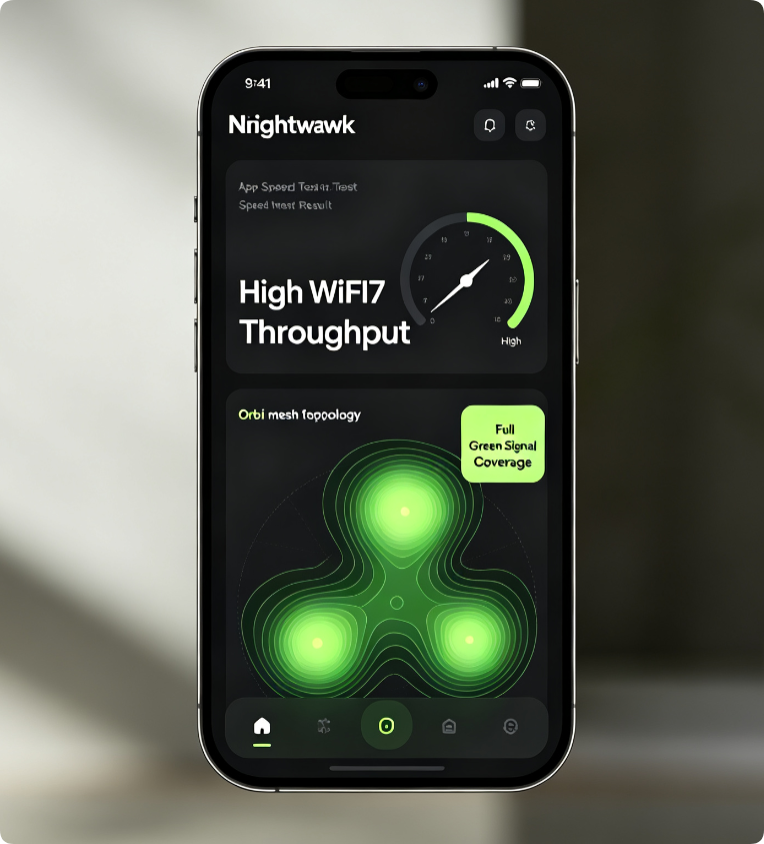
Verify Stable Mobile Control
Run in-app speed tests in every room to check mesh signal consistency. Confirm you can turn off guest Wi-Fi, modify passwords and reboot the router remotely without opening a laptop browser.
Conclusion
The Netgear Nighthawk app centralizes all configuration for Nighthawk AX/BE and Orbi mesh hardware on your smartphone. Complete guided setup eliminates complicated web panel login, while built-in QoS, security and mesh monitoring tools let you optimize and secure your network anytime, anywhere. This mobile solution fully replaces desktop router management for daily home network maintenance.